


 LinkedIn
Your LinkedIn Account. Its Own Dedicated Seat.
Connect the LinkedIn account you already use. Campaign actions run cloud-side from that seat, with per-action limits, sending windows, warm-up and a dedicated IP.
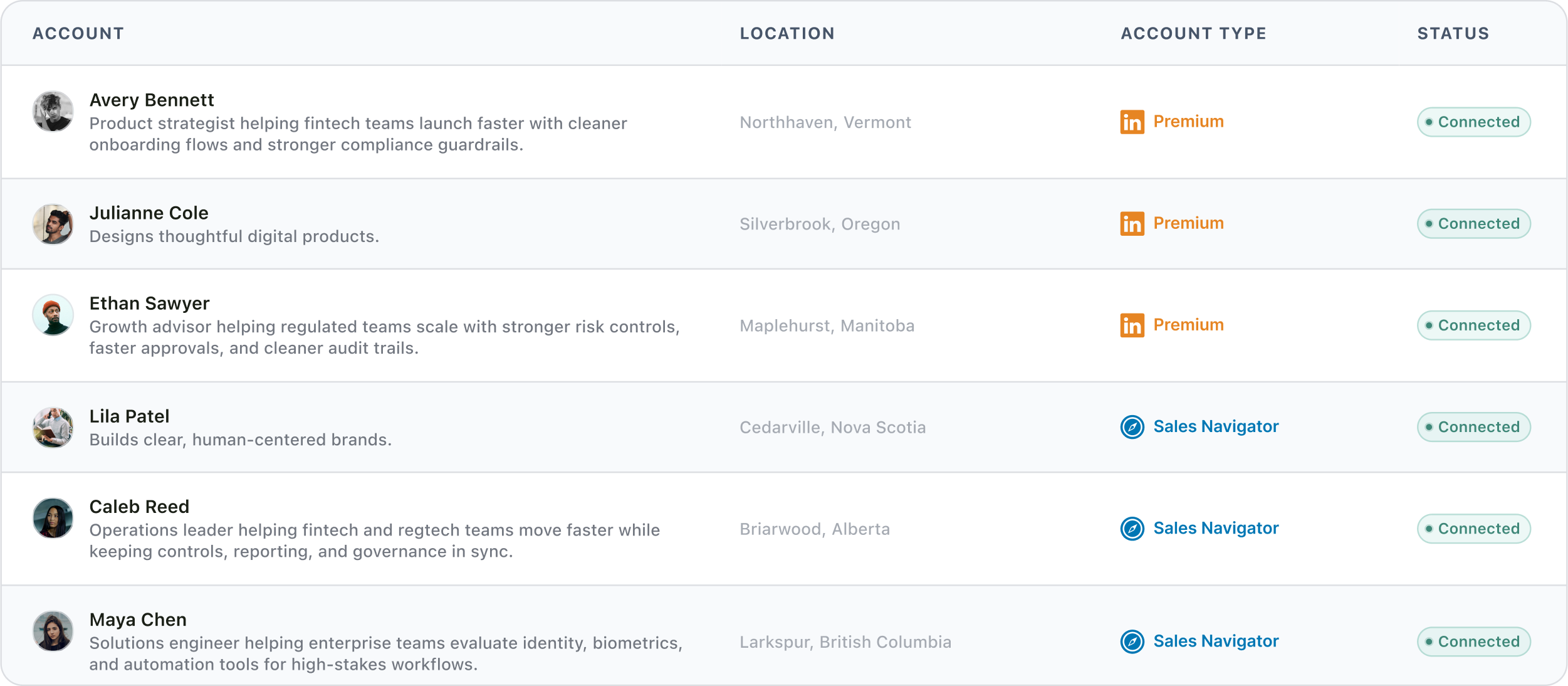
The LinkedIn outreach platform trusted by 300+ Companies and across 60+ Industries








On the account
Everything runs from your account, with controls attached to the seat
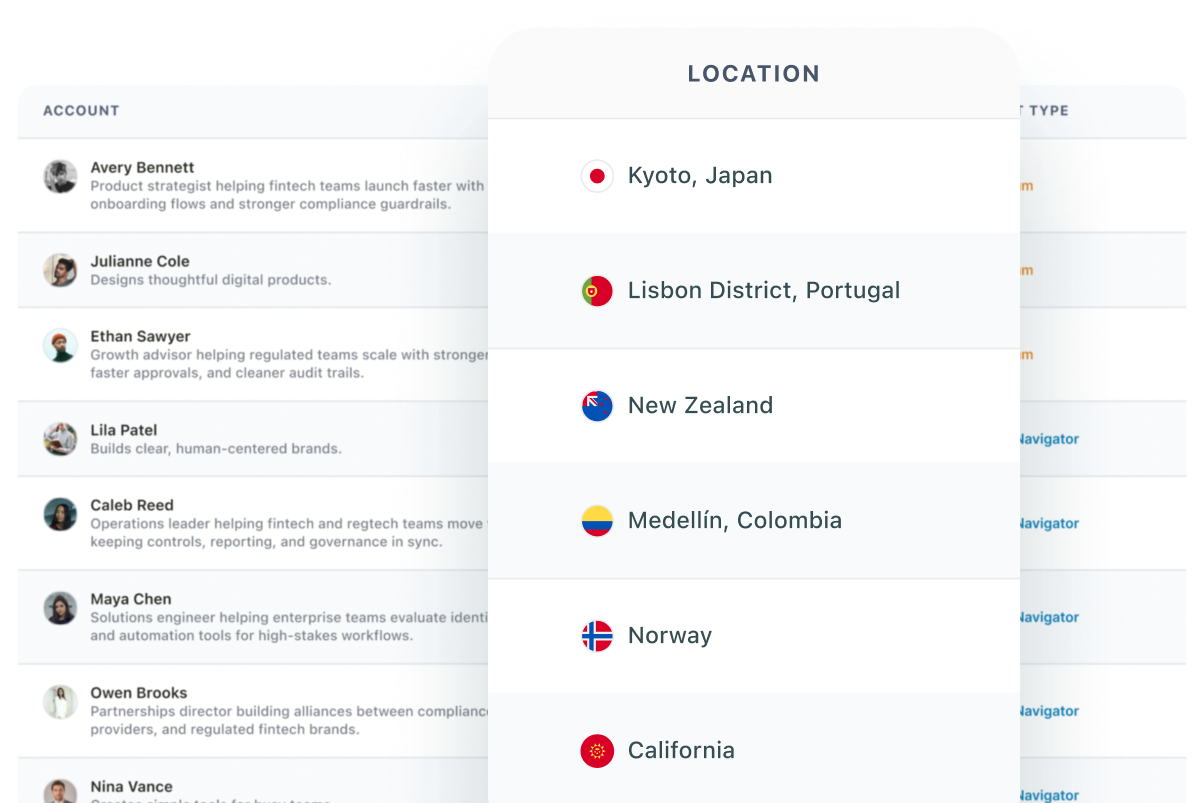
One LinkedIn seat is one connected LinkedIn account. Campaign actions leave from that seat, its location is visible, and its limits and sending controls stay with it.
Actions on the canvas
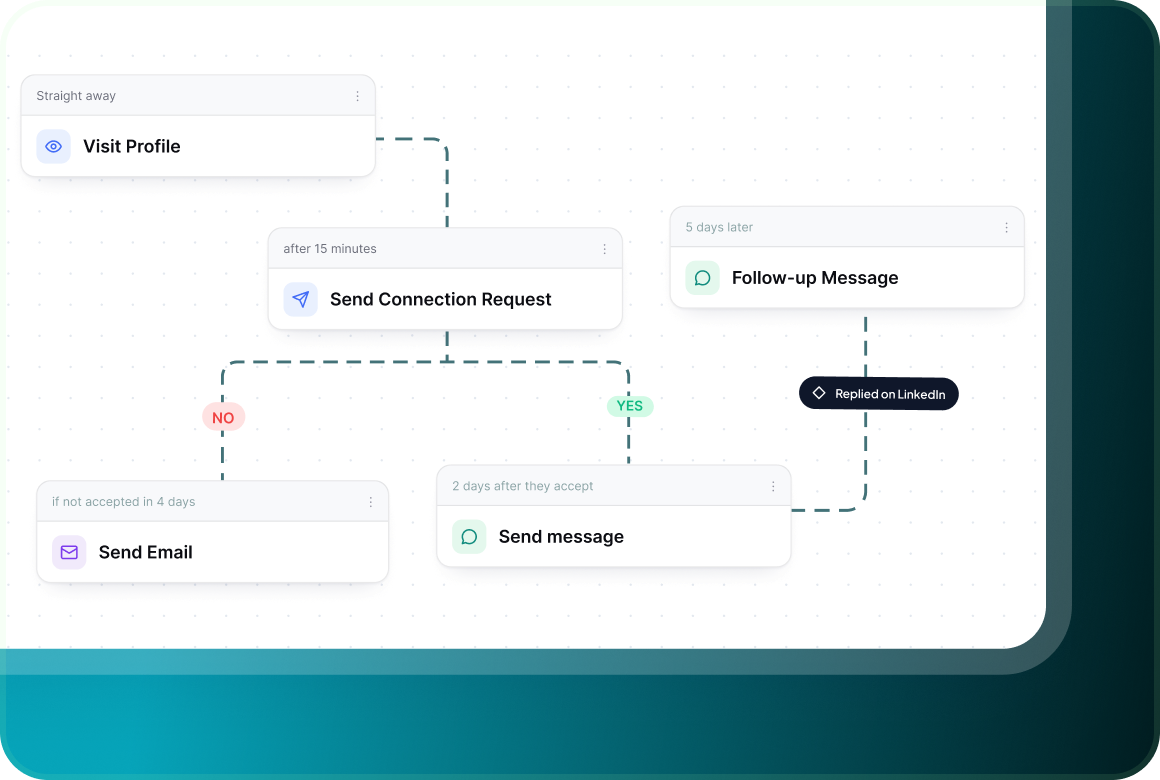
Profile activity, connection requests, messages, InMail and email can sit inside the same visual flow, with conditions deciding what happens next.
Limits per action
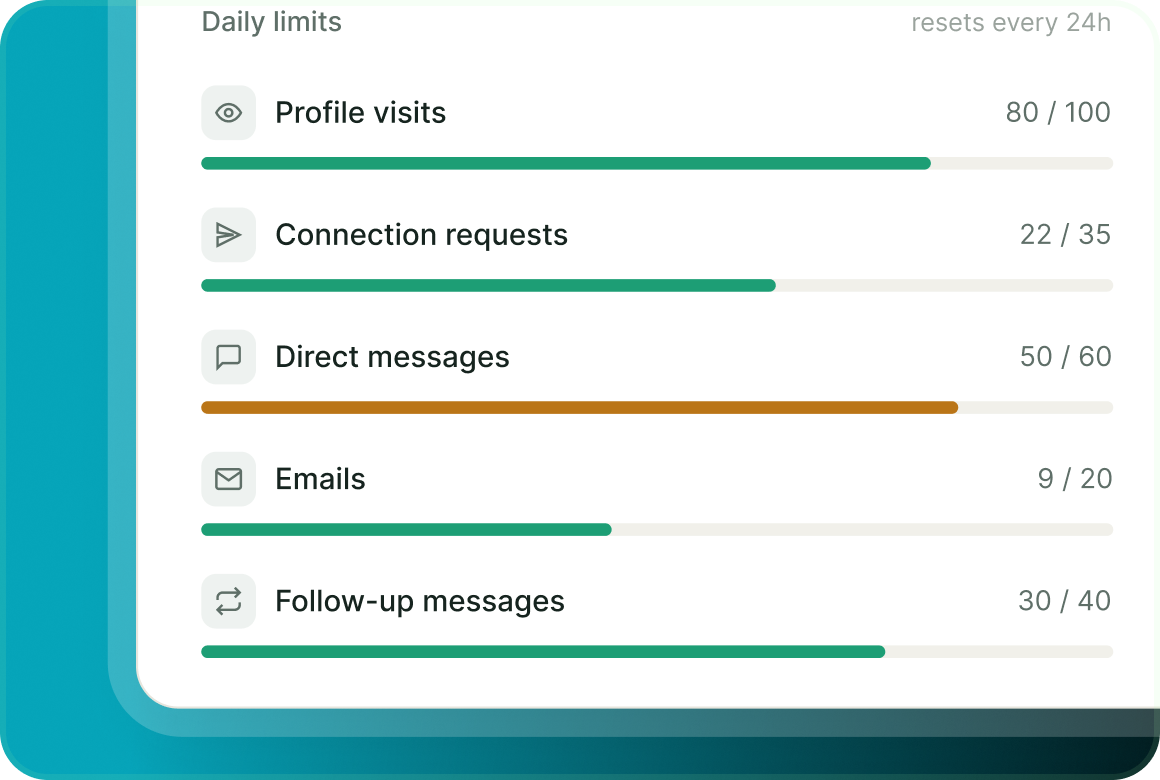
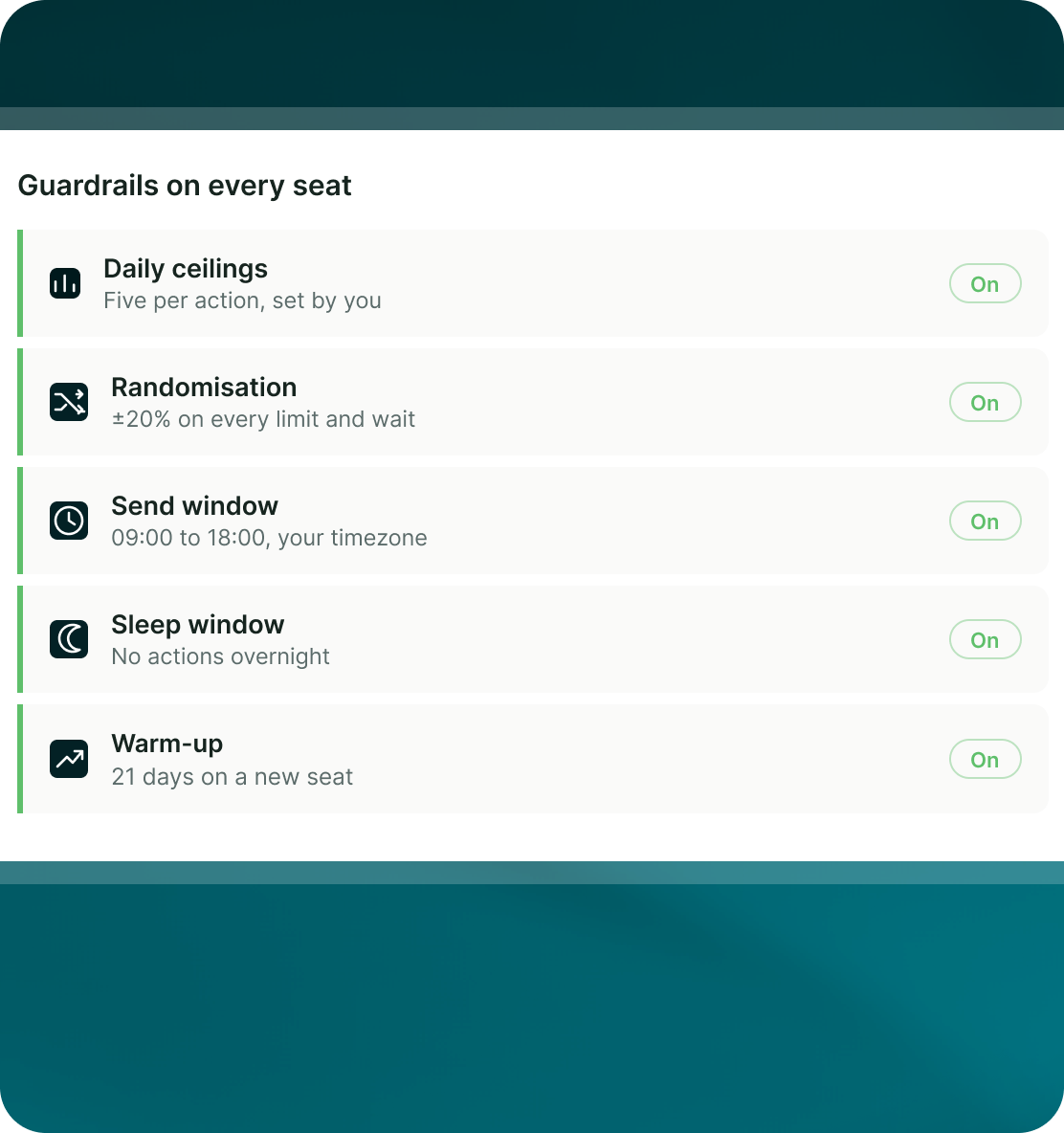
LinkedIn uses five separate daily limits rather than one blanket total, so each type of action has its own ceiling.
Timing you control
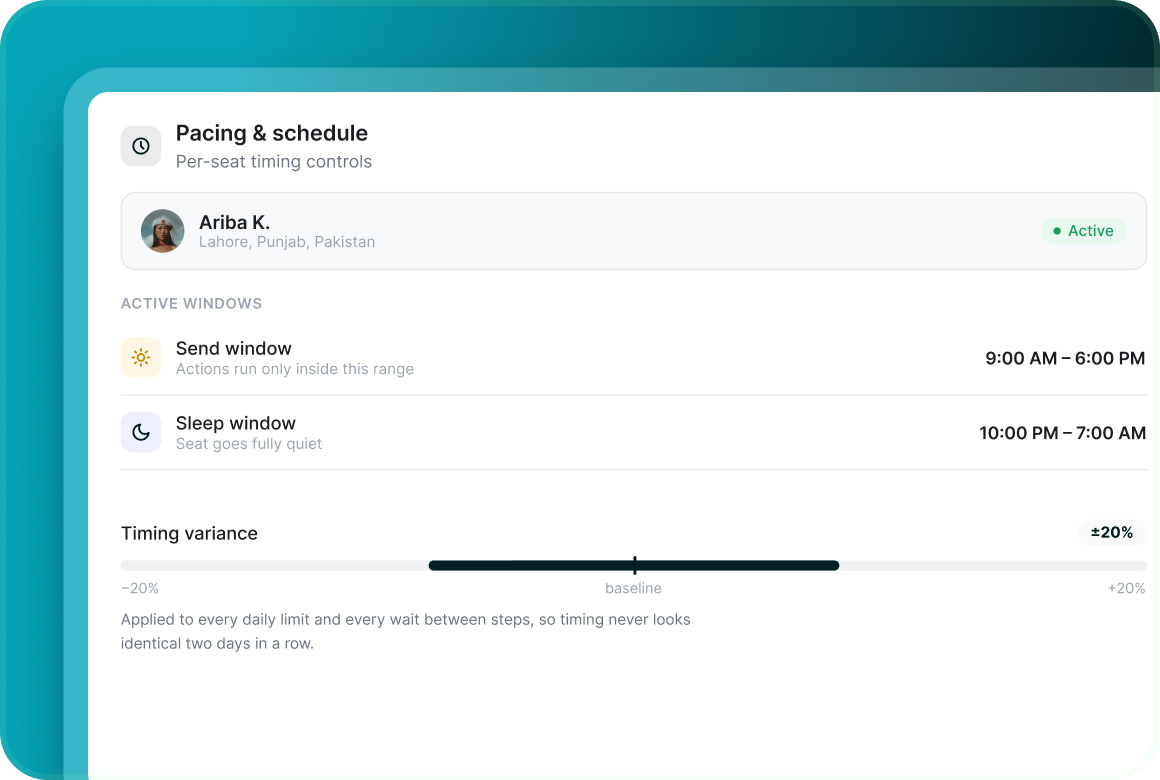
Set the sending days, time zone, send window and sleep window for the seat. A ±20% randomisation band applies to the LinkedIn daily limits.
Execution
Cloud-side, with a location shown on every seat
GML runs LinkedIn outreach without a browser extension or desktop app that needs to stay open. Every LinkedIn seat has its own dedicated IP, with a VPN country you choose or your own proxy.
Warm-up
A new seat does not start at its full daily ceiling
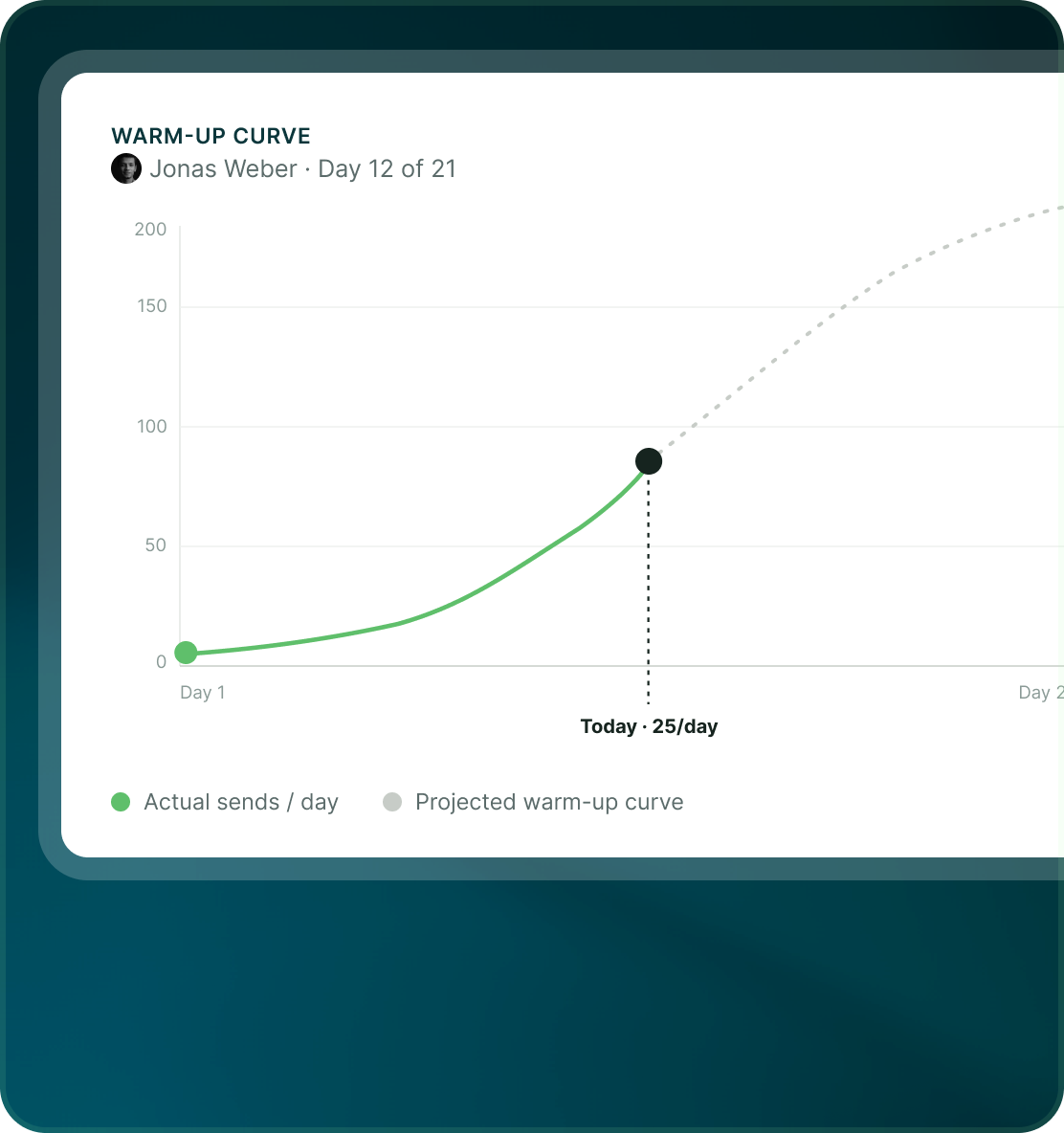
Every new LinkedIn seat follows a 21-day warm-up curve. The safety console shows where the seat is on that curve while activity gradually ramps.
- Every new LinkedIn seat follows the same gradual warm-up period.
- The safety console shows where the seat is on its warm-up curve.
- Warm-up controls how quickly a new seat approaches the limits configured for it.
Boundaries
Controls reduce risk. They do not make promises.
GML gives you visible limits, warm-up, scheduling, account health and emergency controls. It does not claim that any LinkedIn account is guaranteed never to be restricted.
- When activity is held back, the safety console explains which control caused it.
- Send days, time zone and account windows are part of the campaign setup.
- The controls are there to manage how the account is used — not to promise that restrictions can never happen.
Case studies
Teams who can show their work
“Using Get Me Leads has been one of our smartest investments. Our team actively engages with the platform, and we’ve seen a notable boost in our sales.”




“We’ve fully transitioned our operations to Get Me Leads. The product is user-friendly and adaptable, greatly helping us increase our lead generation.”


Build the list. Check who is in it. Then launch.
Questions
Running LinkedIn with GML
No. LinkedIn execution is cloud-side. You do not need a browser extension or desktop app running for campaigns to continue.
Every new seat follows a 21-day warm-up curve. The safety console shows its current position on the curve alongside its daily limits.
Yes. LinkedIn limits, sending windows, sleep windows, send days, time zone and location are managed around the connected seat.
Yes. Set send days, time zone, a send window and a sleep window for the seat.
A LinkedIn seat represents the connected LinkedIn account, not a teammate. Teammates are unlimited and free, and campaign work can be assigned inside the workspace.
Not for standard LinkedIn campaigns. LinkedIn search can be used through a connected account, and Sales Navigator is available as another list source. Create with AI specifically requires Sales Navigator.