


 WhatsApp Business
WhatsApp Business. Built into Your Campaign Flow.
Add WhatsApp Business as a campaign step, work with approved business messaging, see delivery and read status, and bring replies back into the same inbox as the rest of your outreach.
The LinkedIn outreach platform trusted by 300+ Companies and across 60+ Industries








The Channel
Three parts of WhatsApp outreach that stay connected
GML treats WhatsApp Business as part of the outbound workflow rather than a separate messaging screen.
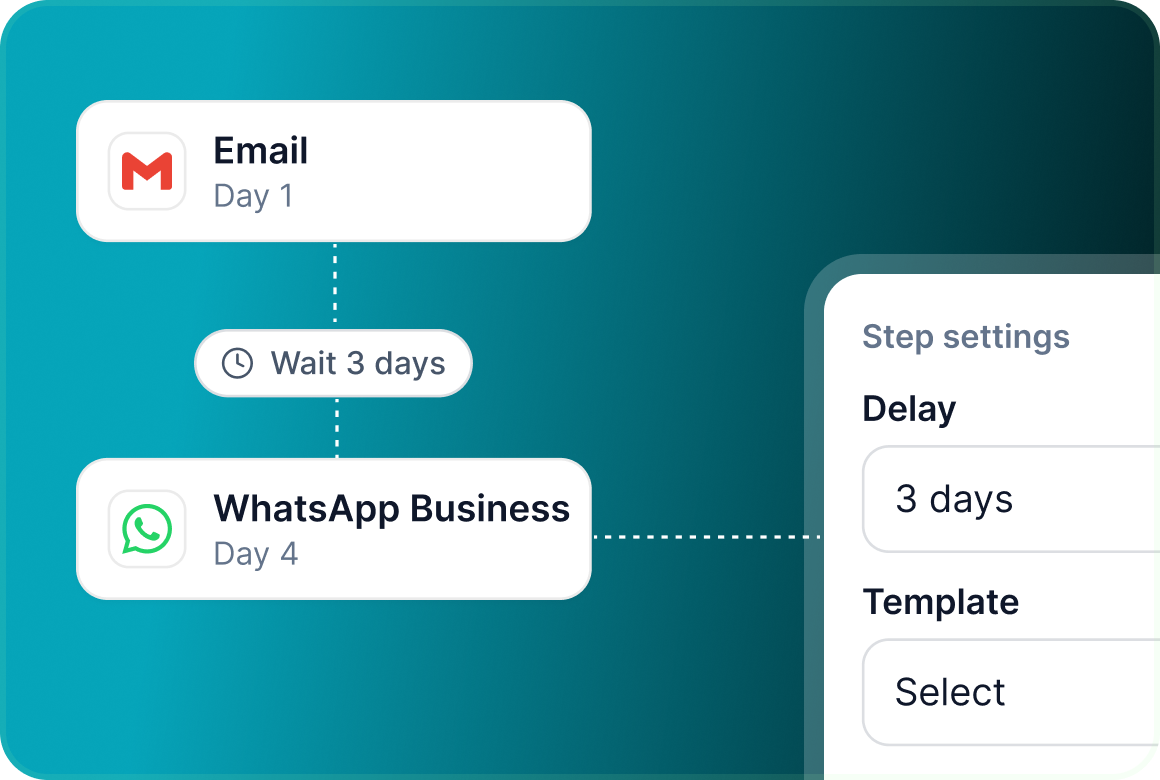
Add it to the canvas
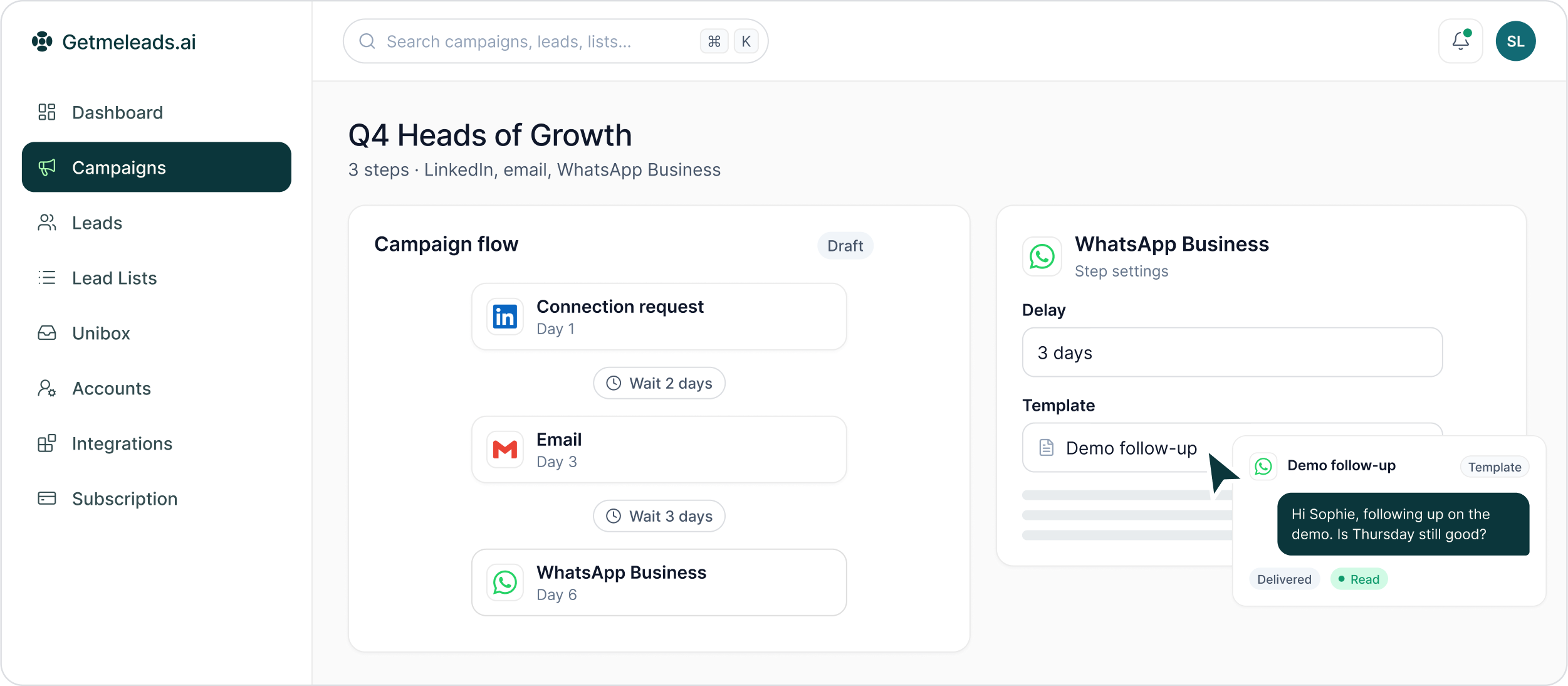
WhatsApp Business steps appear on the campaign canvas like other outreach actions, with their own delay and configuration panel.
Work with business messaging
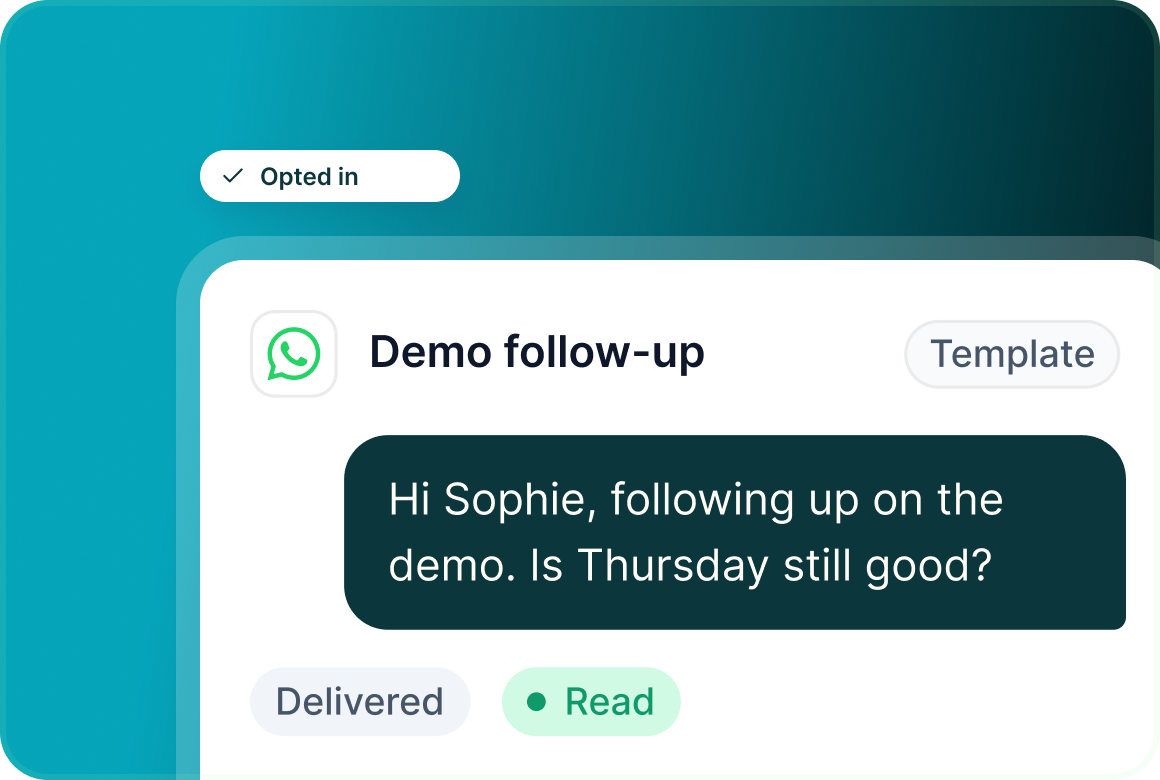
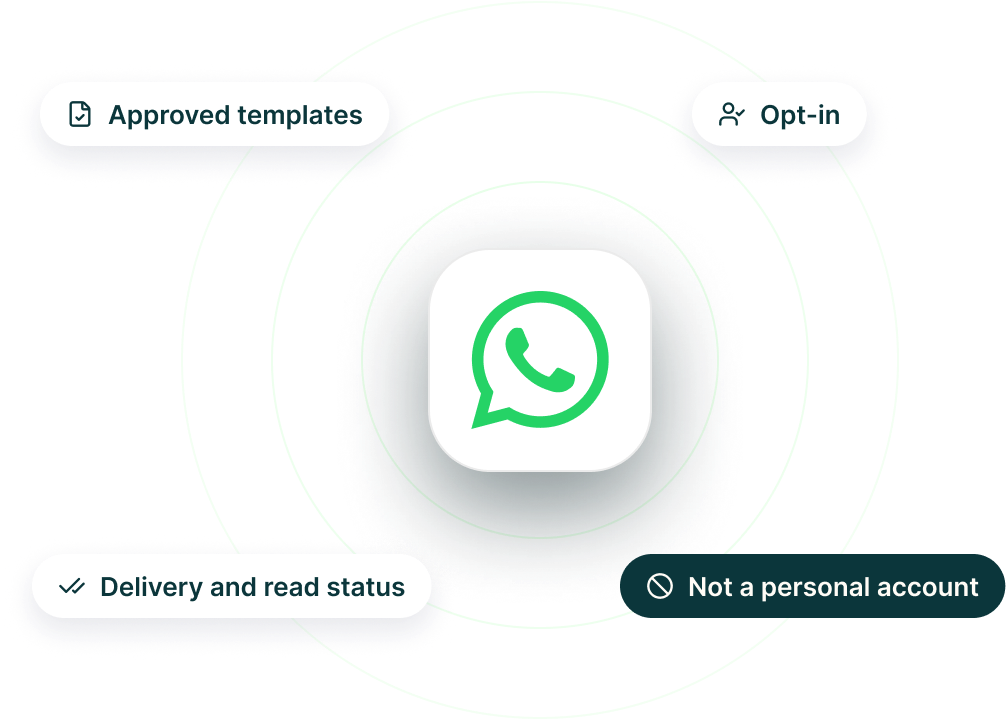
WhatsApp Business messaging supports templates, opt-in and delivery and read status.
Bring the reply back into Unibox
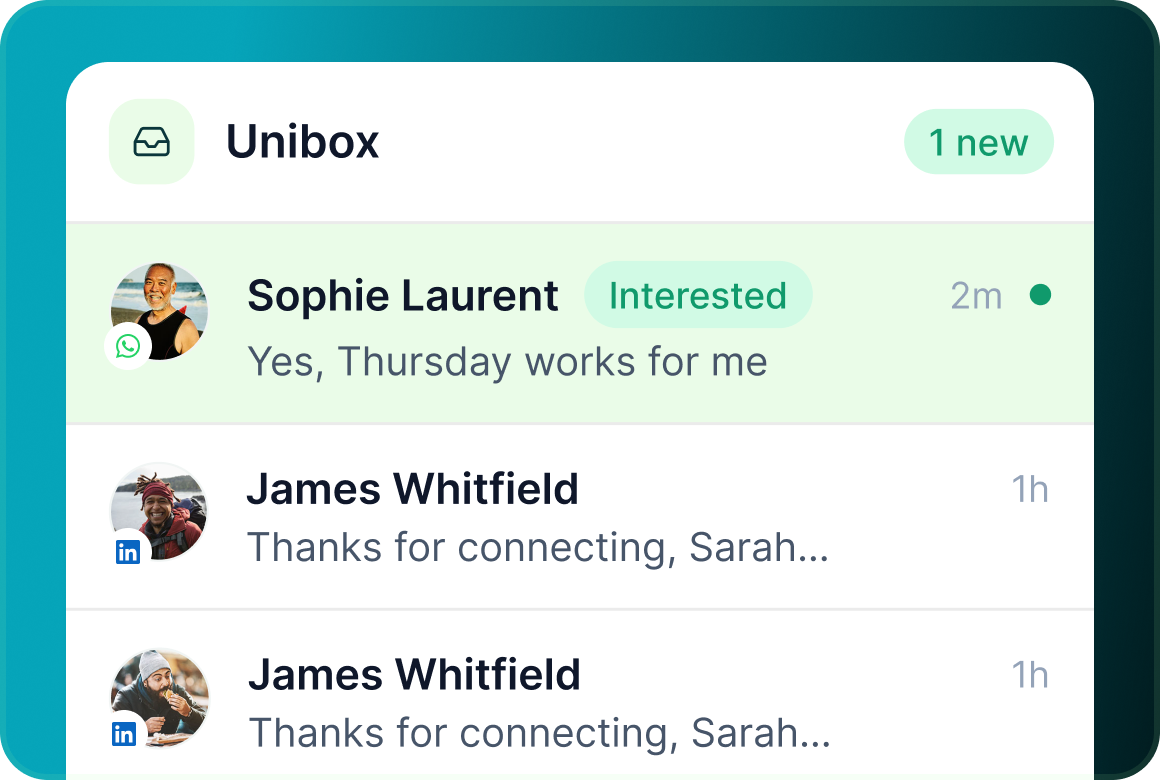
When the prospect replies, the conversation appears alongside the rest of their supported outreach channels.
The connection
Built around WhatsApp Business, not a personal WhatsApp account
GML's WhatsApp channel uses the WhatsApp Business platform. It should not be described as automation through a personal WhatsApp account.
Campaign flow
WhatsApp does not need to become a separate campaign
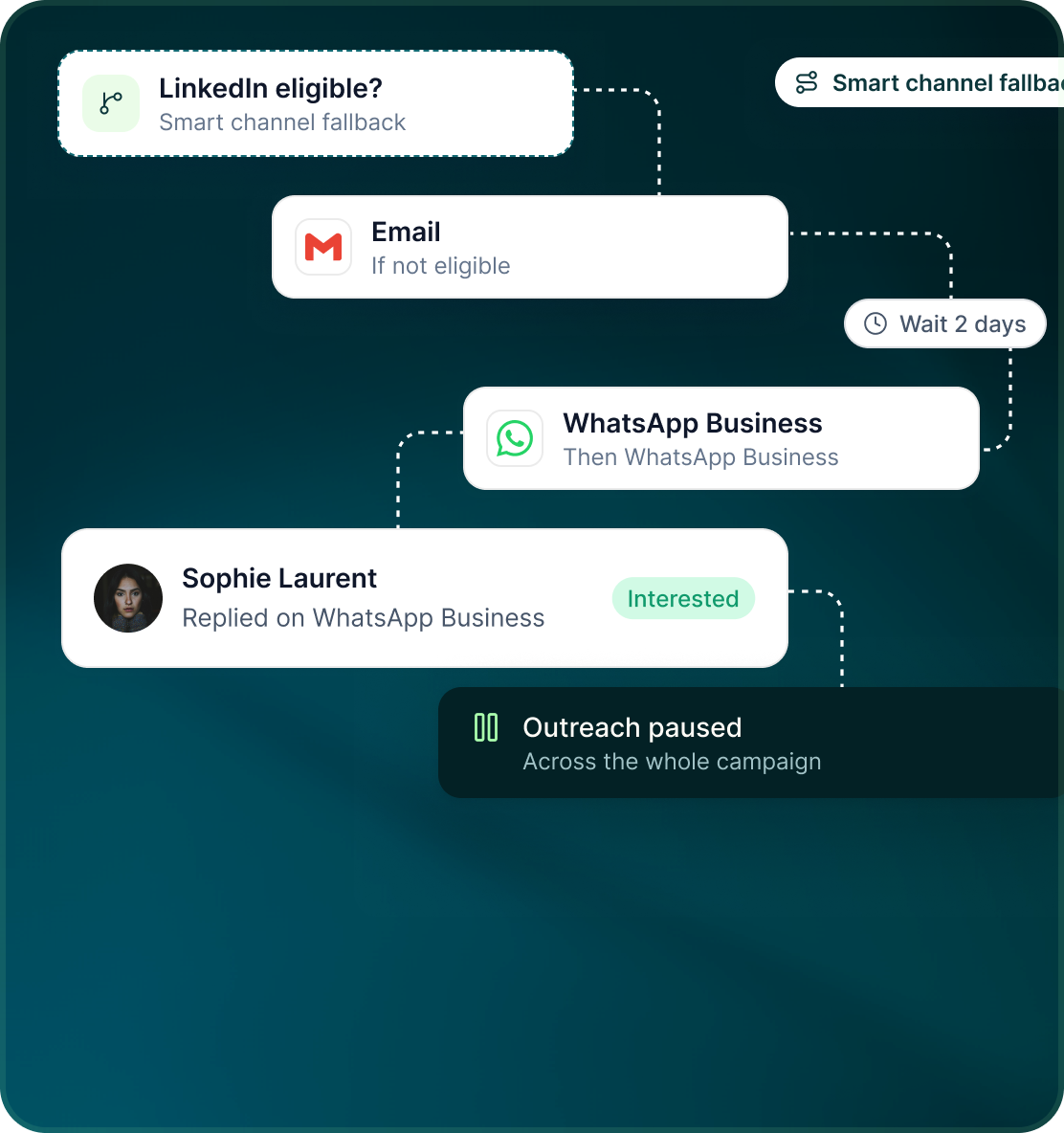
Use WhatsApp Business beside LinkedIn, email and other supported channels when the sequence needs another route to the prospect.
- Give the WhatsApp action its place in the flow and control when it happens through the step delay.
- Smart channel fallback can check LinkedIn eligibility, then email, then WhatsApp Business.
- A reply on any channel pauses outreach to that prospect across the campaign.
Unibox
The channel changes. The conversation record does not.
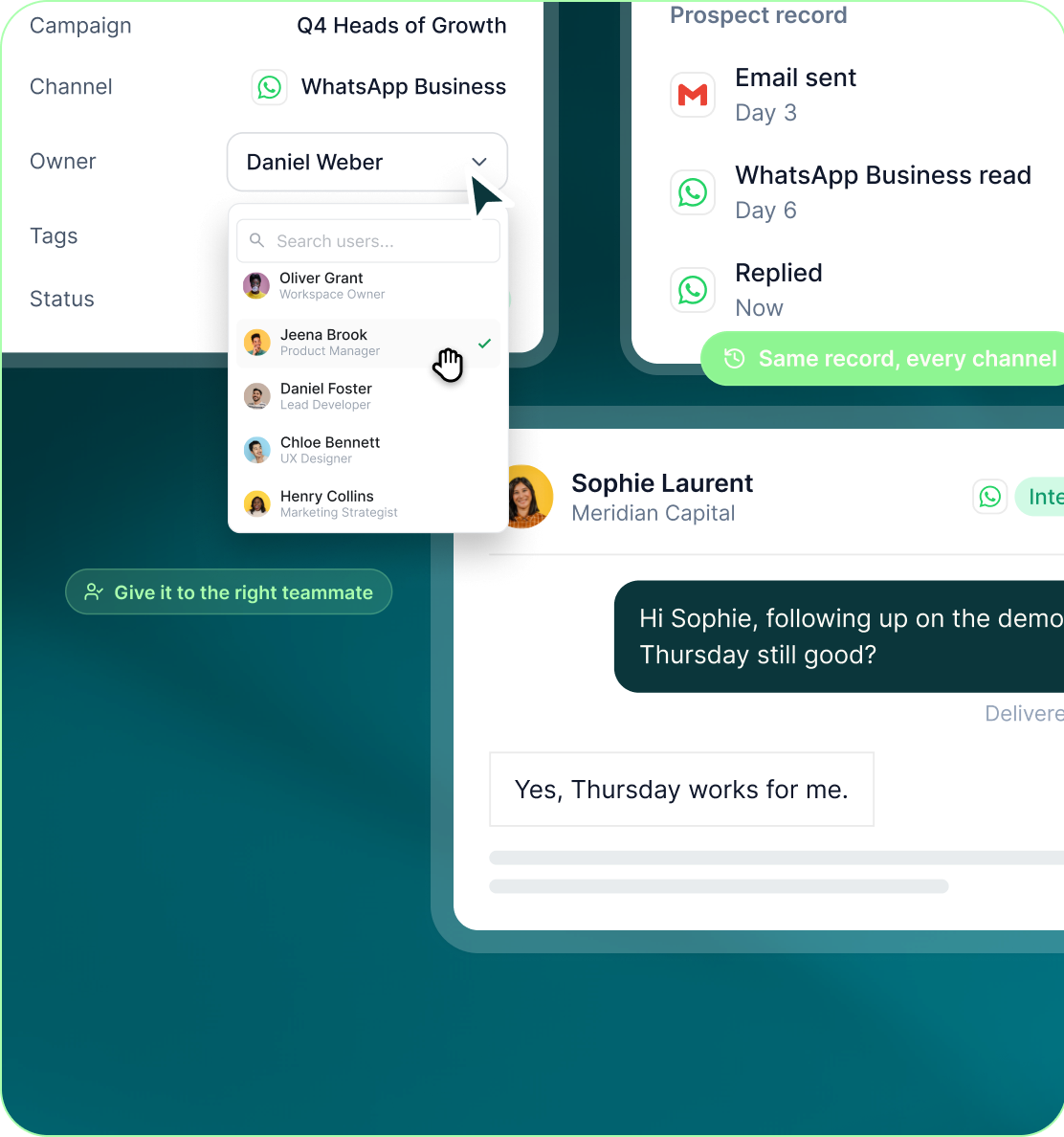
WhatsApp Business replies sit inside Unibox with the context the team needs to keep working the conversation.
- The conversation carries campaign context, channel, owner, tags and status.
- Give the conversation to the teammate responsible for following it up.
- WhatsApp Business activity stays on the prospect record alongside the rest of the campaign history.
Case studies
Teams who can show their work
“Using Get Me Leads has been one of our smartest investments. Our team actively engages with the platform, and we’ve seen a notable boost in our sales.”




“We’ve fully transitioned our operations to Get Me Leads. The product is user-friendly and adaptable, greatly helping us increase our lead generation.”


Build the list. Check who is in it. Then launch.
Questions
WhatsApp Business in GML
No. GML supports the WhatsApp Business platform, not personal WhatsApp.
Yes. WhatsApp Business steps appear on the canvas with their own delays and configuration.
Yes. WhatsApp Business messaging in GML supports templates.
Yes. Delivery and read status are supported.
They arrive in Unibox alongside the other supported conversation channels.
Yes. A reply on any channel pauses outreach to that prospect everywhere.