More
from
the same list
Build the list. Create the campaign. Send across channels. Work every reply. See exactly what happened, down to the message and through to revenue.
Getting started
ROI on day one, not in a quarter
Your first campaign can go out the day you subscribe. No implementation project or professional-services engagement.
 LinkedIn search URL
 Sales navigator URL
 CSV file upload
Build and launch
Bring in a LinkedIn or Sales Navigator search, upload a file or build the list from another supported source. Preview the people, build the flow, check the launch settings and start the campaign.
Warm up new LinkedIn seats
A new LinkedIn seat ramps gradually over 21 days. The safety console shows where the seat is on the curve and explains when an action is held back.
Ongoing
Add range without adding teammate fees. Run more campaigns, channels and seats from the same workspace. Add as many teammates as you need without paying per person.
Source prospects, build sequences, write with AI, send across channels, work replies and report on the result without stitching together five different tools.

The whole job
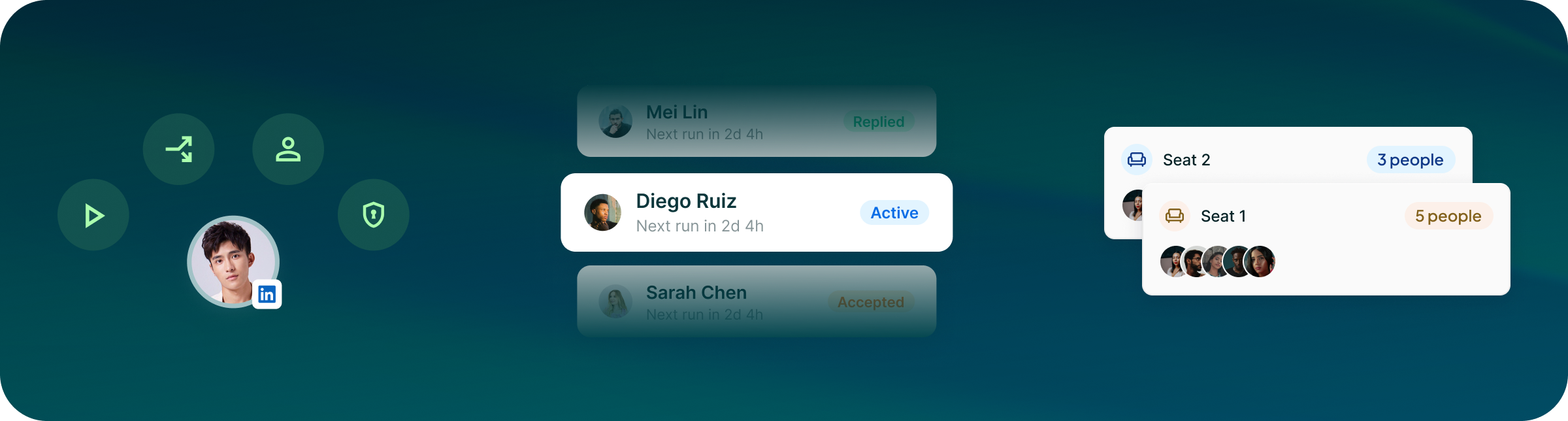
A visual canvas with 12 actions and 6 conditions, LinkedIn and a complete cold-email engine, plus WhatsApp Business, Telegram, SMS/MMS and calling.

Proof at the lead level
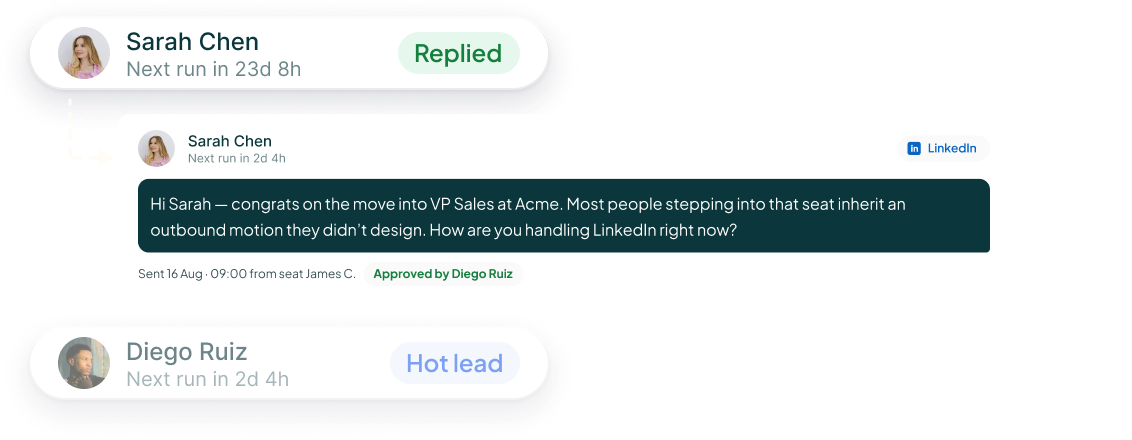
Open a lead and see each campaign step, when it happened, what the outcome was and the exact message that was sent.

Built for teams
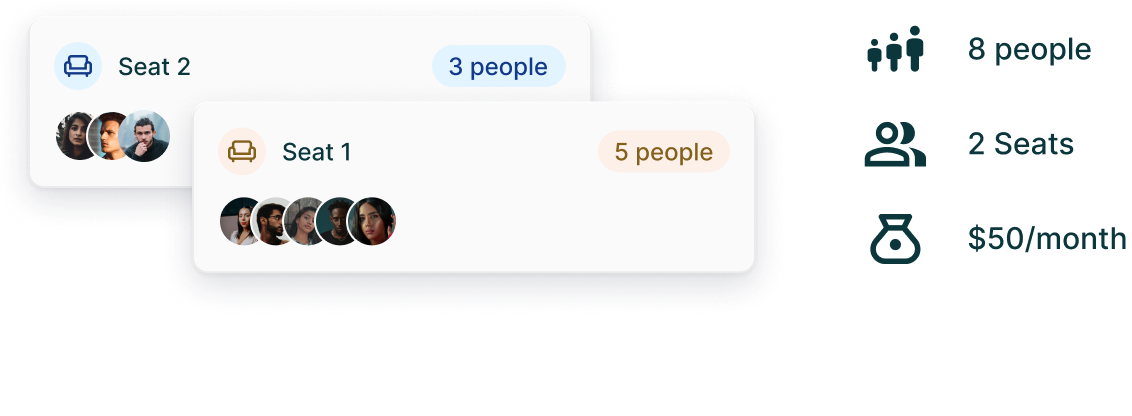
Pay for the LinkedIn accounts and mailboxes you send from. Teammates are free. Workspaces, roles and campaign assignment keep access under control.
Capabilities
Everything you need to
run your outreach
Flow builder
12 actions and 6 conditions on a visual canvas, with delays, smart follow-up, channel fallback, templates and reusable flow files.

Unibox
LinkedIn, InMail, email, WhatsApp Business, Telegram and SMS conversations in one inbox, with assignment, tags, notes and status.
Lead lists
Build from LinkedIn, Sales Navigator, CSV files, groups, events, company-page visitors, website visitors and connected sources. Preview before you publish.
Analytics
Start with workspace and campaign numbers, then drill into steps, versions and individual leads — right down to the exact message sent.
Account safety
Five LinkedIn per-action daily limits, a ±20% randomisation band, sending windows, a 21-day warm-up and a safety console that explains when something is held back.
Product proof
Claims you can check inside the product

“Using Get Me Leads has been one of our smartest investments. Our team actively engages with the platform, and we’ve seen a notable boost in our sales.”




“We’ve fully transitioned our operations to Get Me Leads. The product is user-friendly and adaptable, greatly helping us increase our lead generation.”

Enterprise & Security
Infrastructure built for teams and the campaigns that run them
14 integrations, coming soon
Connect HubSpot, GoHighLevel, Zoho CRM, Freshsales, Zapier, Make.com, n8n, Webhook, Apollo, Clay, ZoomInfo, Notion, Coda and Slack.









Controls you can see
Per-action limits, warm-up, account health, block lists, duplicate prevention, dedicated IPs for LinkedIn seats and an emergency stop.
For teams running 50+ seats
Enterprise adds custom terms, white-labelling, dedicated support and training for your sales team.
AI outreach agent
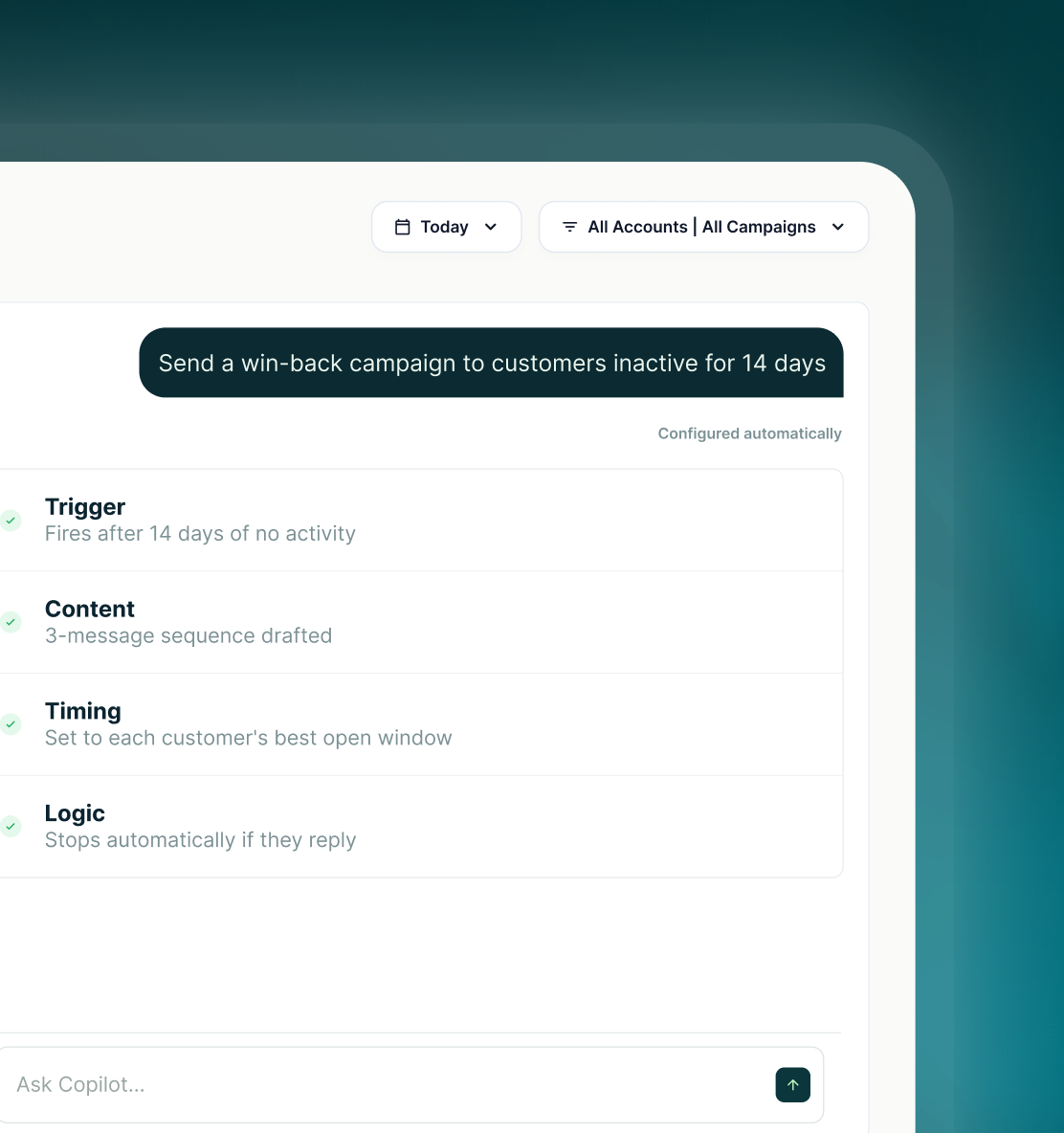
Tell it who you want to reach. Check the list. Approve the campaign.
Type or speak the brief. With Sales Navigator connected, Create with AI builds the targeting and list, gives you the context for the campaign and starts from a ready flow. You review it before anything launches.
Describe the company and people you want to reach. AI turns the brief into Sales Navigator targeting, fetches the list and shows you the filters before you continue.
The workspace Brain holds your offer, ICPs, value propositions, competitors, case studies and FAQs. AI can also use lead data, recent activity and your own guidelines when drafting.
AI-generated messages wait for review. Edit, approve or reject them before they go out under your name.
Use cases
The plays your team already runs, on a canvas
Start with the audience and outcome. Build the list, choose or create the flow, write the messages and keep the result on the lead record.
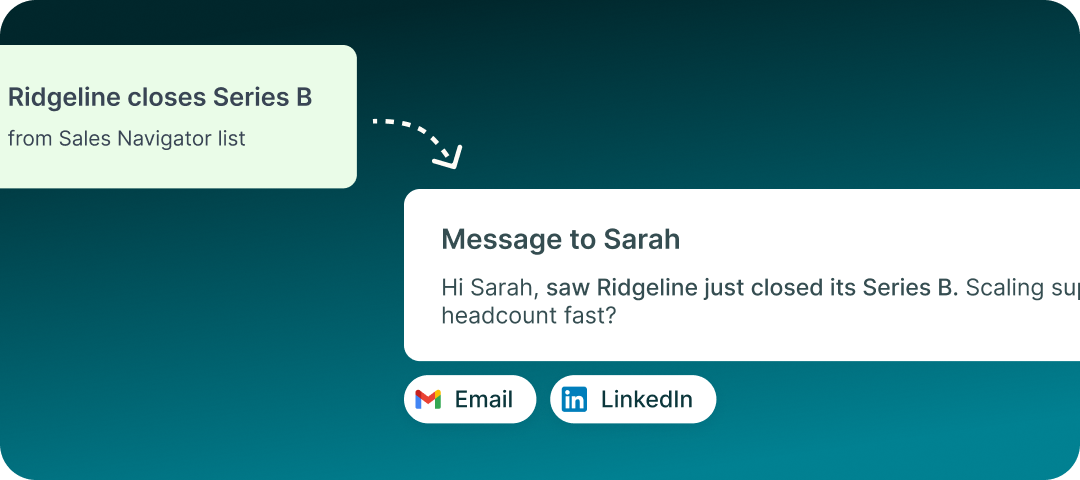
Funding-round outreach
Use Sales Navigator filters to build a list around the companies and roles you want to reach. Preview the list before anyone enters the campaign.

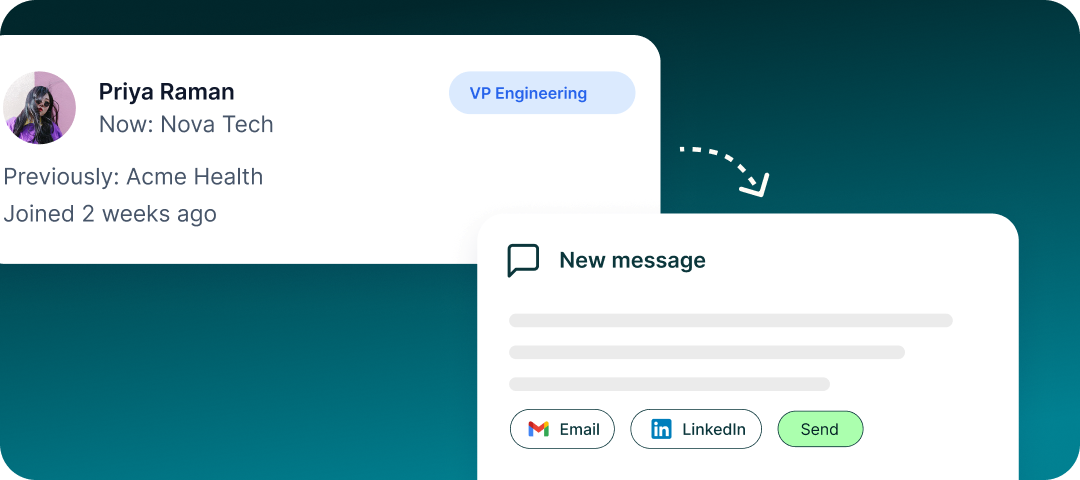
Job-change re-intro
A former champion has moved. Reach them at the new company with a campaign built around the relationship you already have.
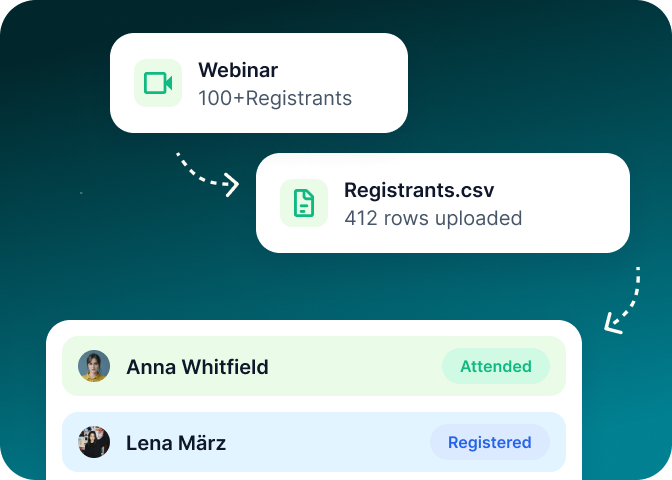
Event follow-up
Source from a LinkedIn event or upload the registrants file, then move the right people into a follow-up campaign while the event is still relevant.
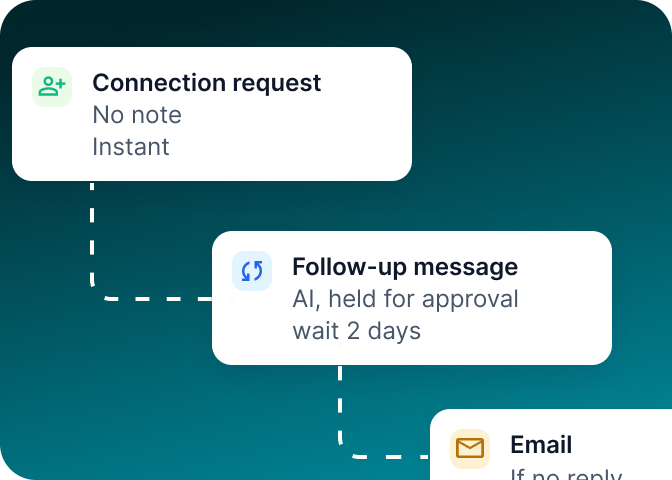
LinkedIn, then email
Start on LinkedIn and move to email when the flow calls for it. The ready LinkedIn-then-email template gives you a starting point.
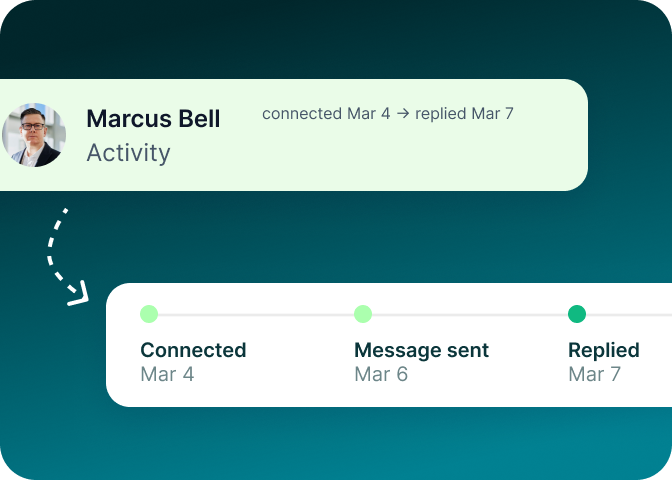
Proof of every touch
Open any lead and see the steps that ran, when they ran and the exact message that was sent.
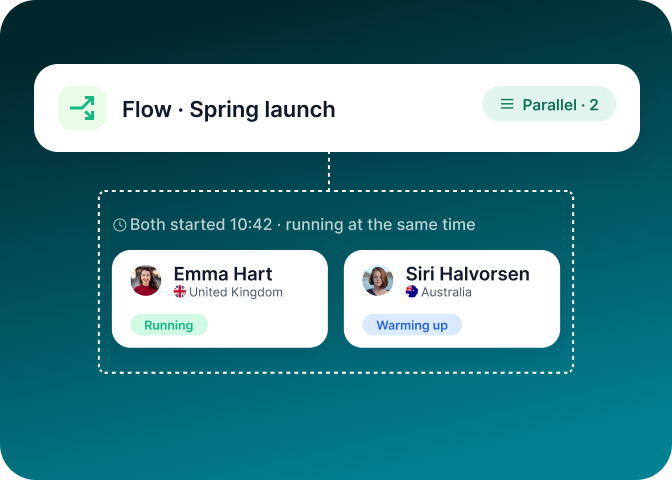
One seat per market,
one play across regions
Reuse the same flow across regional LinkedIn seats, then adapt the copy and targeting for the market each seat serves.
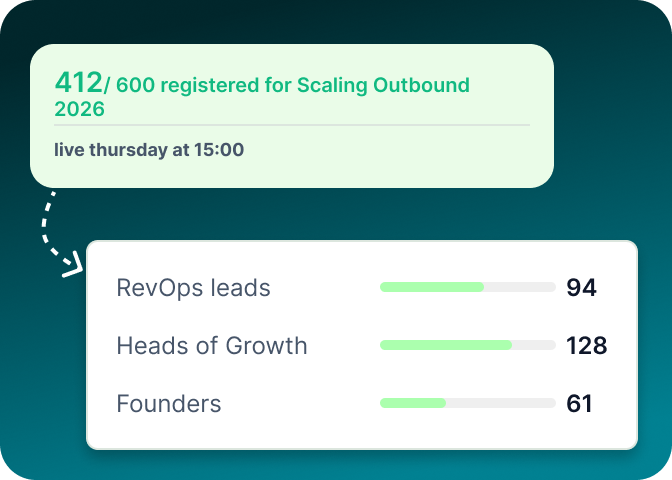
Fill the event
without more ad spend
Build the list around the roles the event is for, then reach them through LinkedIn and follow up from the same campaign.
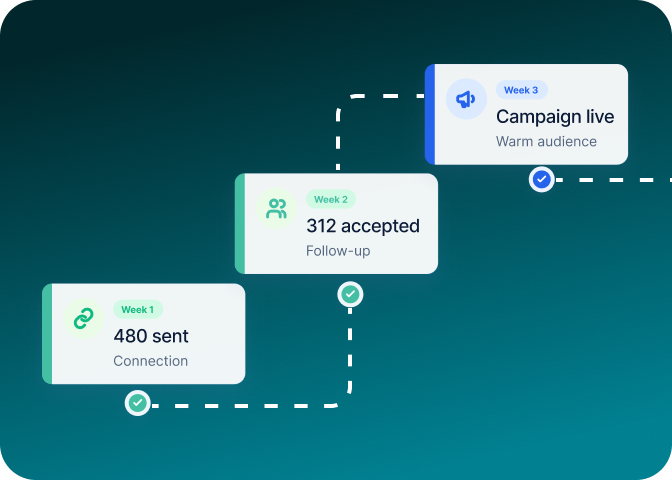
Warm the accounts
before the campaign lands
Start the conversation before the main campaign. Visit profiles, connect, engage and follow up from one visible flow.
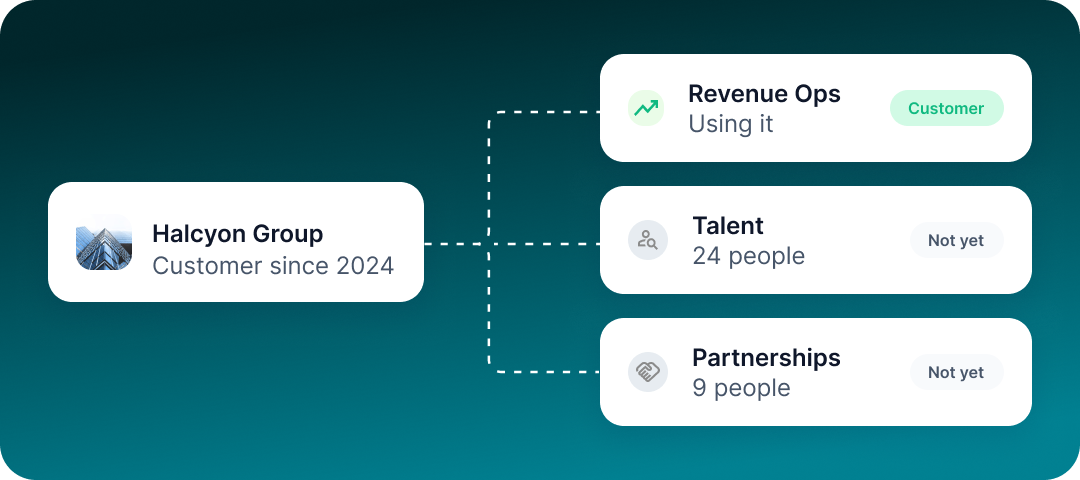
Expand inside the accounts, you already won
Build a list of the other teams and decision-makers inside an existing account, then run a separate expansion campaign for them.
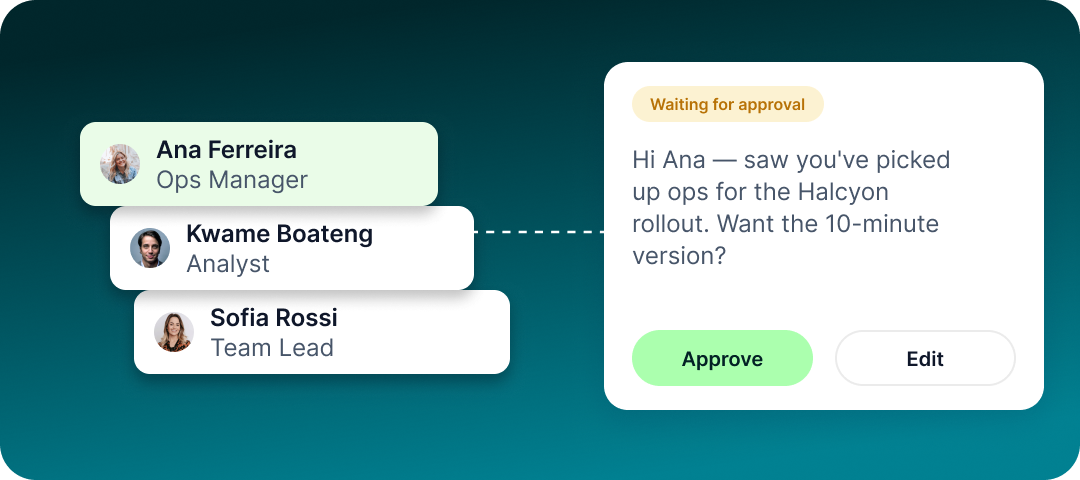
A real welcome for every new user
Use AI to draft the message from your workspace context, review it, then send a consistent welcome from the right account.
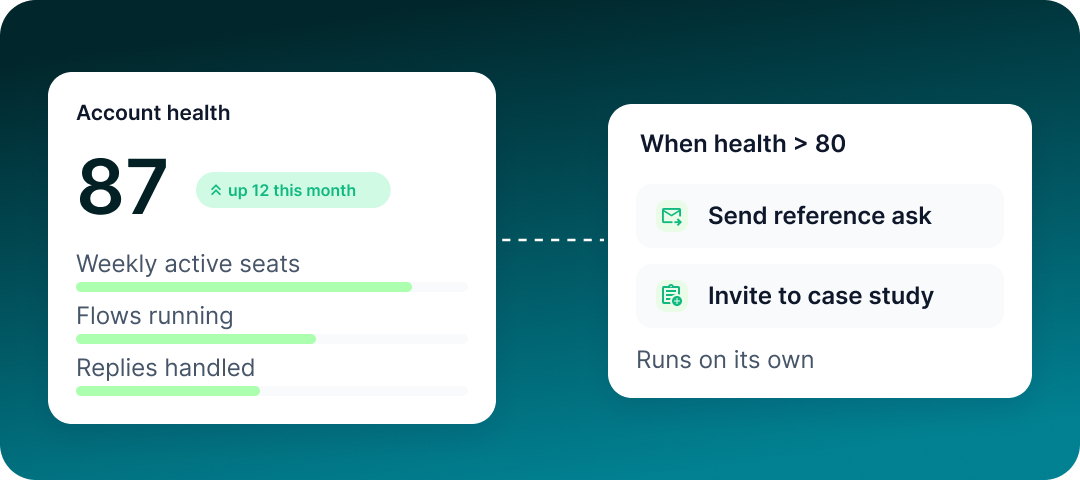
Ask for the reference when the timing is right
Create a simple follow-up play for customers you want to ask for a reference, introduction or case study.
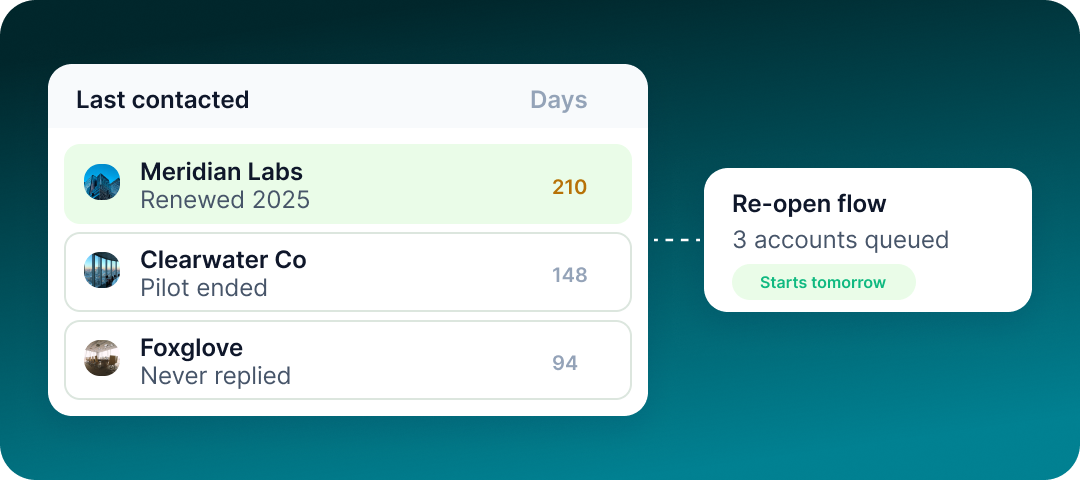
Reopen the accounts that went quiet
Build a re-engagement list, check the history and start a new conversation without losing the record of what happened before.
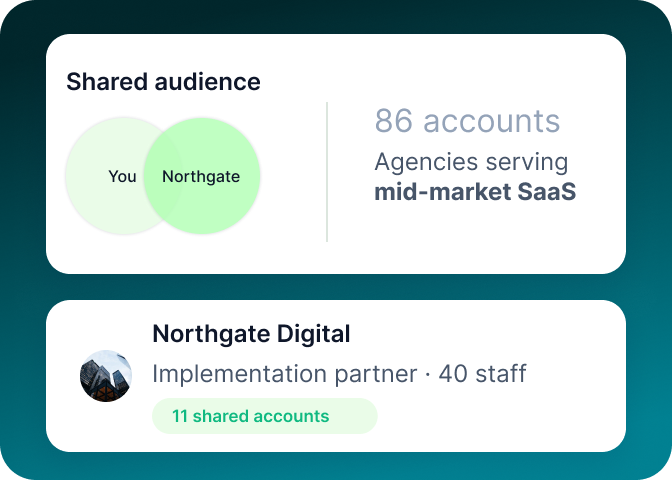
Find the partners
already in the room
Build a partner list around the companies, roles, events and communities where the right partners already show up.
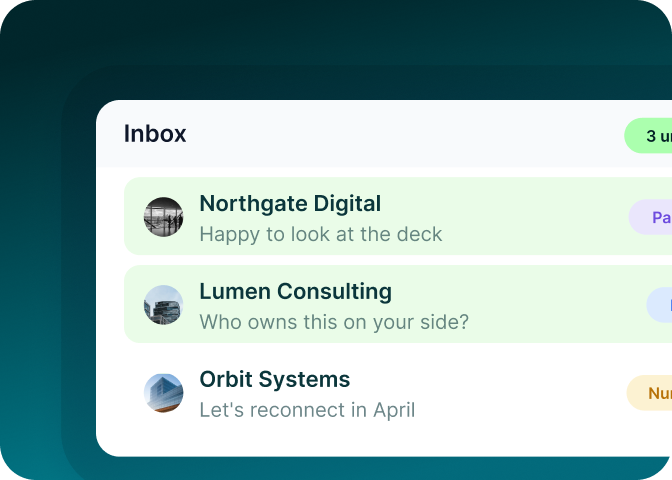
One inbox for every
partner thread
Bring replies from LinkedIn, email and the other connected messaging channels into Unibox, with the conversation history attached.
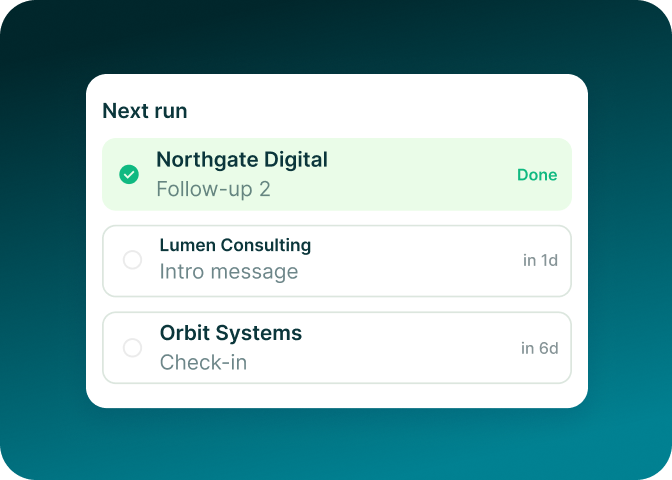
Keep the whole
partner list moving
Put the next touch into the flow, use delays between steps and keep each conversation visible on the partner’s lead record.
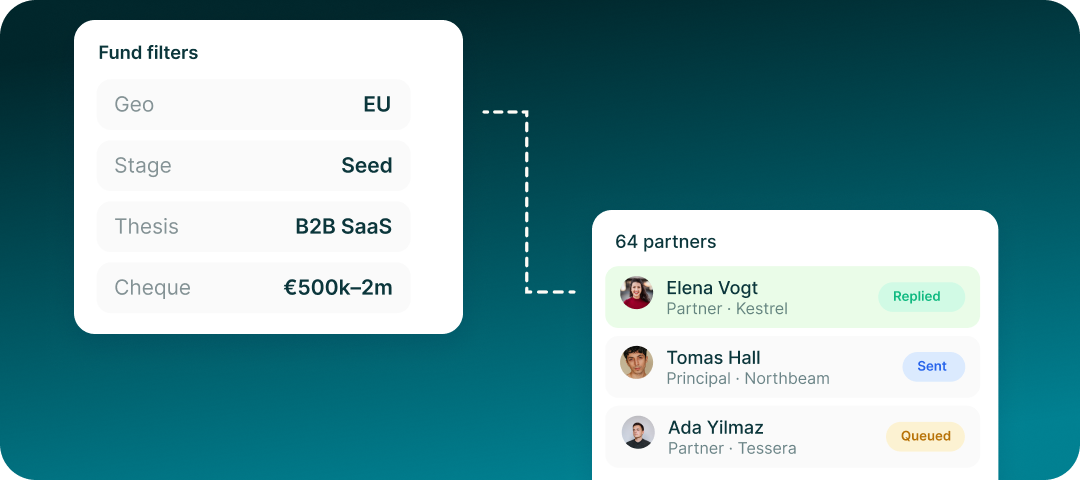
Raise from a list, not a warm-intro lottery
Build the investor list, review who is on it and run the outreach from the same workspace you use for customers.
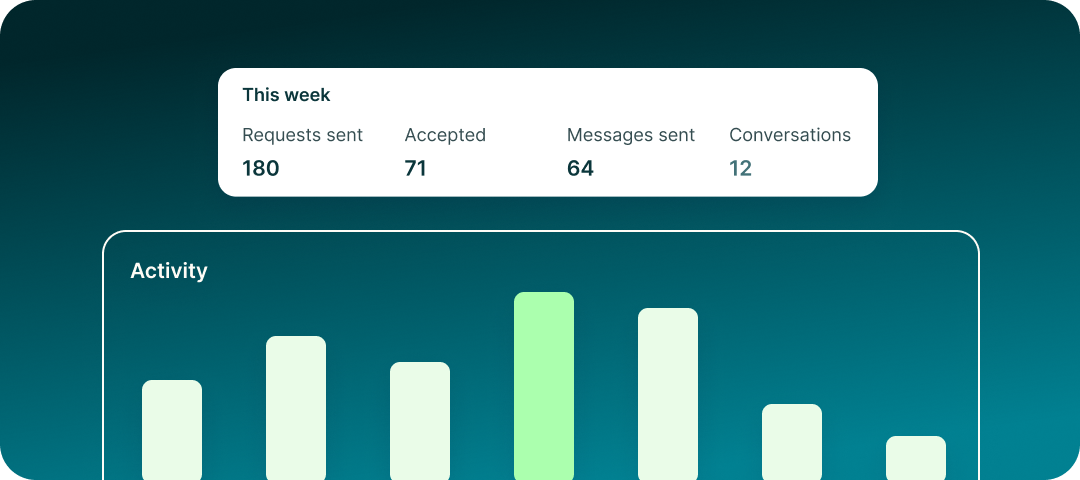
Run outbound before you hire for it
Tell GML who you want to reach, check the list, review the campaign and launch it from your own LinkedIn seat.
Run it for two weeks and read every message it sent
Every message sits on the lead record with its step and timestamp. Open any lead and see what it received.