


 Enrichment & Data
Import Your Lists & Data. Keep Your Enrichment Connected.
Start from LinkedIn, Sales Navigator, your own files or connected systems. Map the fields, enrich what is missing, preview the people and use the same data through the campaign.
The LinkedIn outreach platform trusted by 300+ Companies and across 60+ Industries








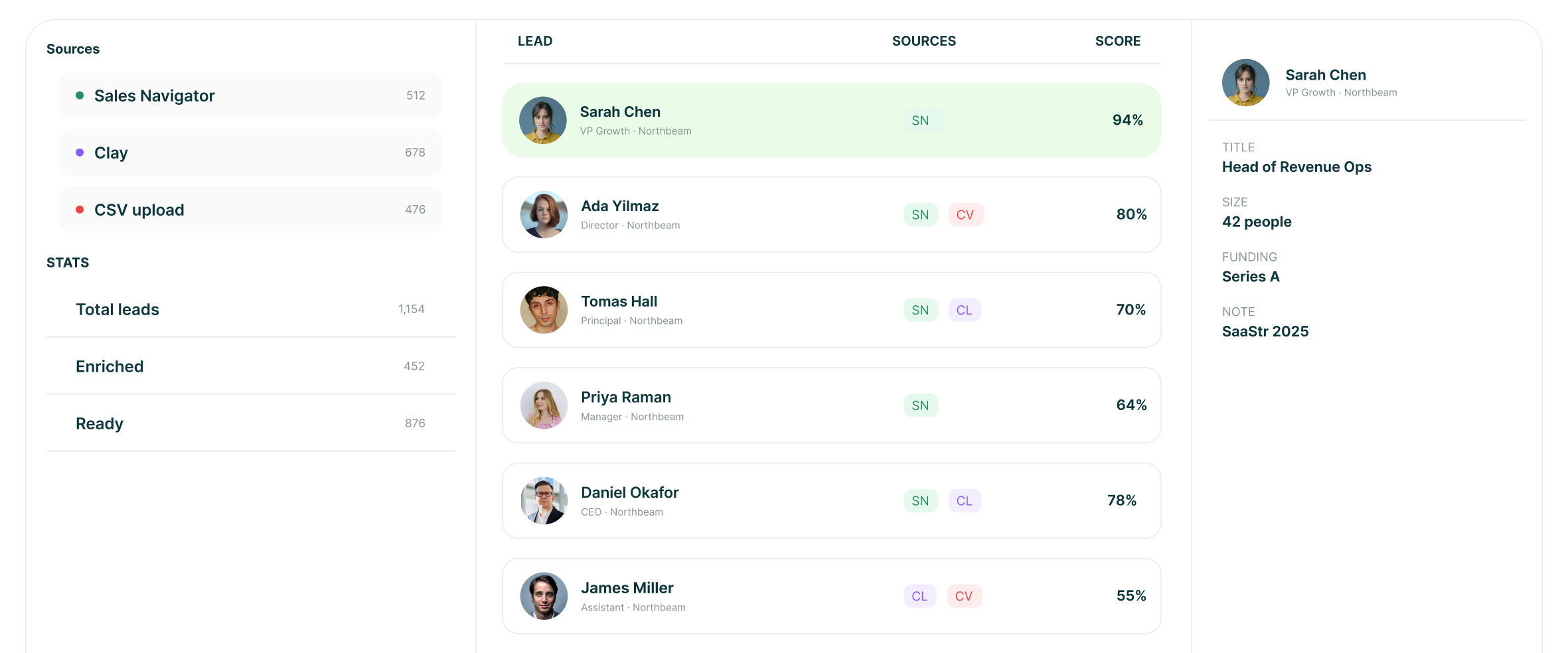
Sources
We are not selling you a contact database
Lists come from the places you already prospect: LinkedIn, Sales Navigator, groups, events, visitors, CRMs and your own files. When an email is missing, GML can look it up per prospect.
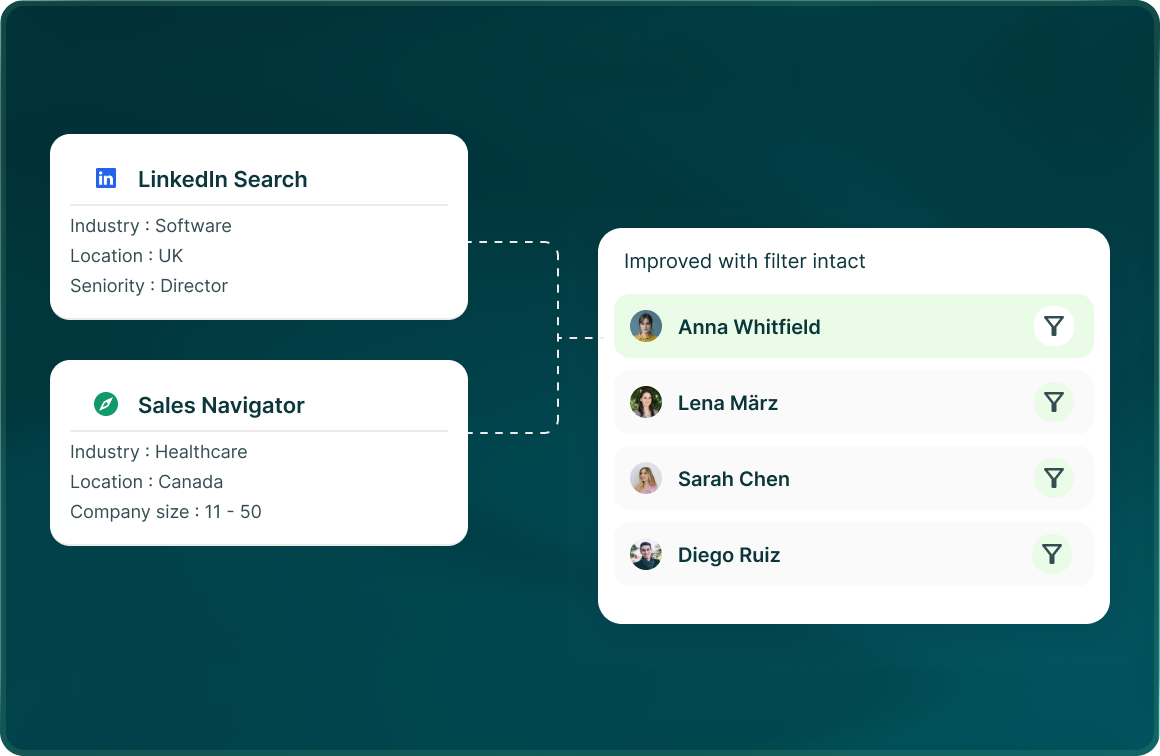
Your searches
Start from LinkedIn search or a Sales Navigator URL, then preview the people before publishing the list.
Your enrichment
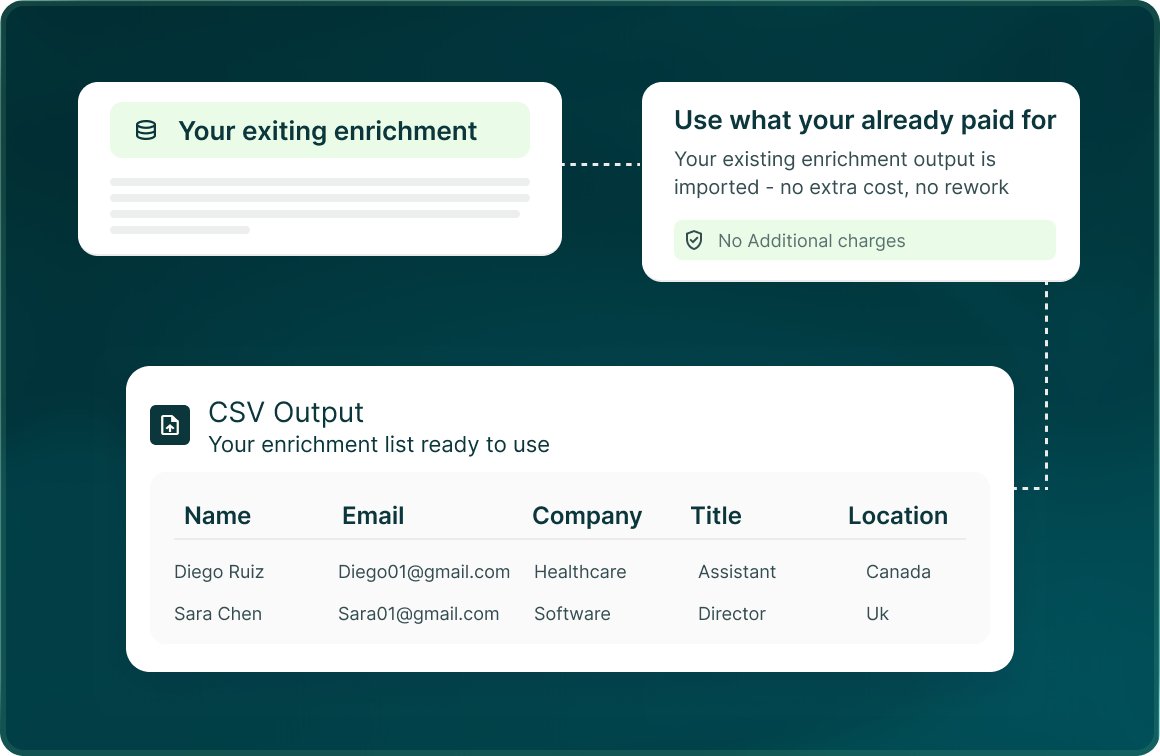
Use the enrichment already in your data, connect tools such as Apollo, Clay and ZoomInfo, or use GML credits to find a missing work email per prospect.
Your files
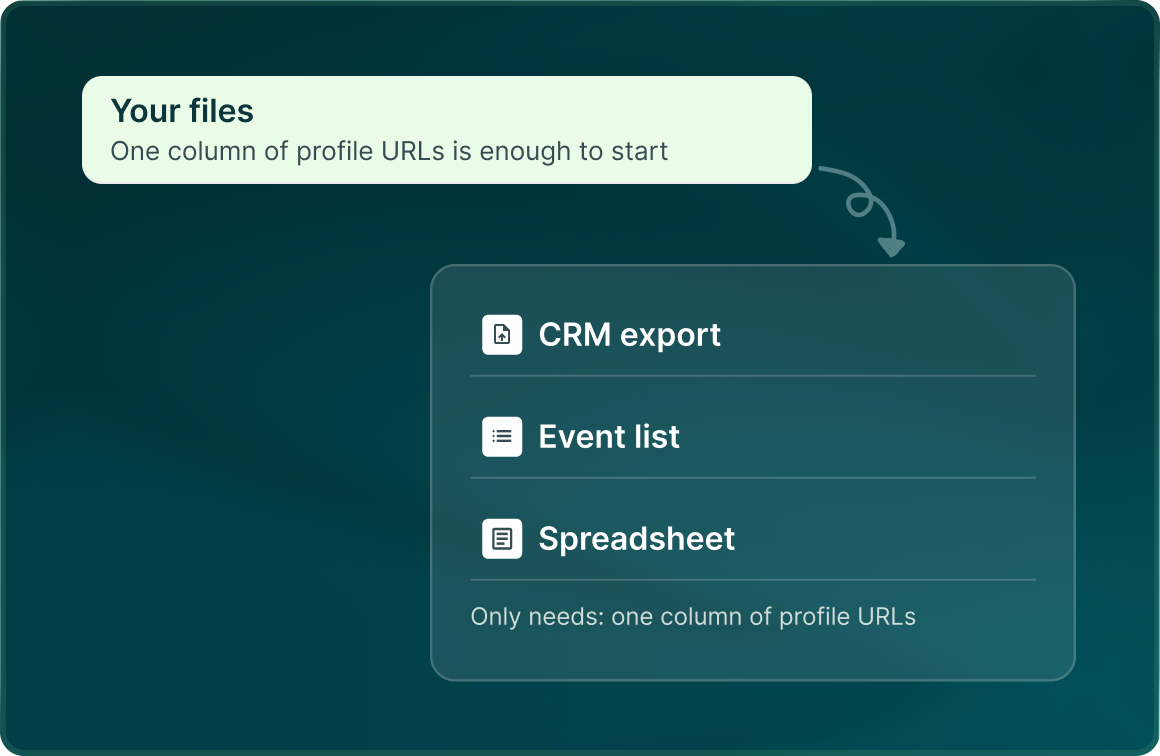
Bring your own data through CSV or XLSX, manual paste, saved lists, HubSpot lists or views, or LinkedIn profile URLs.
The record
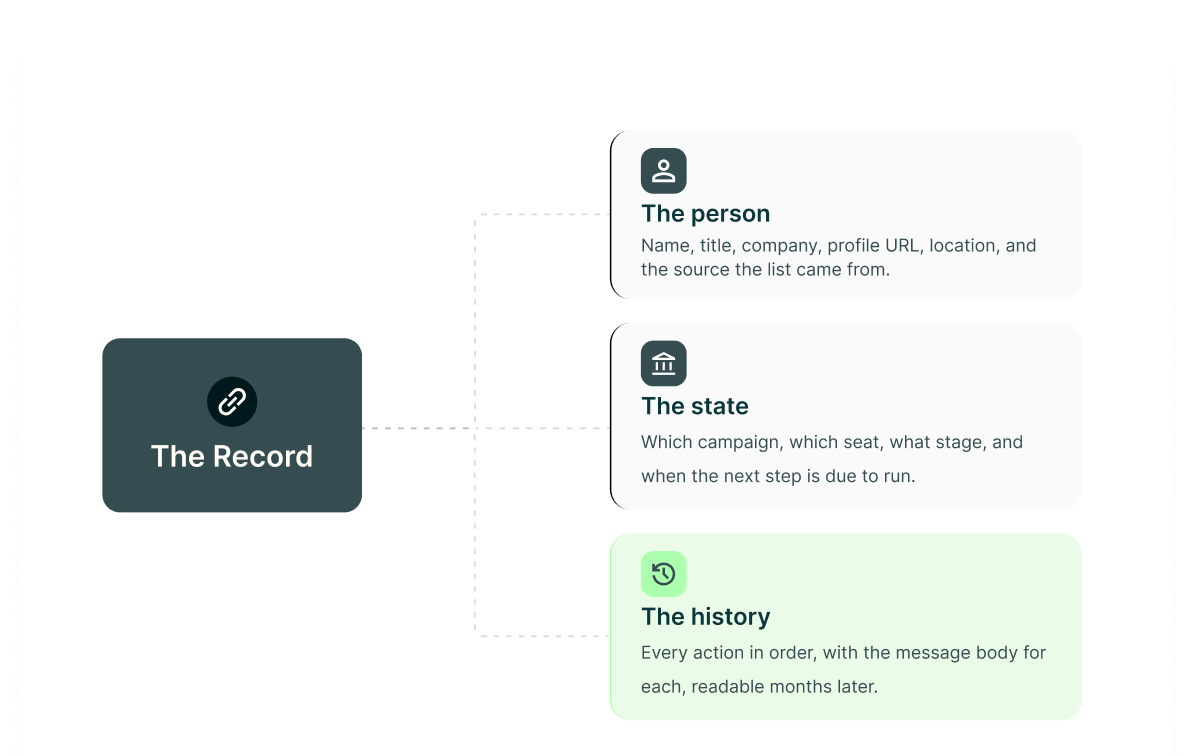
The person and the outreach stay on the same lead
The lead record keeps both sides of the work: who the prospect is and what the campaign has done with them.
Variables
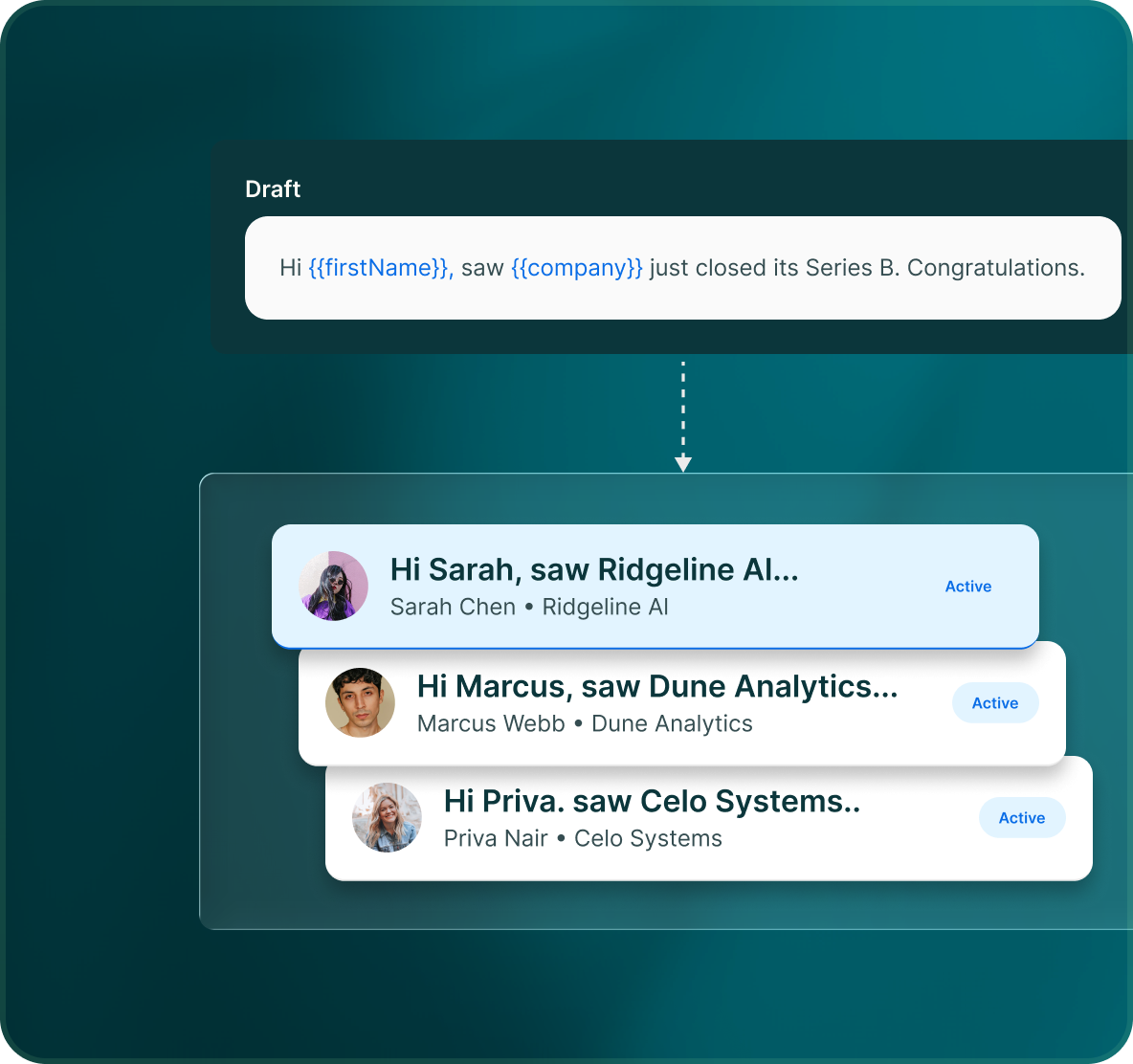
Use the fields you have, with fallbacks when you need them
Personalisation is not limited to four fields. LinkedIn steps have standard profile fields, Send Message adds more context, and email can use any mapped or custom field.
- Profile information such as name, headline, company, location and work history, alongside the data brought in with the lead.
- See campaign state, status and the next scheduled action for that prospect.
- Campaign Status records each step, when it happened, the outcome and the exact message that was sent.
Out again
Keep the useful data moving into the next system
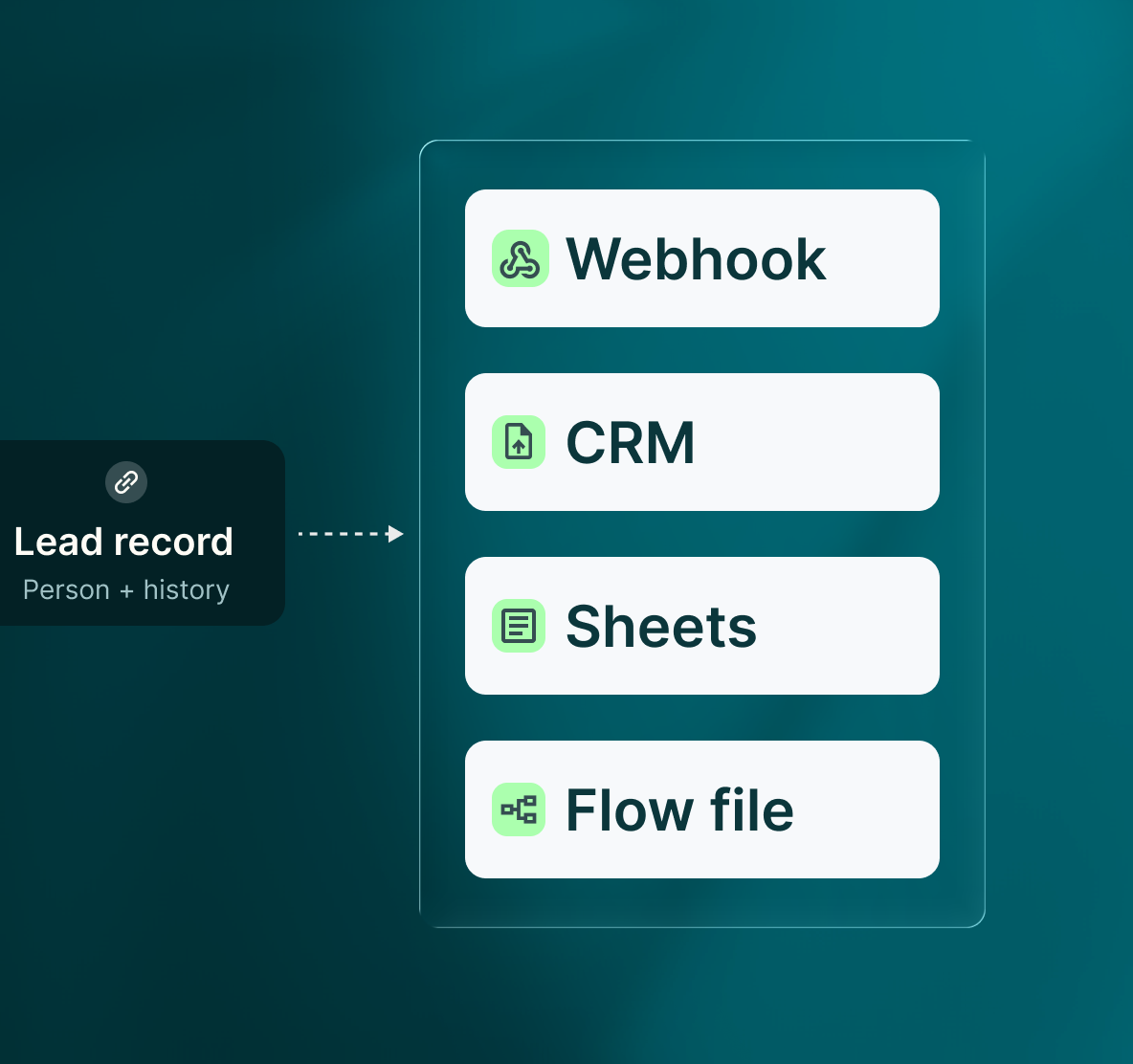
The lead record stays in GML, while supported integrations and exports let the rest of your workflow use the information it needs.
- Create and update contacts and companies, push activity and results, and create deals on Interested or Meeting booked.
- Use Zapier, Make.com, n8n or Webhook to connect the workflows around GML.
- Export a flow and import it into another campaign when you want to reuse the same play.
Case studies
Teams who can show their work
“Using Get Me Leads has been one of our smartest investments. Our team actively engages with the platform, and we’ve seen a notable boost in our sales.”




“We’ve fully transitioned our operations to Get Me Leads. The product is user-friendly and adaptable, greatly helping us increase our lead generation.”


Build the list. Check who is in it. Then launch.
Questions
Data in, data out
No. GML does not sell a contact database. Lists come from LinkedIn, Sales Navigator, groups, events, visitors, CRMs and your own files. Missing emails can be found per prospect with credits.
Yes. Bring enriched fields with your imported data. GML also has live integrations with Apollo, Clay and ZoomInfo, and Apollo powers GML's email enrichment.
There is not one fixed four-variable limit. LinkedIn has first name, full name, company and job title as standard tags; Send Message adds position, location, industry and mutual connections. Email can use any mapped or custom field.
Set a fallback with {{field|fallback}}. The email quality check blocks unknown variables and variables without either a value or fallback before launch.
Yes. Reports and exports are available by campaign, step, version, mailbox and lead. Flow files can also be exported and reused in another campaign.
On the lead record. Campaign Status shows each step, its timestamp and outcome, plus the exact message that was sent.