


 Blocklist
One Global Blocklist. Protection Across Every Channel.
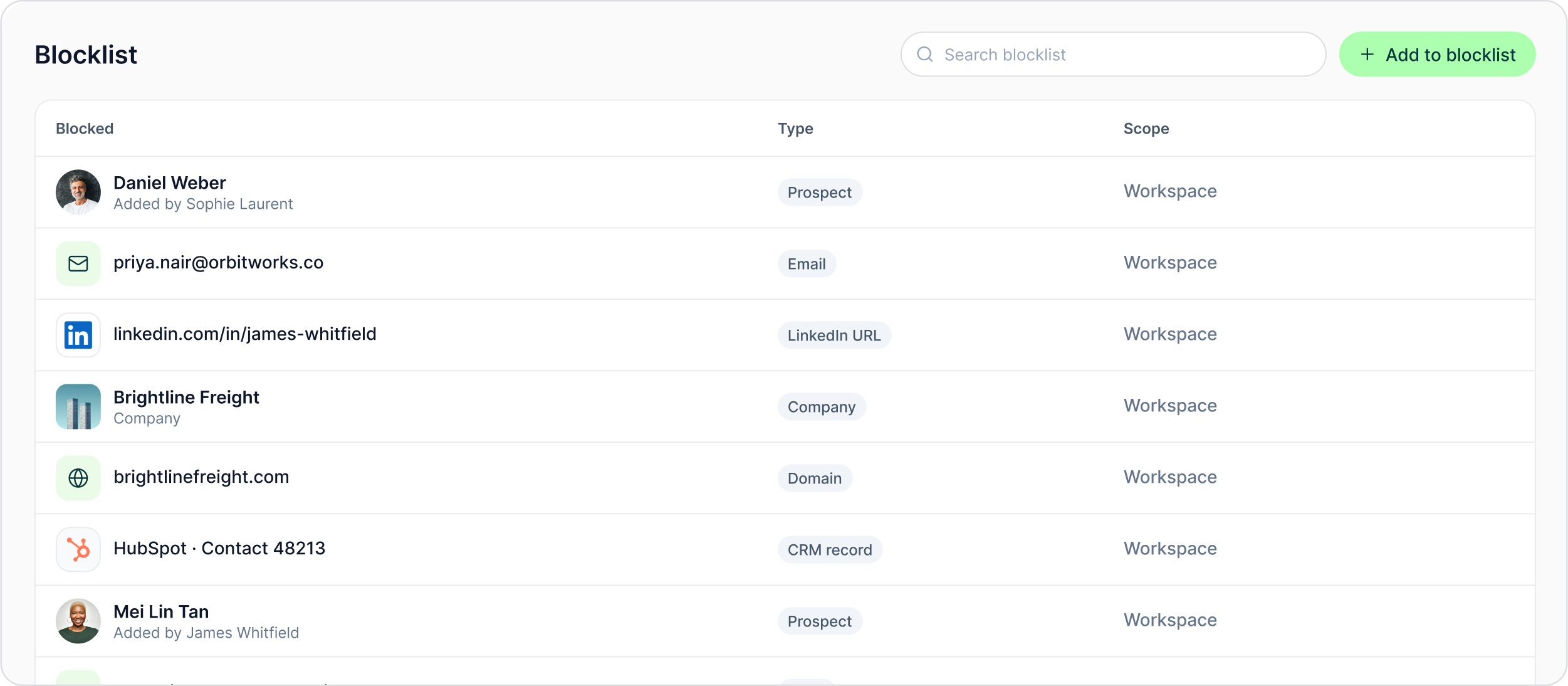
Block a prospect, email address, LinkedIn profile, company, domain or CRM record once. GML checks that workspace-wide list before enrolment and again before every campaign step.
The LinkedIn outreach platform trusted by 300+ Companies and across 60+ Industries








The Blocklist
Block the person. Or block the wider relationship.
The workspace blocklist supports several identifiers so the team can apply the do-not-contact decision at the level that fits the case.
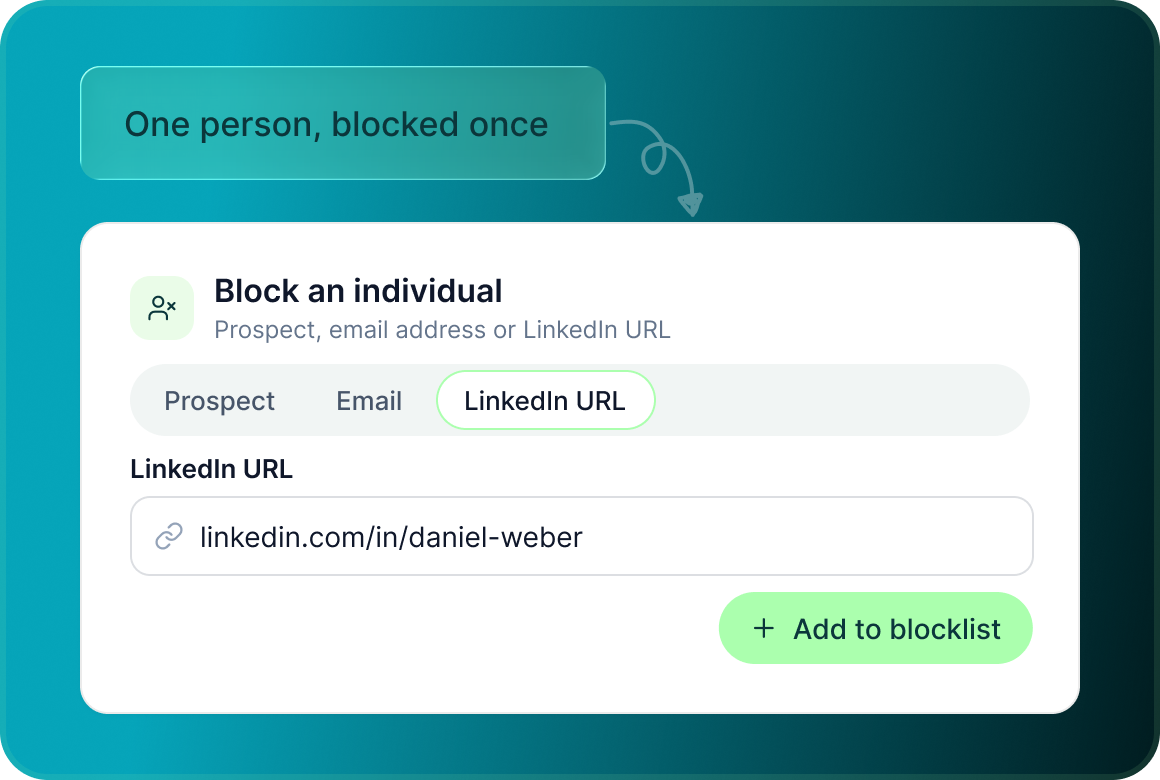
Block an individual
Add a specific prospect, email address or LinkedIn URL to the blocklist.
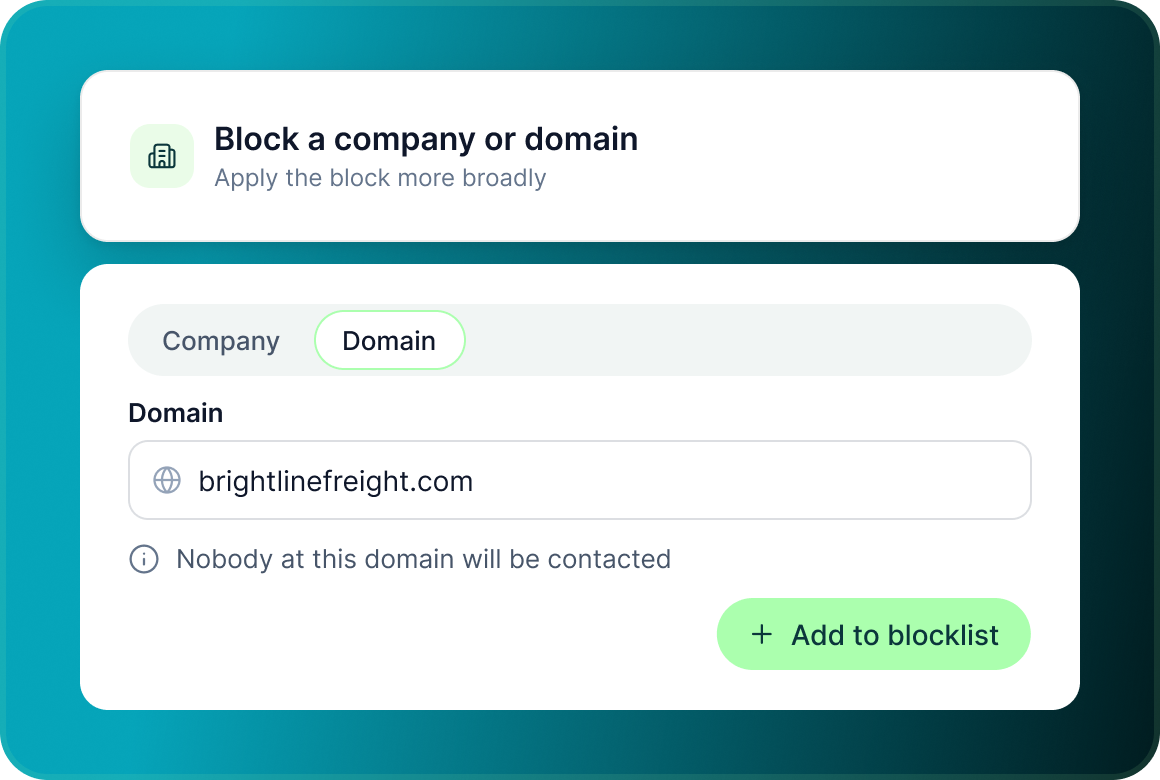
Block a company or domain
Apply the block more broadly when nobody from a company or email domain should be contacted.
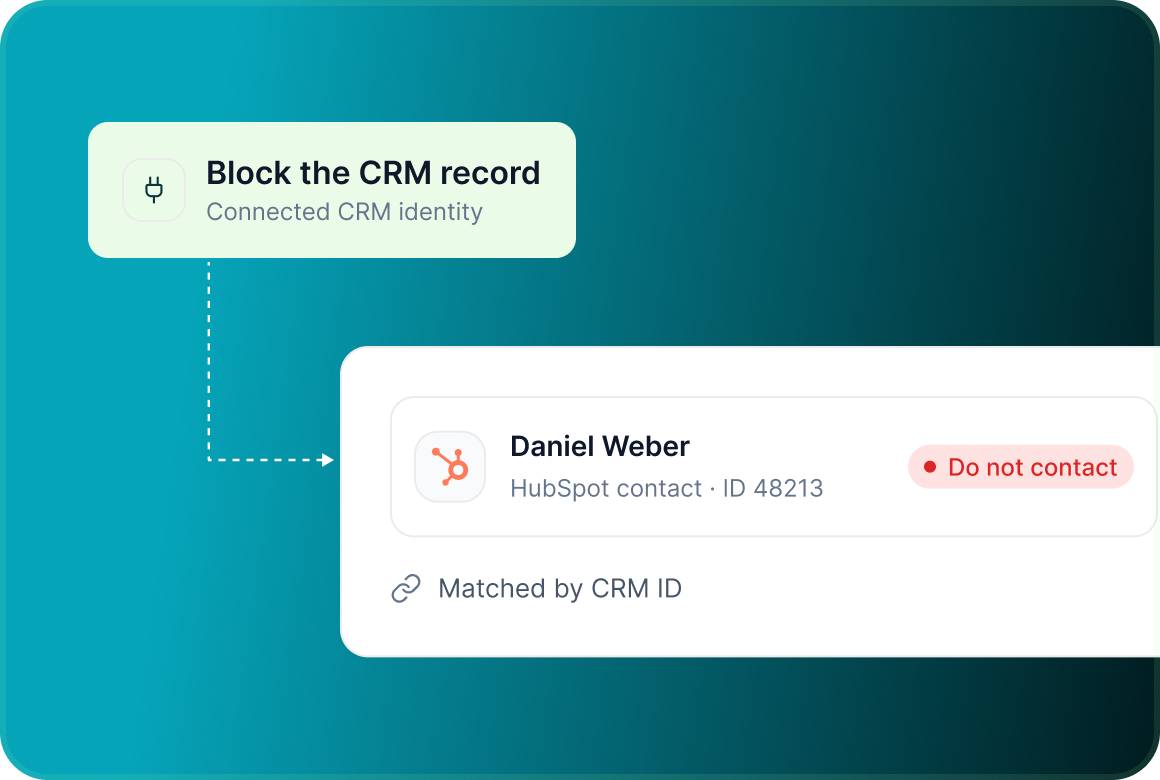
Block the CRM record
Use the connected CRM identity as another do-not-contact key.
Enforcement
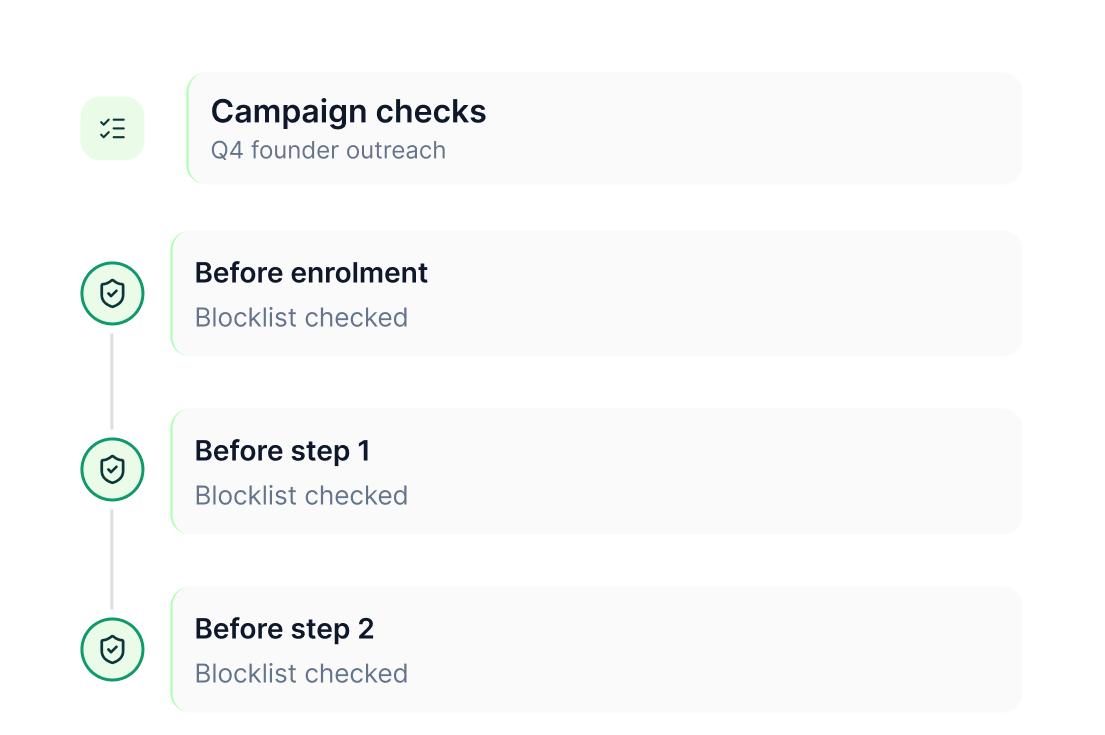
Check before they enter. Check again before the next step.
GML does not rely on a one-time check when the campaign starts. The do-not-contact list is checked at two important moments: First Before enrolment, Second before every campaign step
Every channel
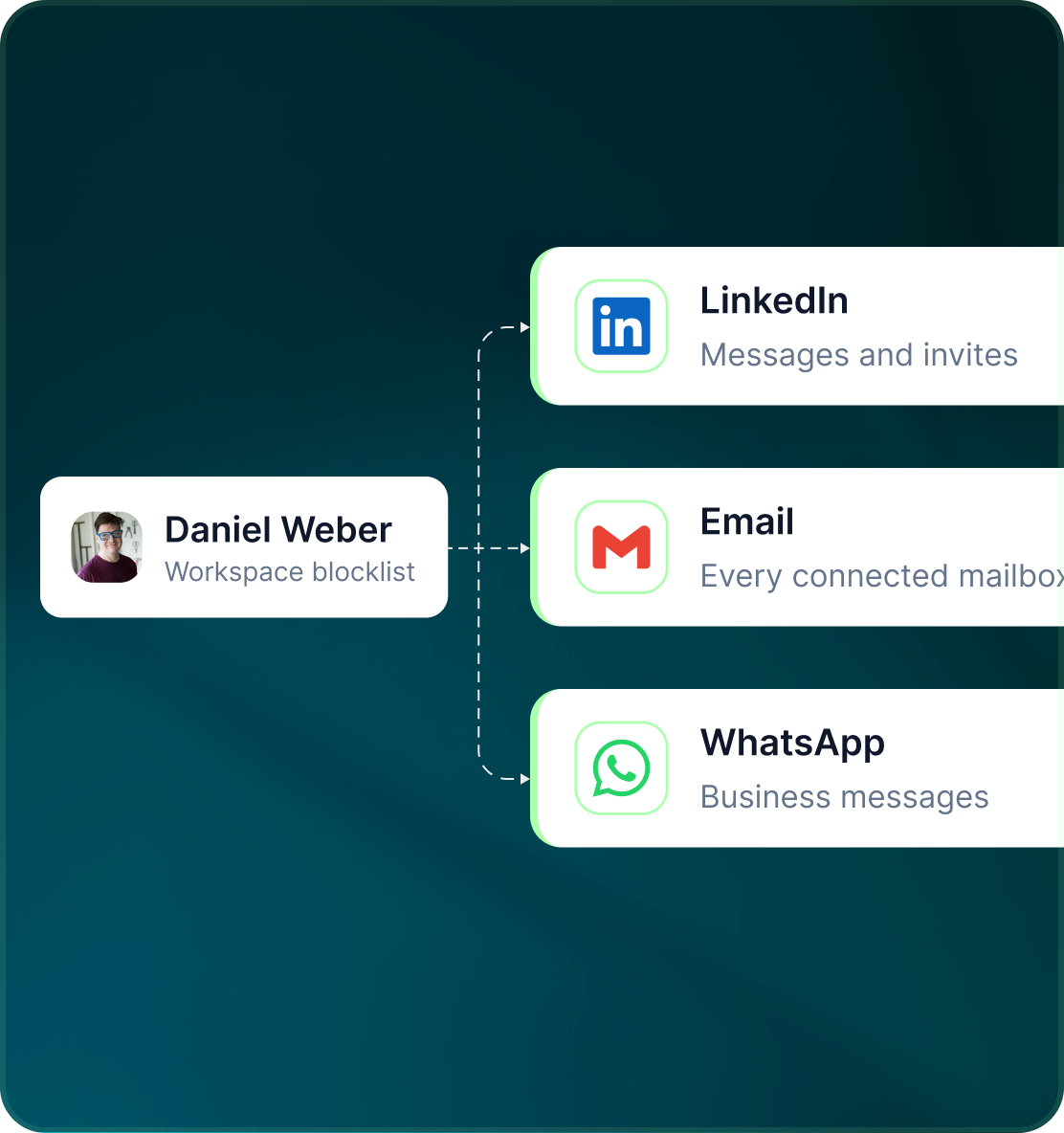
Do not block the email and forget the LinkedIn message
The workspace blocklist operates across channels so a do-not-contact decision is not limited to one sending system.
- Keep the restriction at workspace level.
- The same block is checked wherever the campaign reaches the prospect.
- Separately, when a prospect replies on any channel, outreach to that person pauses everywhere.
Control & audit
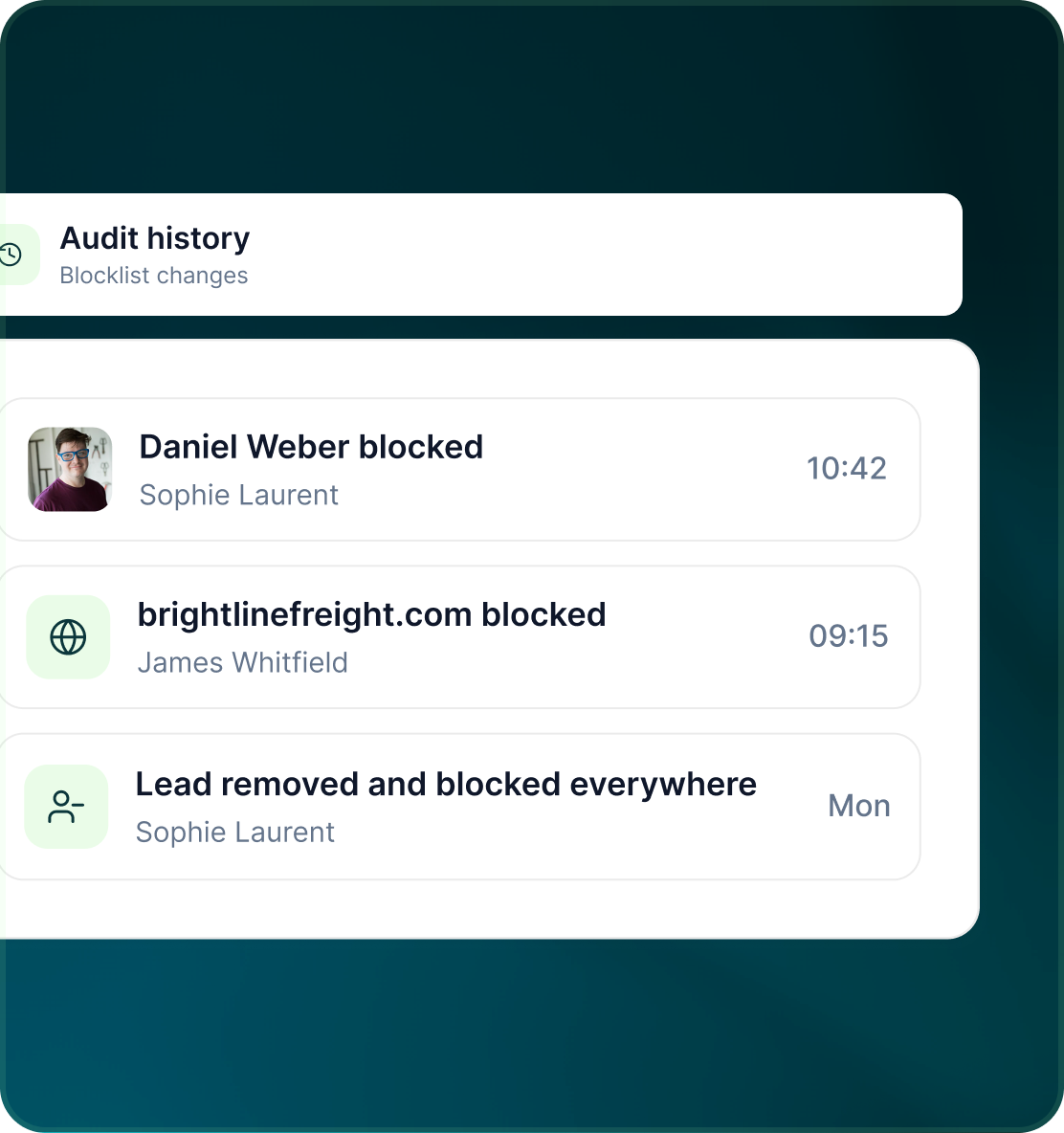
A do-not-contact decision should be visible afterwards
Blocklist changes form part of GML's audit history, and individual lead actions can also move a person from the campaign into a wider block.
- Removing a lead can stop them immediately and optionally block them everywhere.
- The audit history records block-list changes alongside other important workspace activity.
- GML also prevents duplicate outreach across campaigns and seats, matched by LinkedIn URL, email or CRM ID.
Case studies
Teams who can show their work
“Using Get Me Leads has been one of our smartest investments. Our team actively engages with the platform, and we’ve seen a notable boost in our sales.”




“We’ve fully transitioned our operations to Get Me Leads. The product is user-friendly and adaptable, greatly helping us increase our lead generation.”


Build the list. Check who is in it. Then launch.
Questions
The GML Blocklist
A prospect, email address, LinkedIn URL, company, domain or CRM record.
No. It is workspace-wide.
Before a prospect is enrolled and again before every campaign step.
Yes. It is part of GML's cross-channel safety controls.
Yes. Removing a lead stops them immediately and includes an option to block them everywhere.
Yes. Block-list changes are included in the workspace Audit Log.