


 Campaign Templates
Start with a Template. Customize Your Campaign.
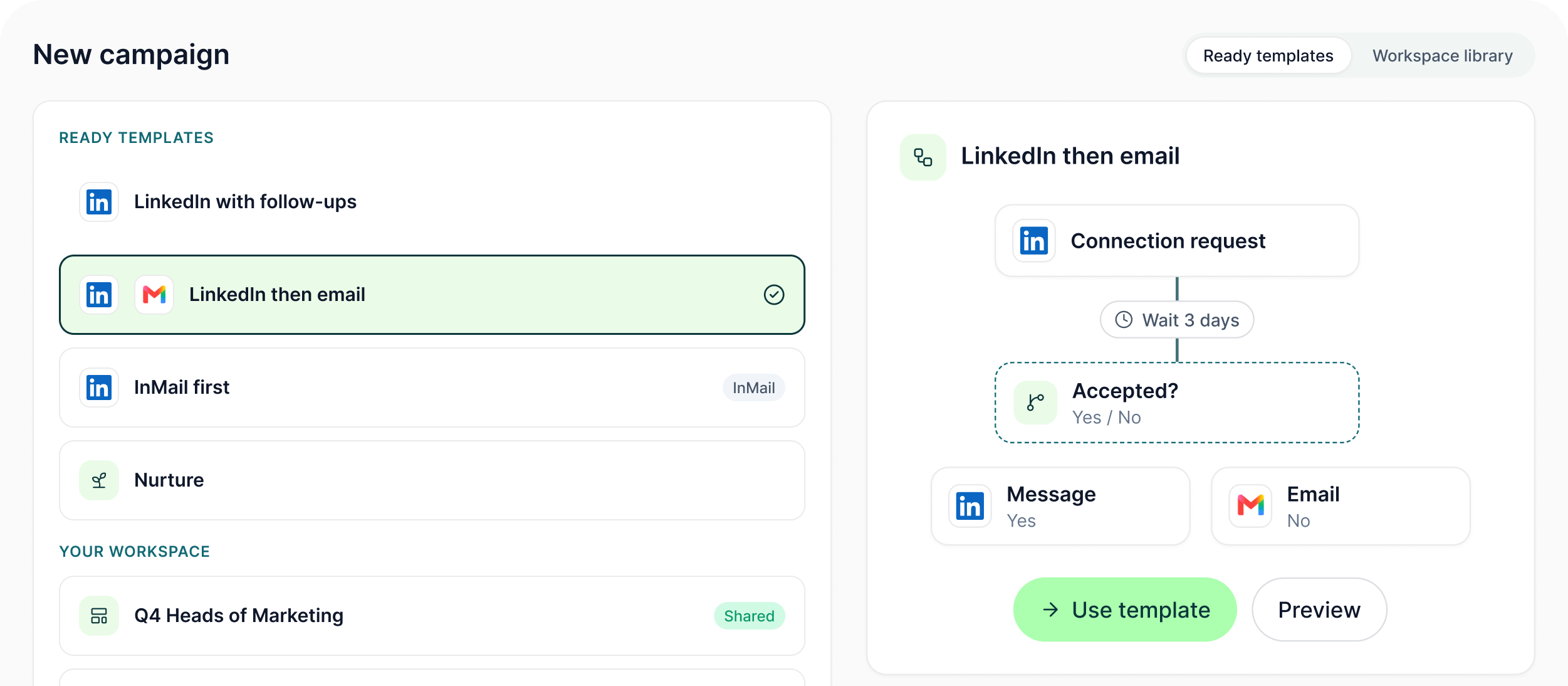
Save campaigns as reusable templates, duplicate and share them across the workspace, or start from one of five ready flow templates already included in GML.
The LinkedIn outreach platform trusted by 300+ Companies and across 60+ Industries








The Template
More than a saved sequence of boxes
A campaign template can preserve the operating structure around the flow so the next campaign does not begin from an empty canvas.
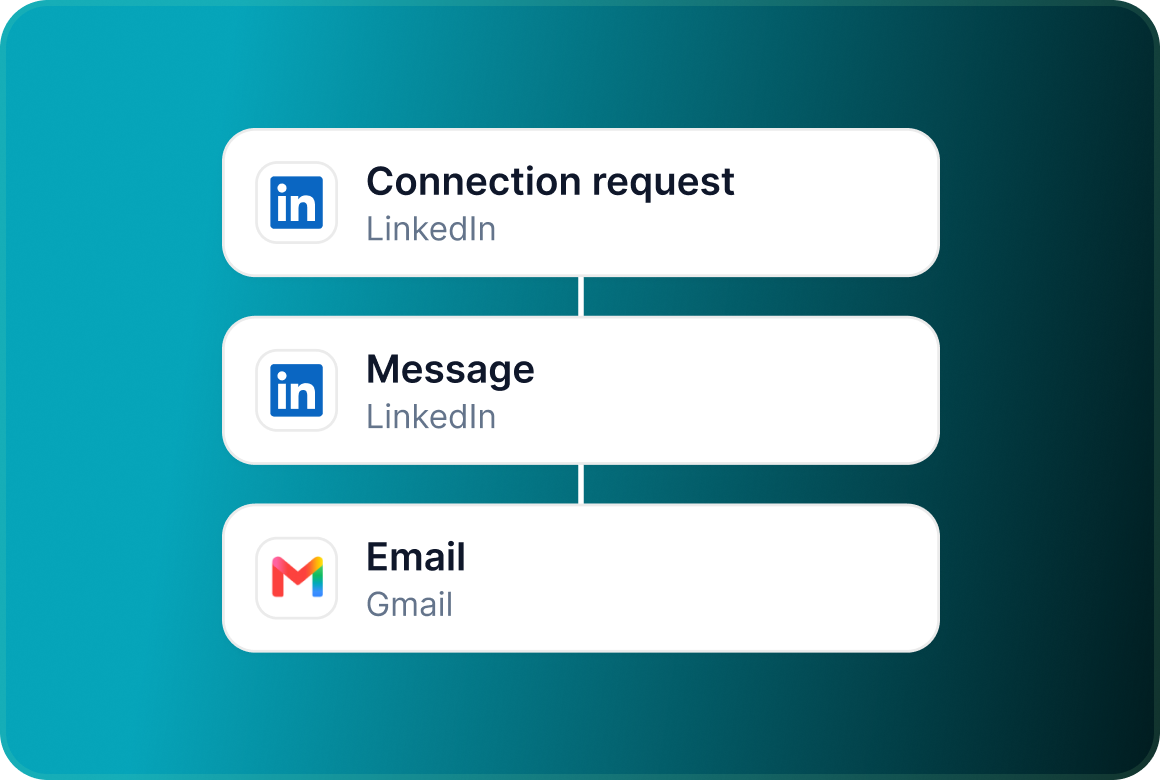
Channels and steps
Keep the campaign's channel structure and the actions that make up the sequence.
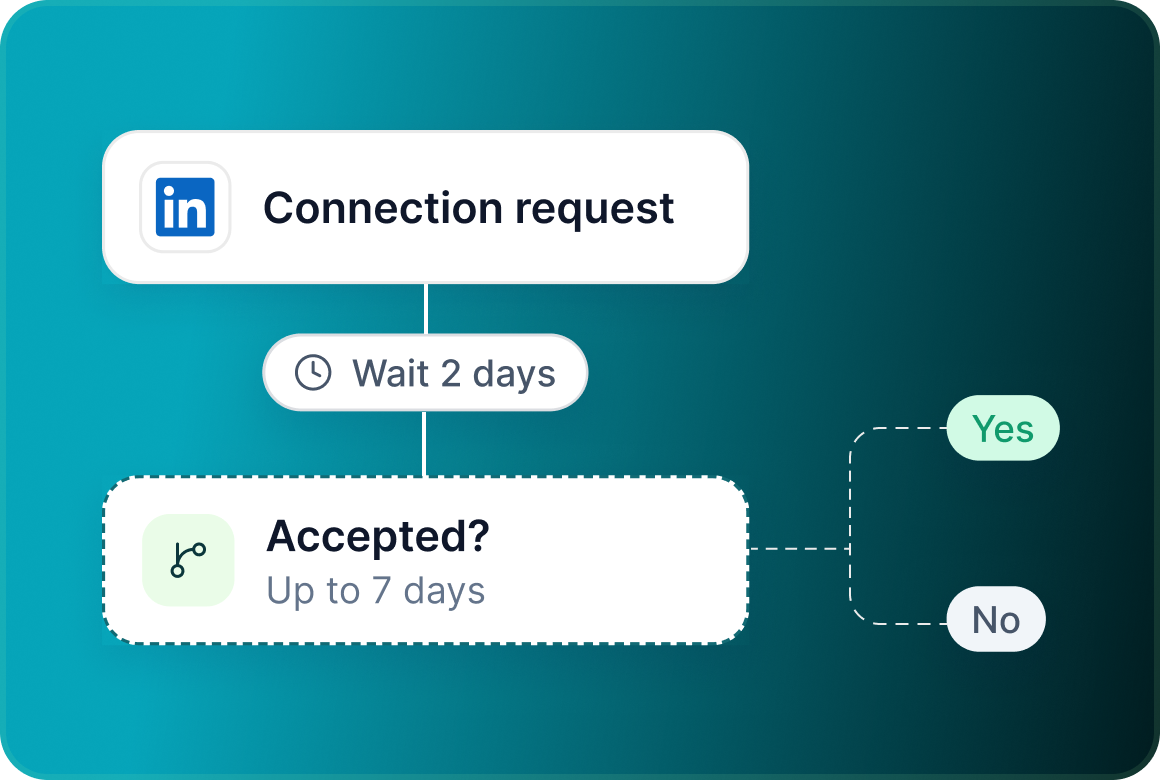
Delays and conditions
Preserve the timing between actions and the Yes/No logic that determines what happens next.
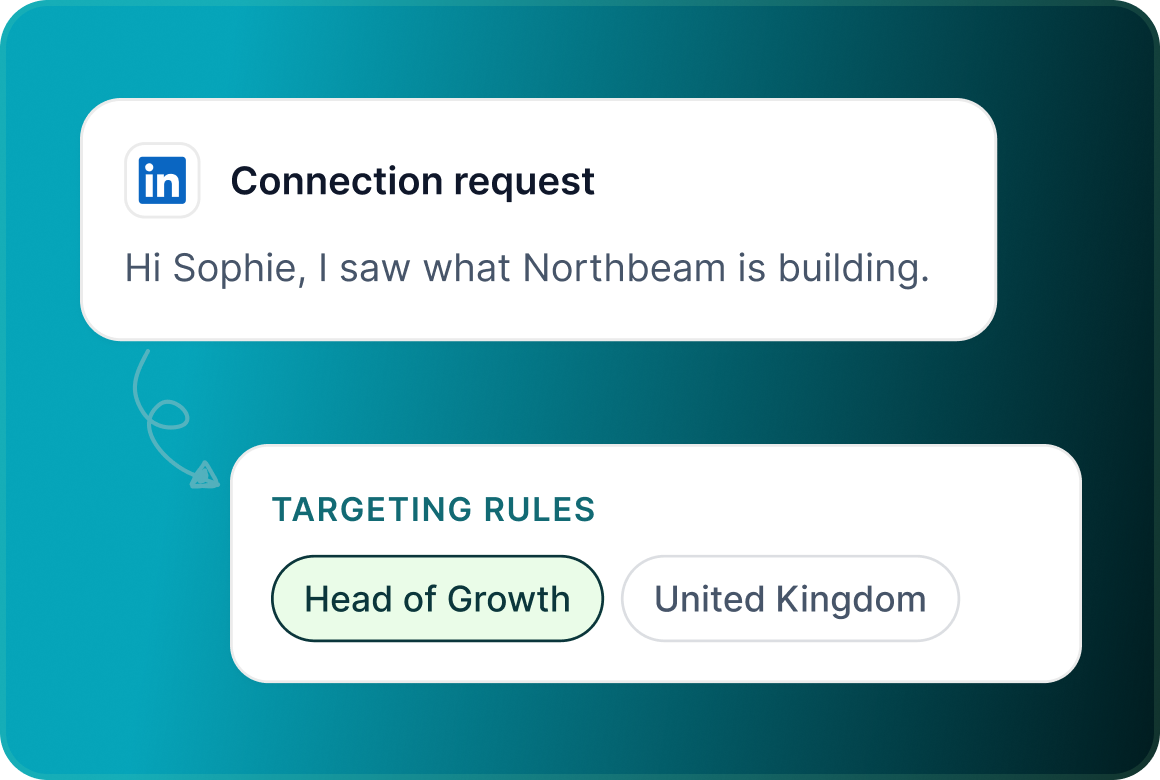
Messages and targeting rules
Templates can also carry the campaign's message content and targeting rules.
Included
Five starting points already in the library
Use a ready flow when its structure fits the job, then edit it before launch.

Workspace library
When the team finds a useful structure, keep it available
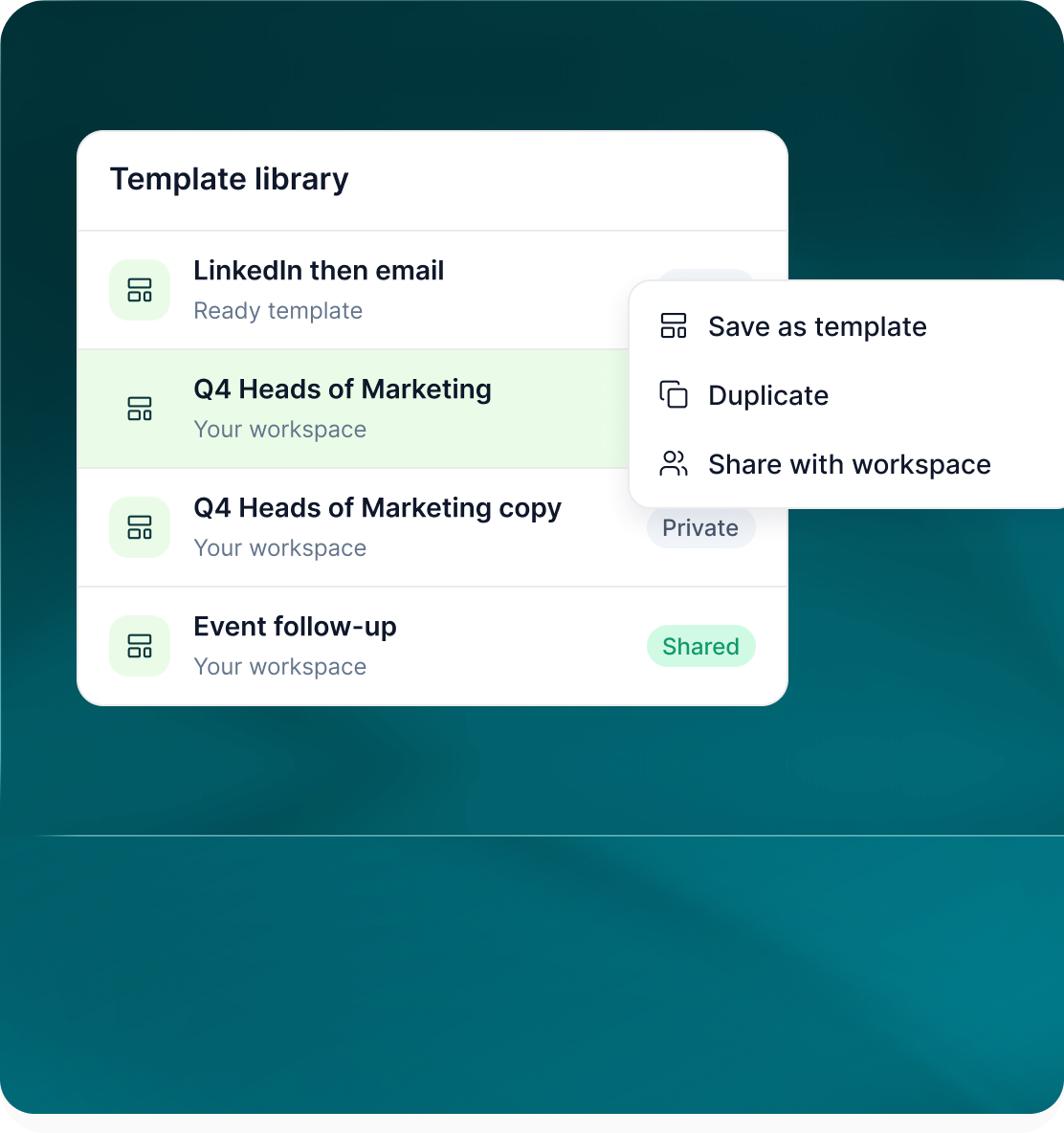
The template library is not limited to the flows shipped with GML. Your team can build its own reusable campaign templates.
- Turn a campaign or flow into a reusable template.
- Create another version without changing the template you started from.
- Make the template available for other people in the workspace to use.

Reuse
Two ways to carry campaign structure forward
Templates and flow files both reduce rebuilding, but they fit different workflows.
- Pick a saved or ready template when creating the campaign.
- Load an exported flow directly into another campaign.
- Whichever route you choose, the campaign returns to the normal builder so you can change the flow before launch.
Case studies
Teams who can show their work
“Using Get Me Leads has been one of our smartest investments. Our team actively engages with the platform, and we’ve seen a notable boost in our sales.”




“We’ve fully transitioned our operations to Get Me Leads. The product is user-friendly and adaptable, greatly helping us increase our lead generation.”


Build the list. Check who is in it. Then launch.
Questions
Campaign templates in GML
A template can include channels, steps, delays, conditions, messages and targeting rules.
Yes. The campaign template library supports creating and saving your own templates.
Yes. Templates can be duplicated and then edited separately.
Yes. Templates can be shared within the workspace.
Short LinkedIn, LinkedIn with follow-ups, LinkedIn then email, InMail first and Nurture.
No. A template is a saved, shareable campaign or flow in the library. A flow file is an exported flow that can be loaded into another campaign.