


 Warm-Up
Warm Up New Senders. Scale Outreach Gradually.
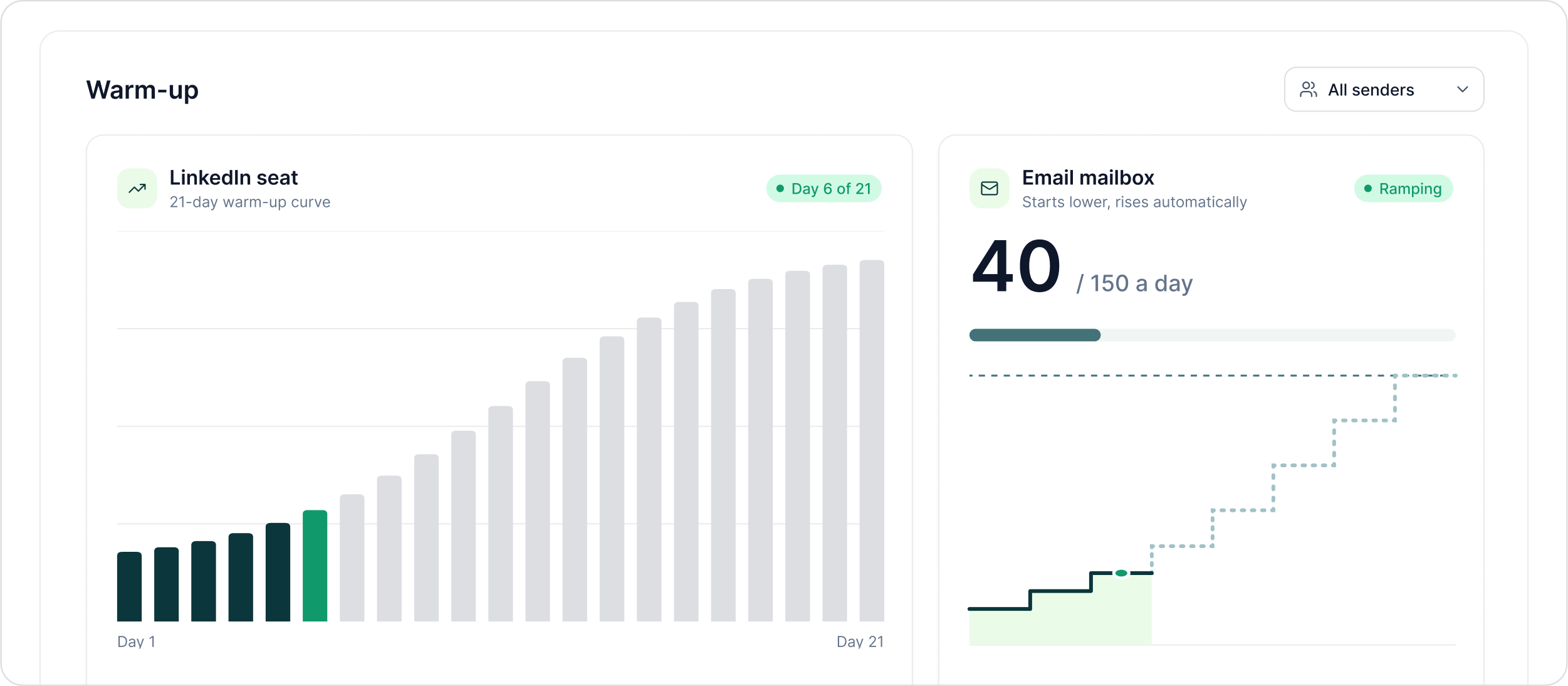
Every new LinkedIn seat follows a 21-day warm-up curve. New email mailboxes also start at a lower daily limit and ramp automatically towards their target.
The LinkedIn outreach platform trusted by 300+ Companies and across 60+ Industries








The Ramp
Start lower. Move towards the target gradually.
Warm-up changes how quickly a new sender approaches its configured sending limits while keeping progress visible to the operator.
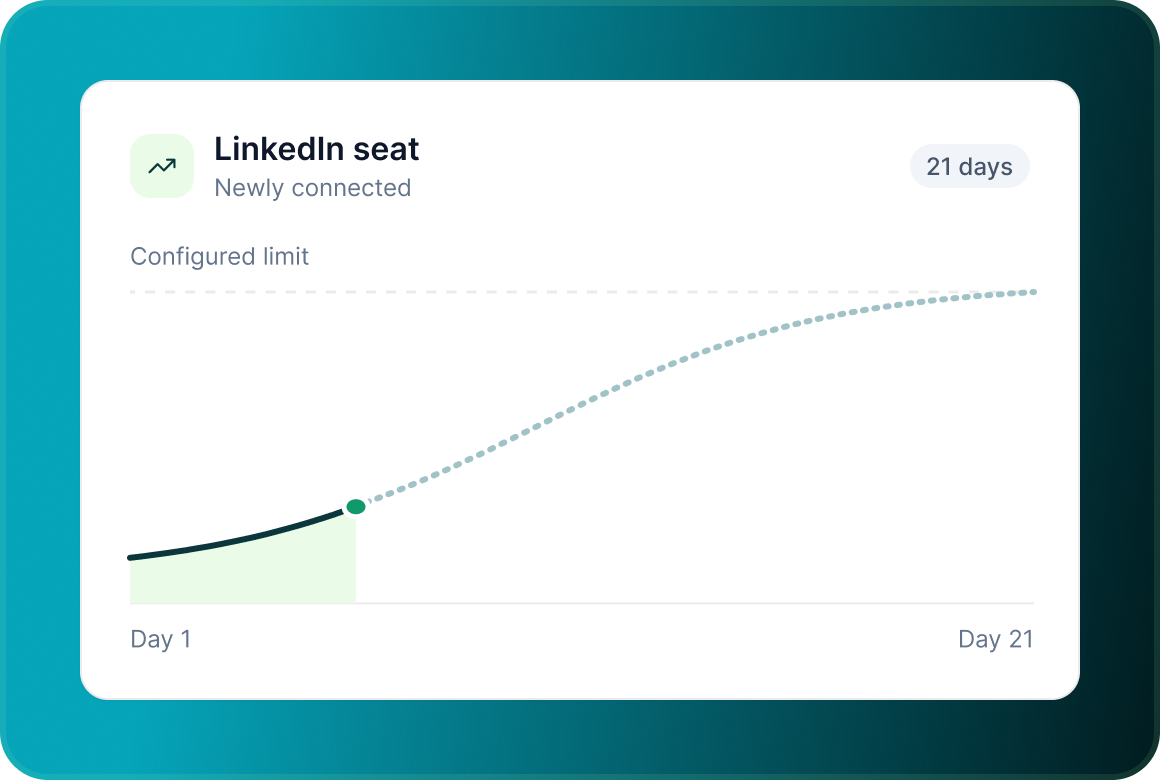
LinkedIn follows a 21-day curve
Every newly connected LinkedIn seat follows the same documented 21-day warm-up period.
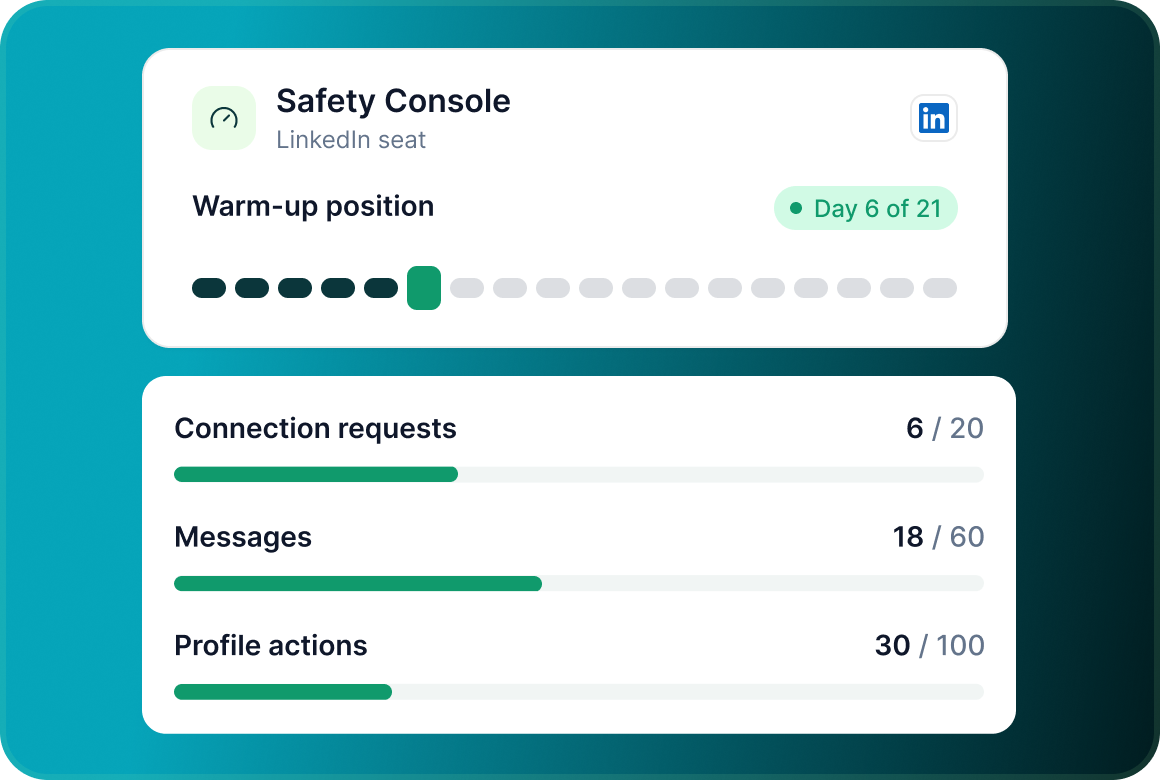
See where the seat is on the curve
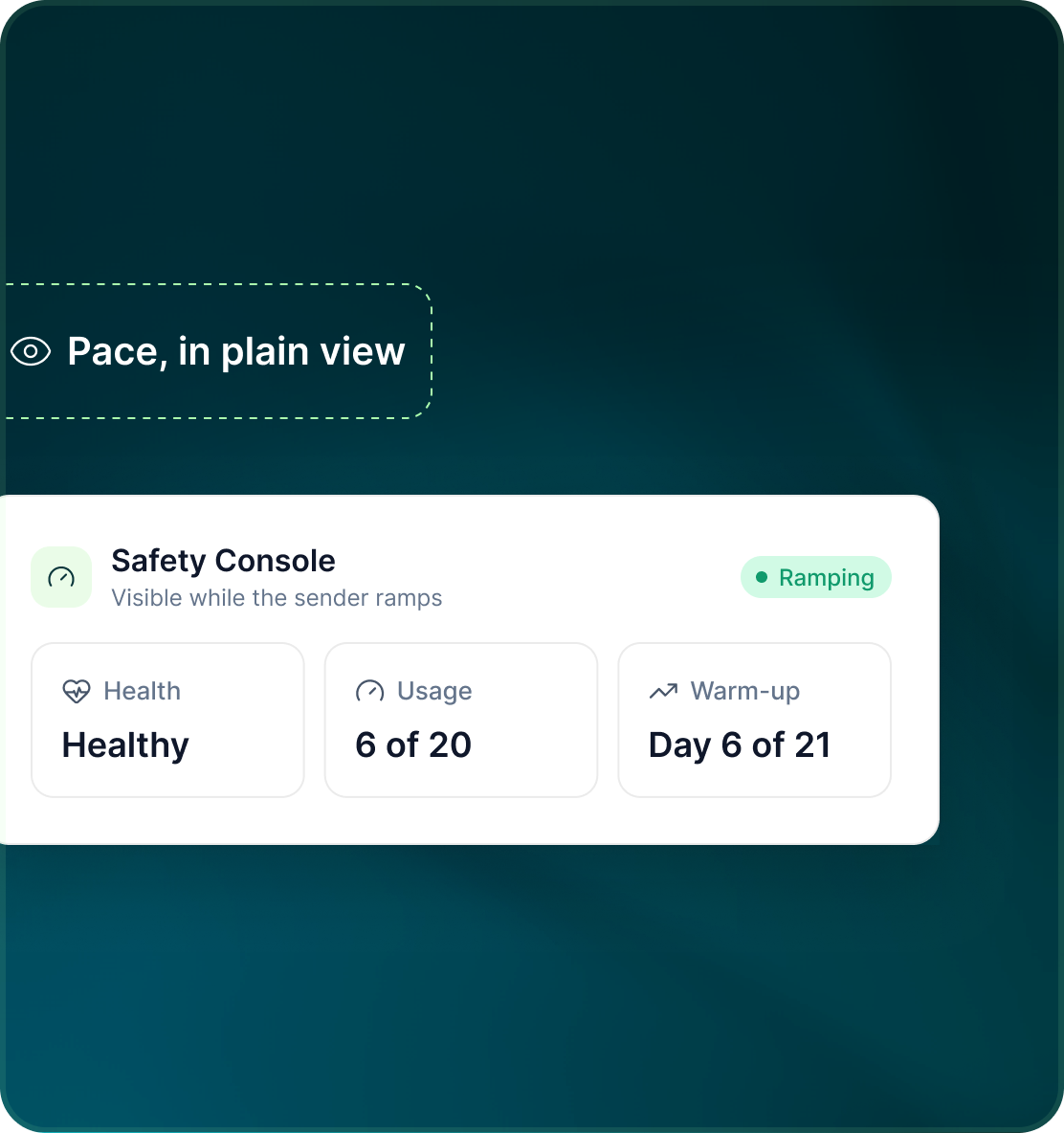
The Safety Console shows the seat's current warm-up position alongside its action limits.
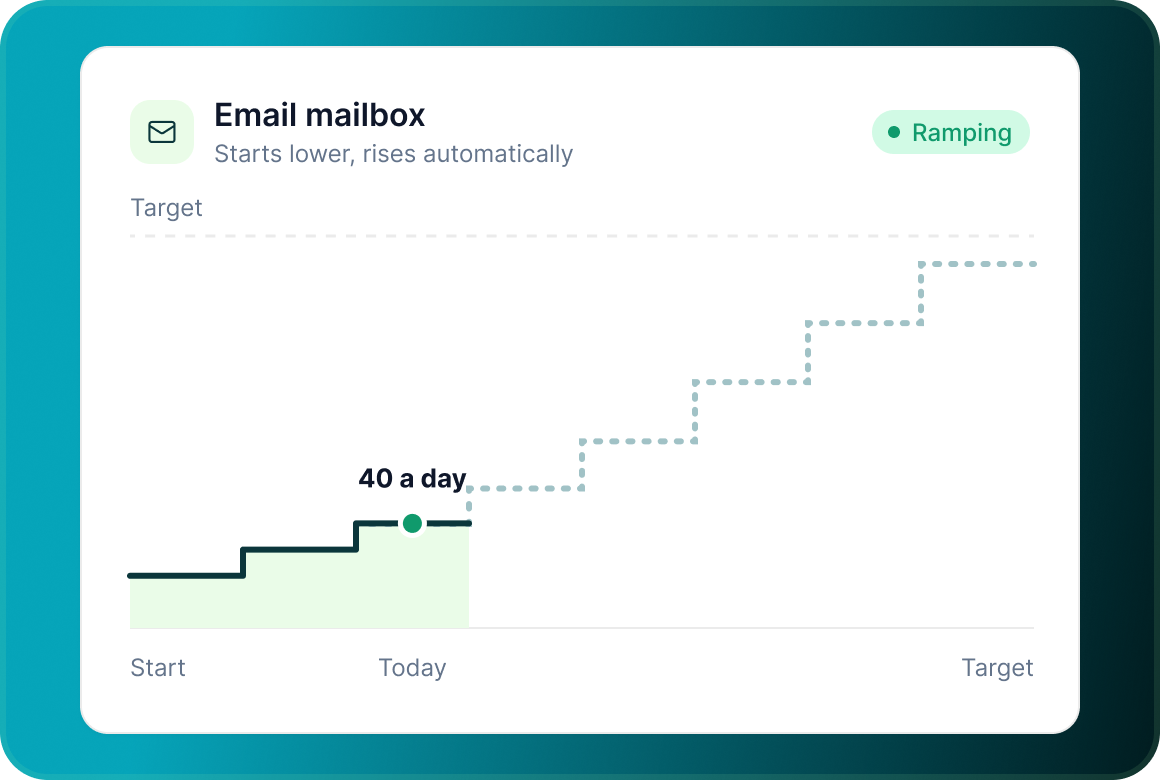
Email ramps too
A new email mailbox starts on a low daily limit that increases automatically towards its configured target.
Safety Console
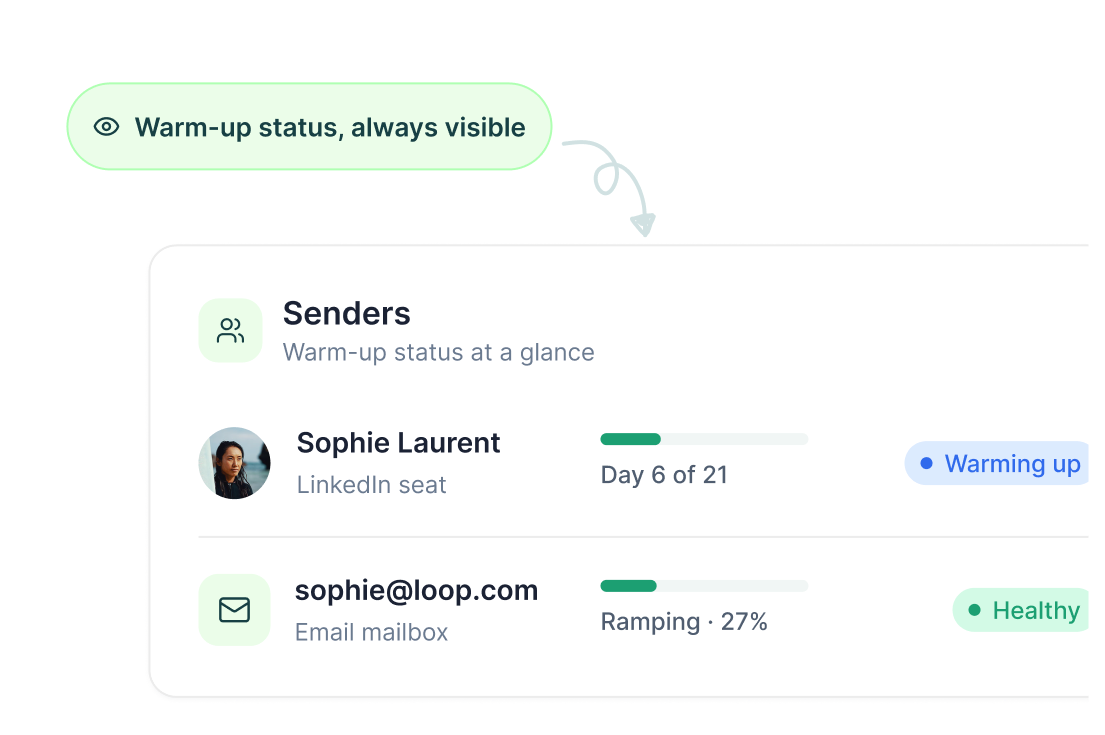
You should know whether the sender is still warming up
Warm-up status is not hidden in the background. LinkedIn seats show their position on the warm-up curve, while email account health shows warm-up progress and mailbox status.
The wider setup
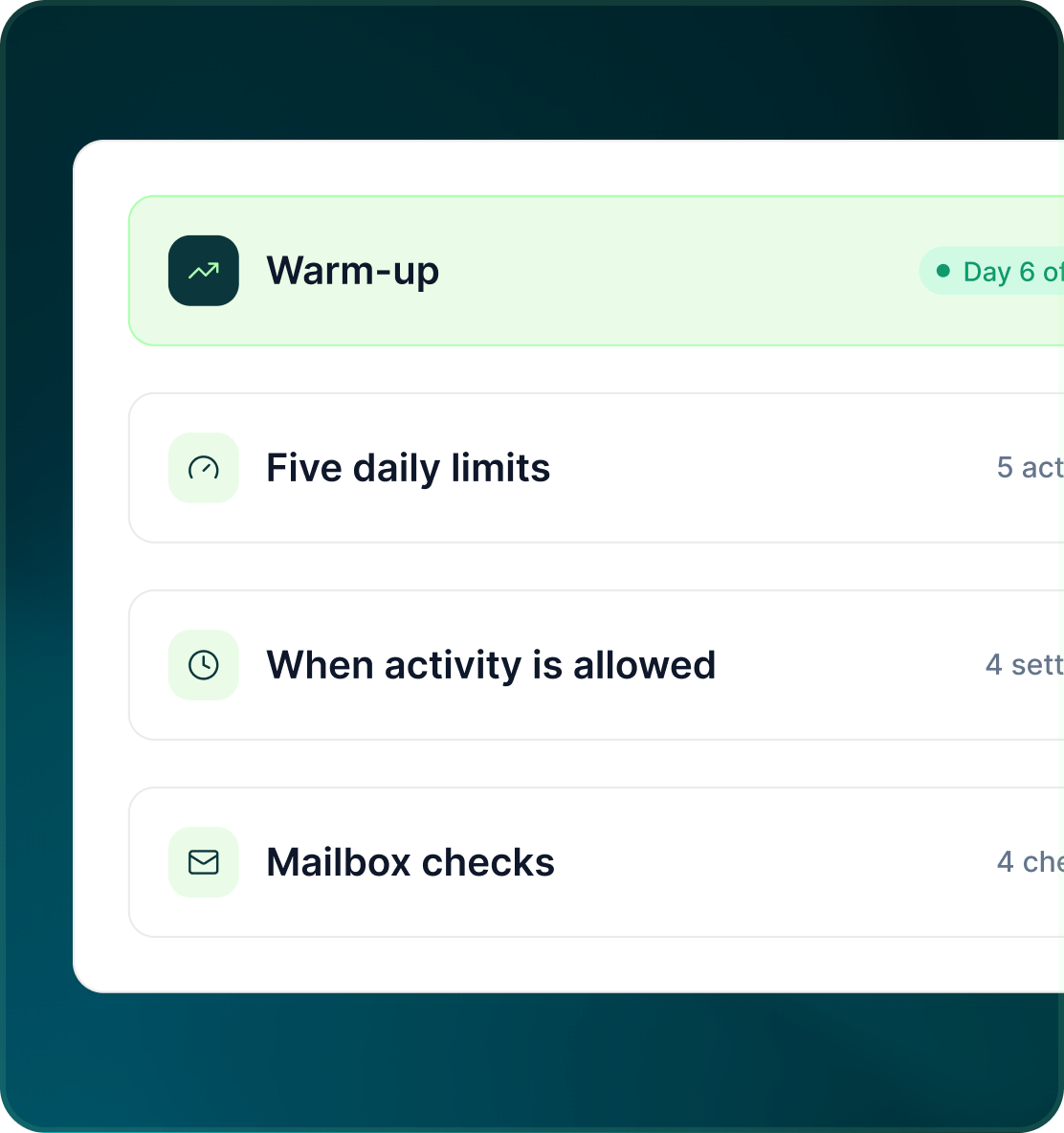
Warm-up is one control, not the whole safety model
The gradual ramp works alongside the other account and mailbox controls that determine when and how sending can happen.
- Warm-up operates alongside the five per-action daily limits.
- Send days, time zone, send window and sleep window still control when activity is allowed.
- Mailbox warm-up works alongside DNS checks, per-mailbox limits, bounce-rate monitoring and account-health status.
The boundary
A gradual ramp manages pace. It does not guarantee an outcome.
GML uses warm-up as part of a visible account-safety model. It should not be marketed as a guarantee that a LinkedIn account cannot be restricted or that an email sender cannot experience deliverability problems.
- Automatic ramp from a low starting limit to the target.
- Health, usage and warm-up progress remain visible while the sender ramps.
Case studies
Teams who can show their work
“Using Get Me Leads has been one of our smartest investments. Our team actively engages with the platform, and we’ve seen a notable boost in our sales.”




“We’ve fully transitioned our operations to Get Me Leads. The product is user-friendly and adaptable, greatly helping us increase our lead generation.”


Build the list. Check who is in it. Then launch.
Questions
Warm-up in GML
Every new LinkedIn seat follows a 21-day warm-up curve.
Yes. Its position on the curve is shown in the Safety Console.
Yes. A new mailbox starts with a low daily limit that rises automatically towards its target.
The Knowledge Base does not publish a fixed number of days for email warm-up, so the website should not invent one.
No. Warm-up works alongside the sender's other limits, windows and health controls.
No. It is one of GML's usage controls, not a guarantee against LinkedIn restriction or email-deliverability problems.