


 Create Campaign
Choose Your Channel. Build Smarter Campaigns.
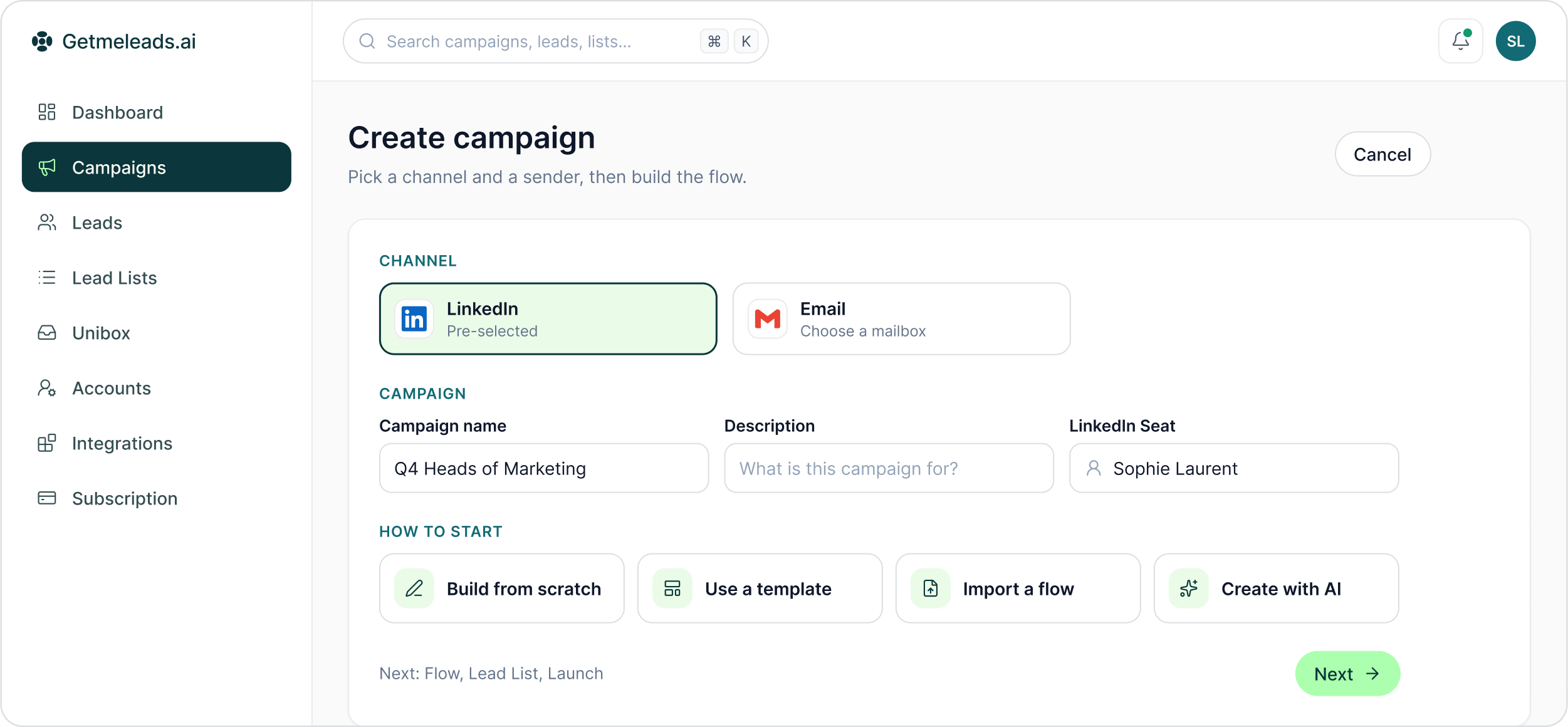
Start with LinkedIn or email, choose the sender, then move through Flow, Lead List and Launch.
The LinkedIn outreach platform trusted by 300+ Companies and across 60+ Industries








The setup
Three decisions before the sequence takes shape
A campaign connects a channel, a flow, a lead list, a sender and its launch settings. GML makes each one a deliberate step rather than a default to accept.
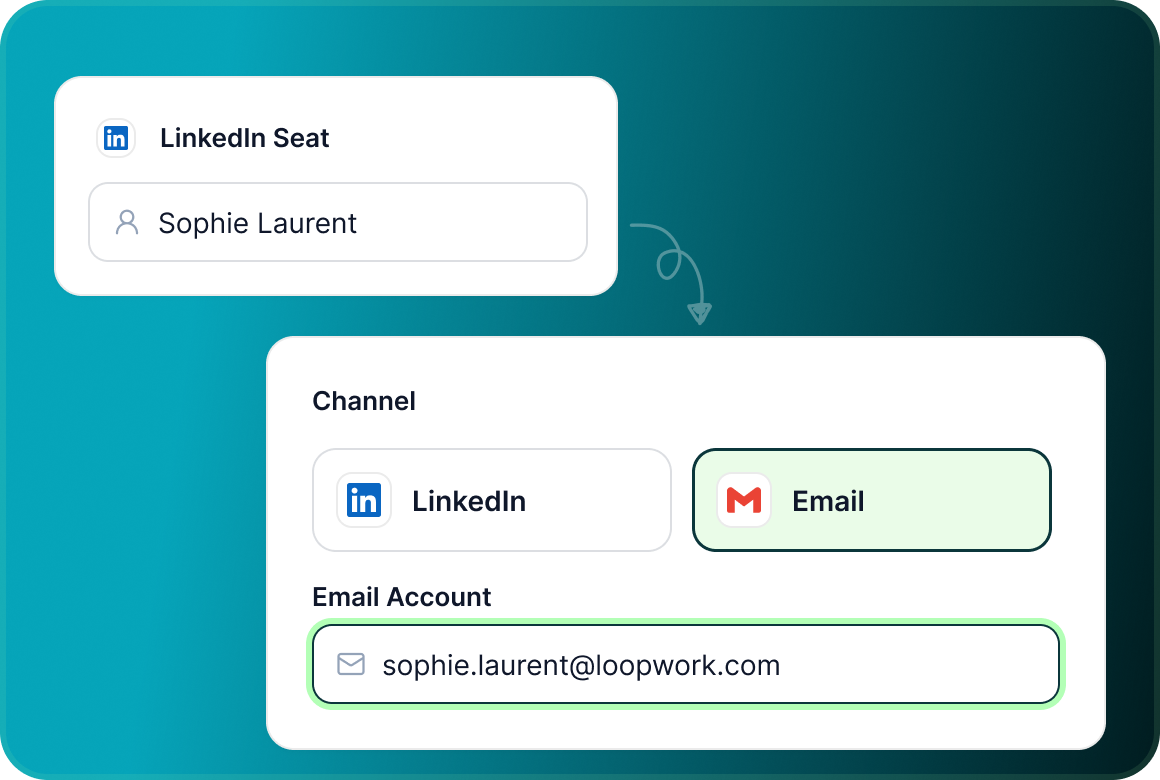
Choose LinkedIn or email
Channel is the first campaign setting. LinkedIn is pre-selected, while choosing Email replaces the LinkedIn seat with an email account.
Name it and choose the sender
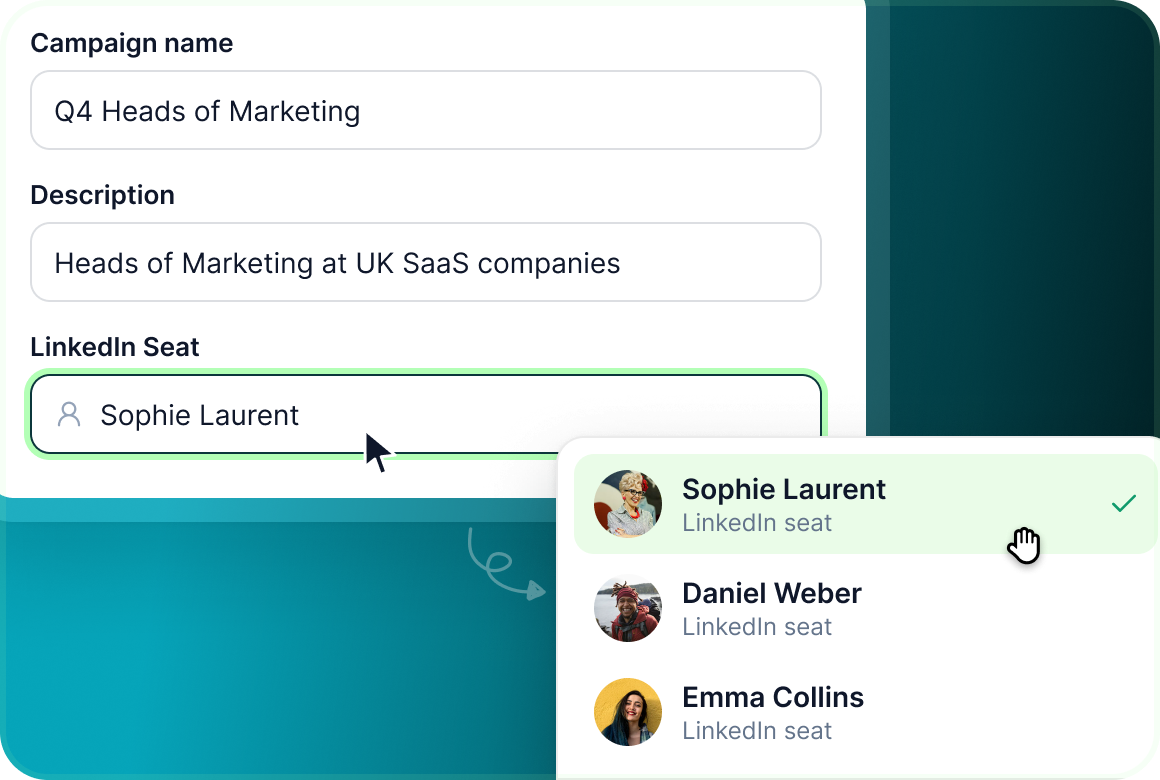
Add the campaign name and description, then select the LinkedIn seat or email mailbox the campaign will send from.
Choose how to start
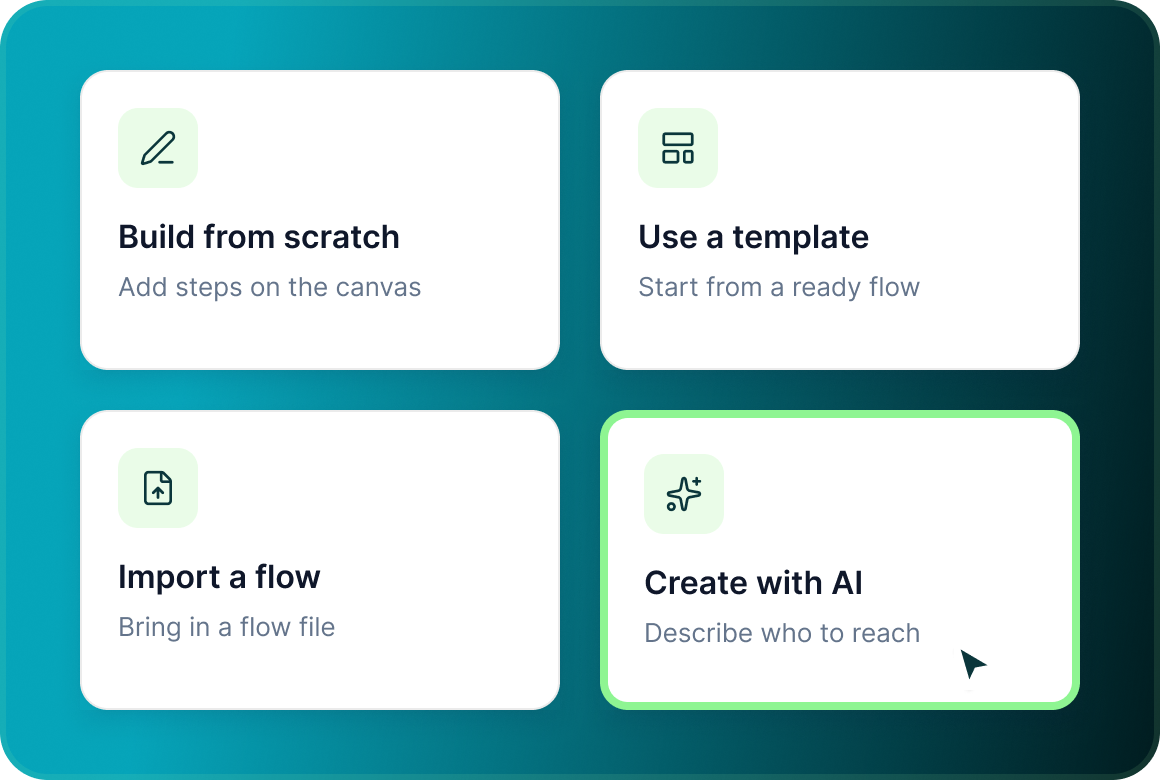
Build the flow yourself, start from a template, import an existing flow file or use Create with AI.
The builder
Flow. Lead List. Launch. In that order.
The campaign builder keeps the workflow in three stages. Complete the current stage and Next unlocks the one after it.
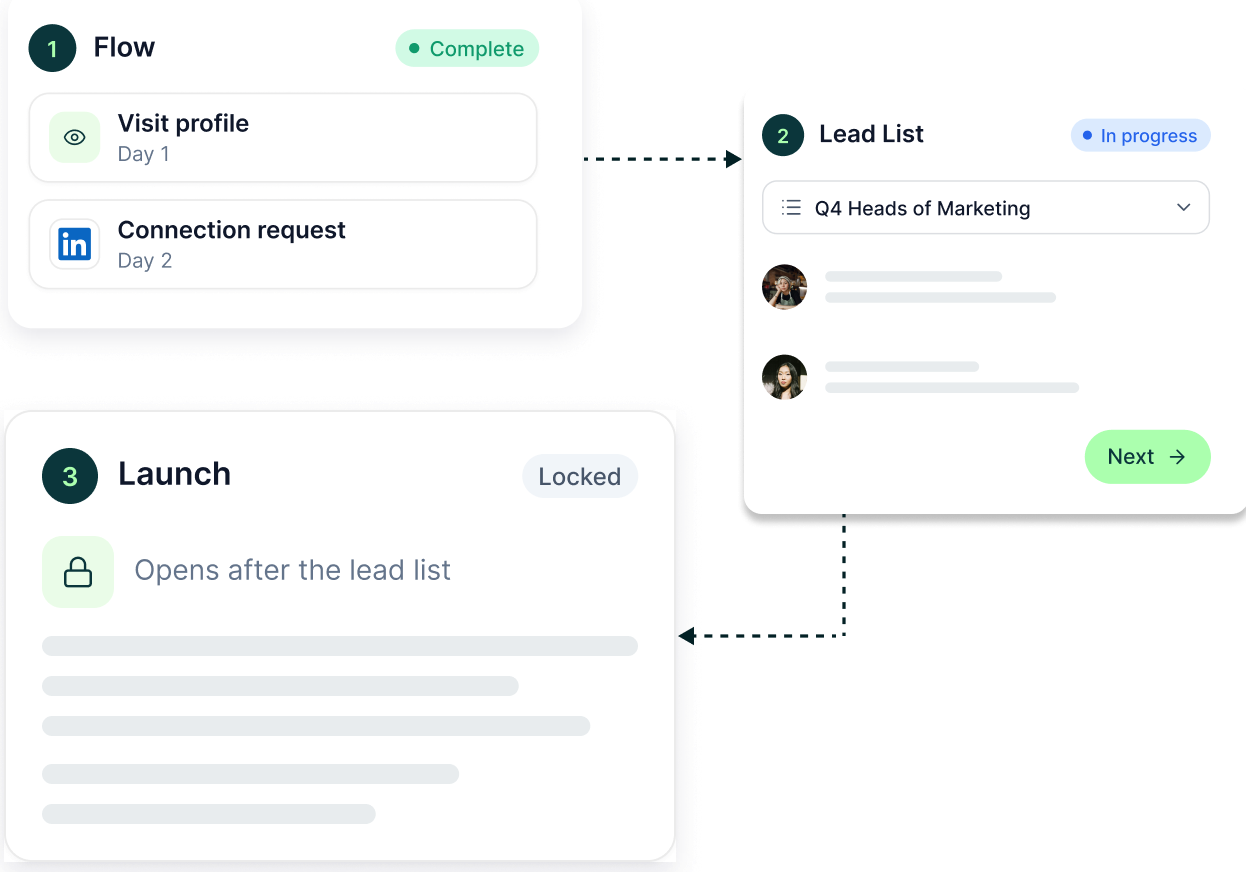
Where to start
Start from zero. Or start from something already built.
The campaign does not force one creation method. Choose the route that fits the work in front of you.
- Add actions and conditions directly on the visual canvas.
- Choose a campaign template or import a flow file from another campaign.
- Type or speak who you want to reach. AI can build the Sales Navigator targeting, fetch the list and take you into a ready flow template for review.

Launch setup
Set how it should run before the first lead enters
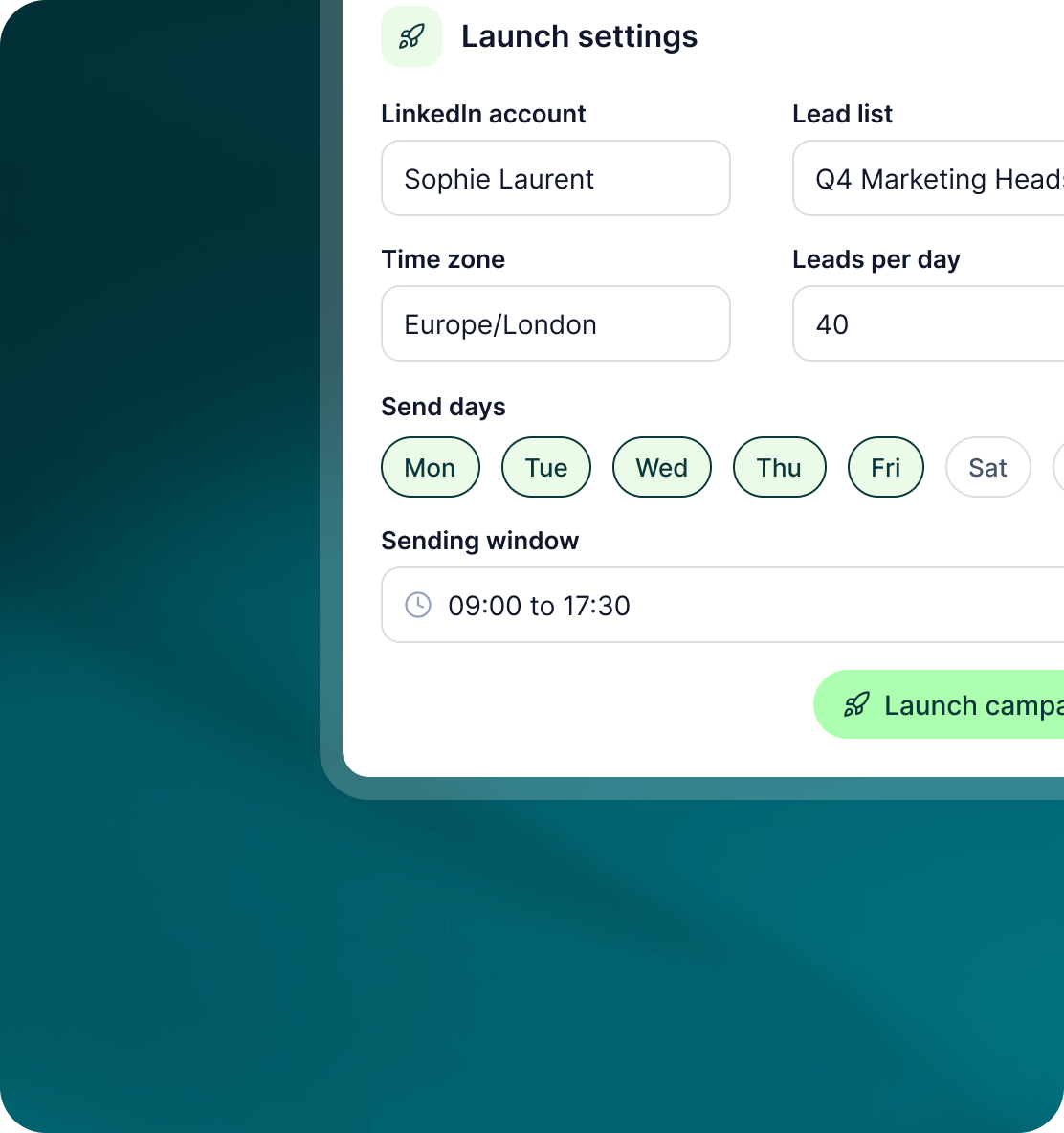
Launch is where the campaign gets its audience, timing and operating controls.
- For LinkedIn campaigns, configure the account, lead list, time zone, leads per day, send days and sending window.
- The pre-launch health check validates accounts, Sales Navigator availability, email authentication, limits, list quality, duplicates, the block list, credits and integrations.
- A launch can be scheduled for a chosen date and time. GML also shows a day-by-day estimate of how long the campaign is expected to run.
Case studies
Teams who can show their work
“Using Get Me Leads has been one of our smartest investments. Our team actively engages with the platform, and we’ve seen a notable boost in our sales.”




“We’ve fully transitioned our operations to Get Me Leads. The product is user-friendly and adaptable, greatly helping us increase our lead generation.”


Build the list. Check who is in it. Then launch.
Questions
Creating campaigns in GML
The Create Campaign dialog starts with LinkedIn or Email. Choosing Email uses an Email Account rather than a LinkedIn seat.
Yes. Email-only campaigns can be created and launched without connecting a LinkedIn account.
No. You can build by hand, start from a template, import a flow file or use Create with AI.
Flow, Lead List and Launch.
Yes. Launch can be scheduled for a chosen date and time.
The pre-launch health check returns Ready, Warning or Blocked and shows the reason behind the result.