


 For marketing teams
Turn campaigns into
conversations with the right accounts
Fill events, warm target accounts before a launch, follow up visitors and run regional outreach from the same workspace.
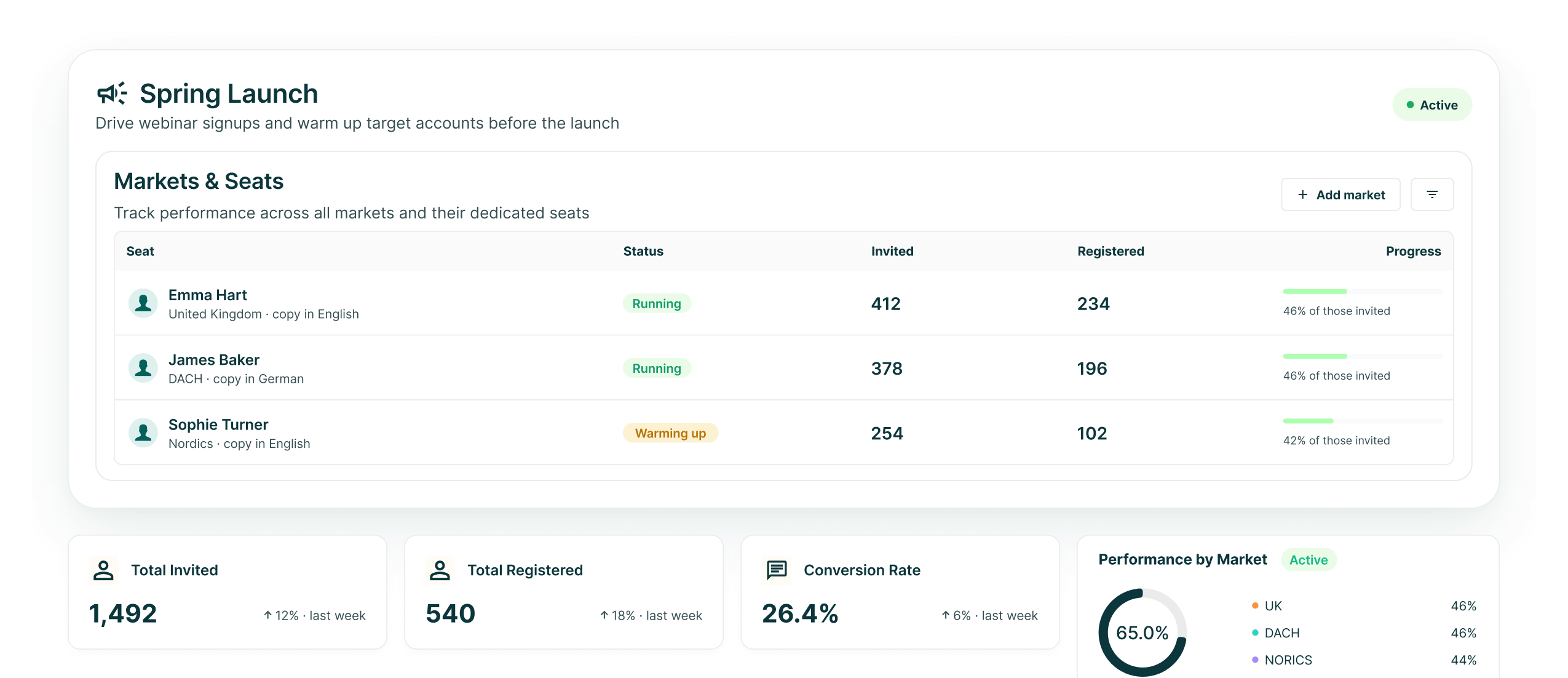
The marketing case
Use outbound around the campaigns you already run
GML gives marketing a direct route from audience selection to conversation, without losing the record of who was contacted and what they received.
Fill the room
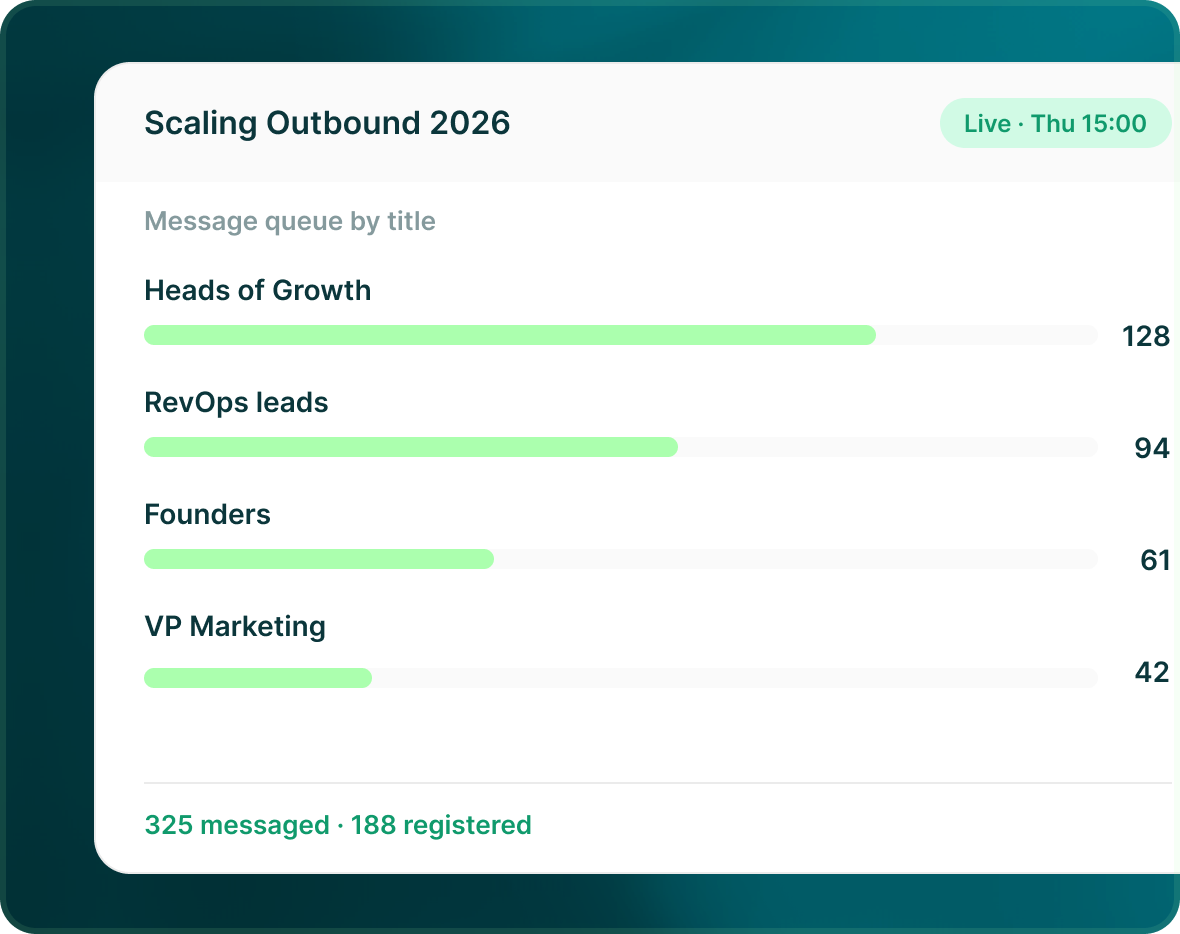
Build an event list from supported event sources or an attendee file, then contact the roles the session was designed for.
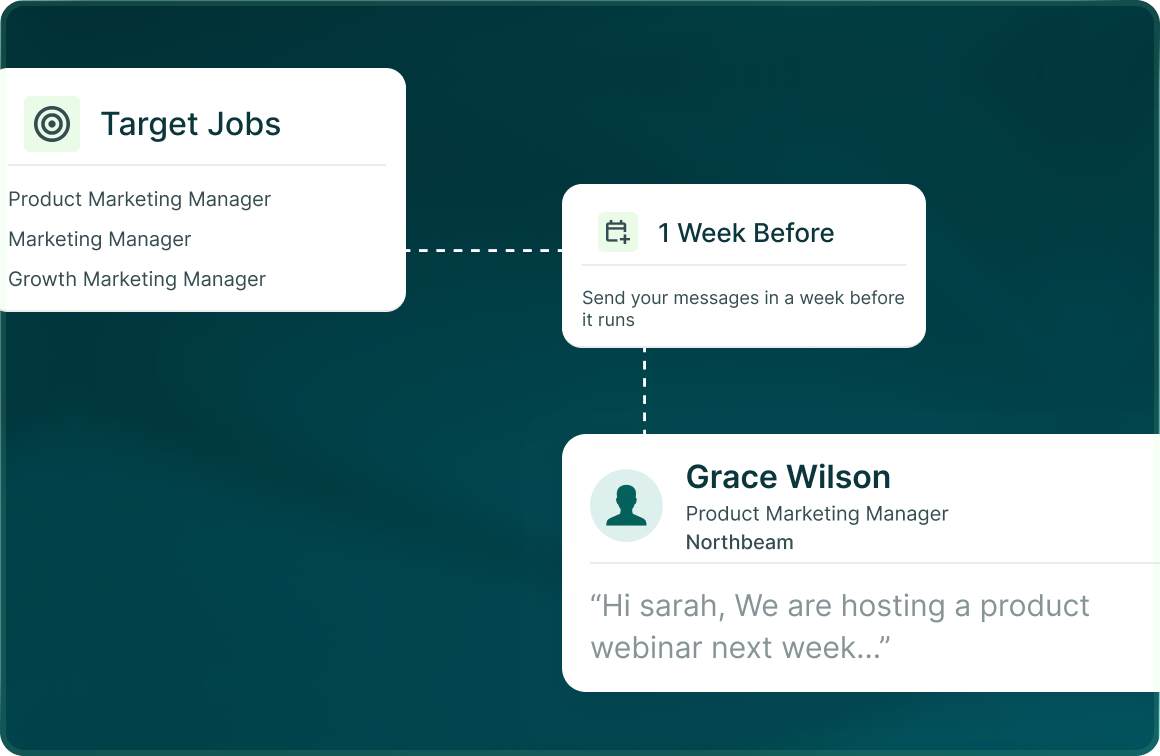
Warm the account first
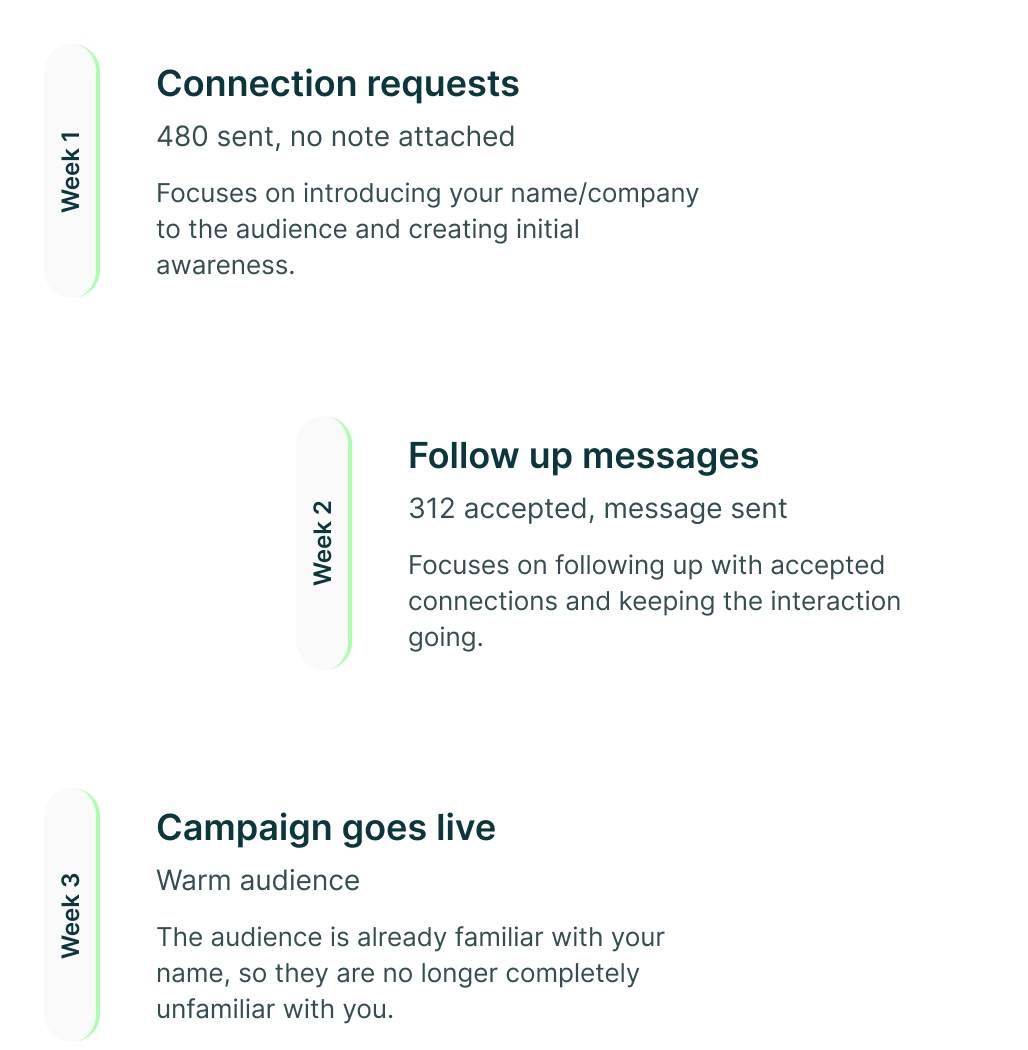
Run a sequence before the main campaign lands so the audience has already had a relevant touch from your team.
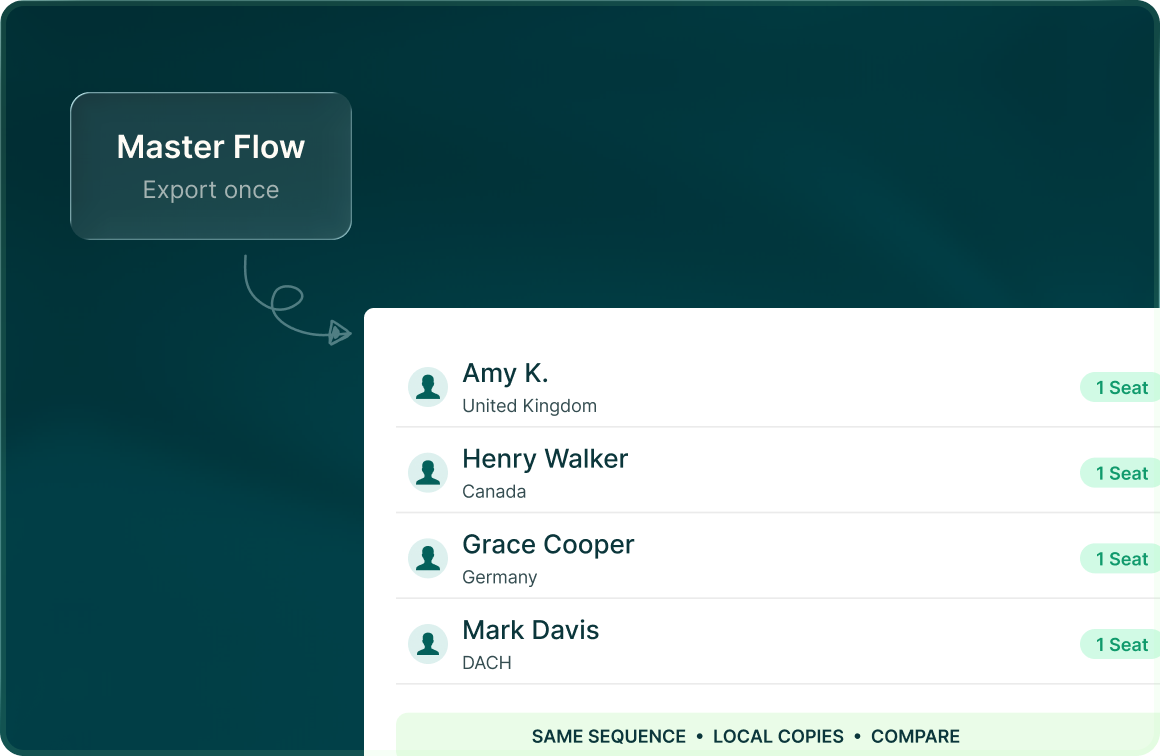
One seat per market
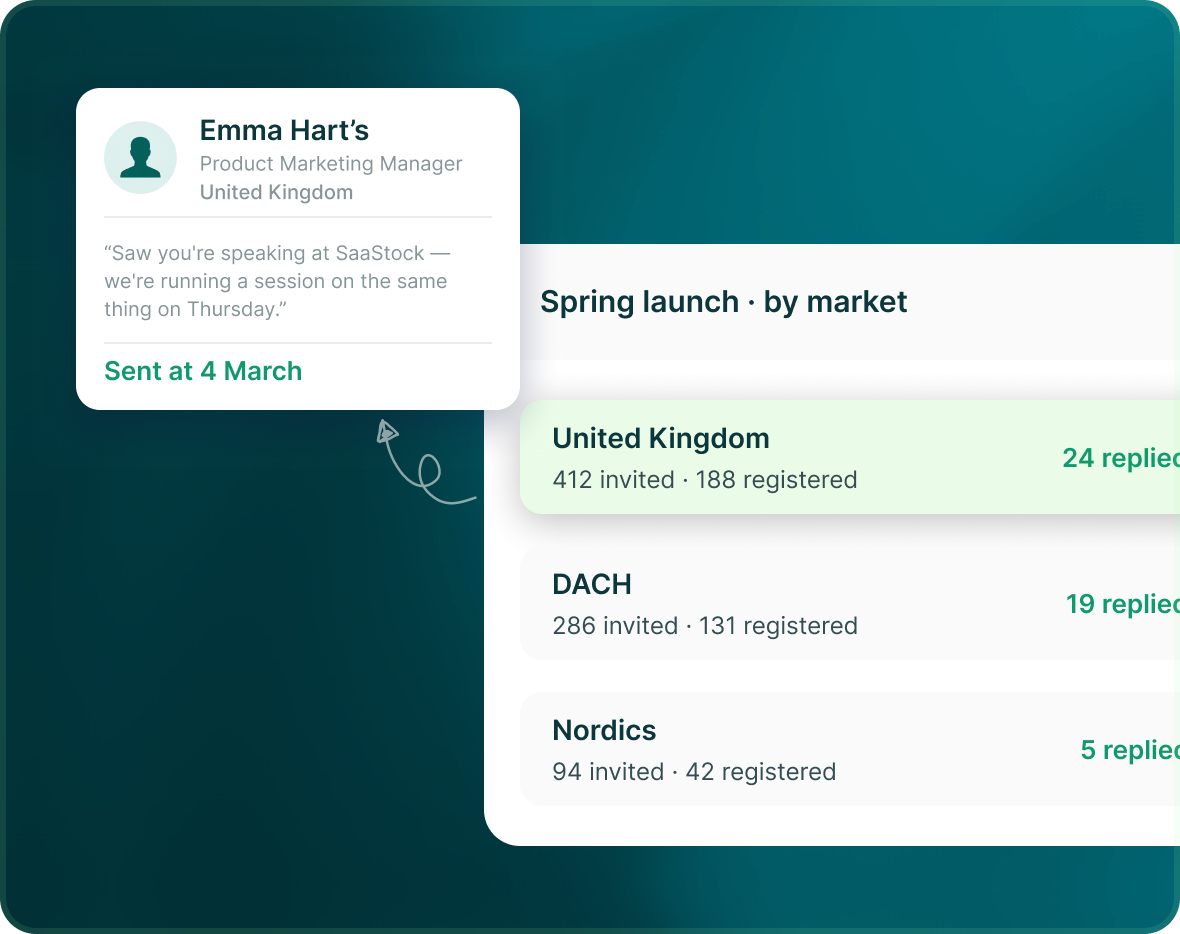
Export the flow and reuse its structure across regional campaigns, then localise the targeting and copy before each one launches.
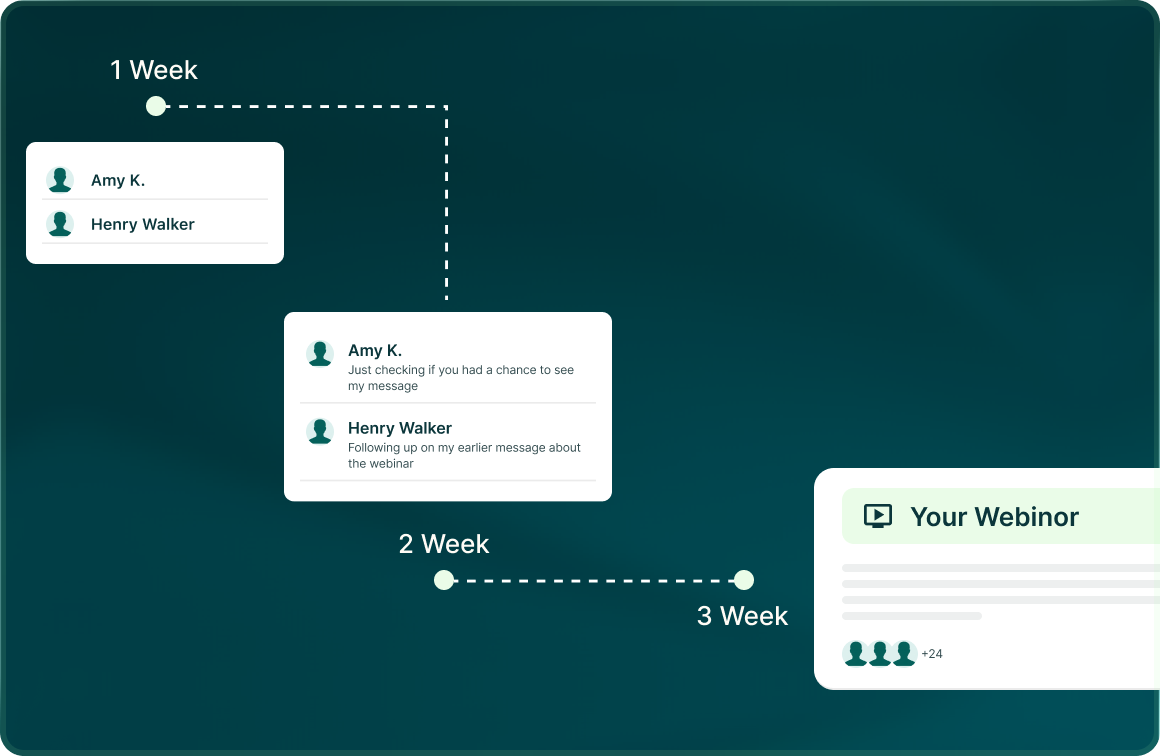
Account warming
Give the target account
a relevant touch before launch day
Use the flow builder to schedule the sequence around your campaign calendar rather than treating every audience interaction as a separate tool.
Events
Build the audience around
the people the session is for
Start from LinkedIn groups and events, event attendees, speakers and organisers, or import the registrants and target list you already have.
- Bring supported LinkedIn event sources or your own CSV/XLSX.
- Preview the lead list before publishing it.
- Use LinkedIn, email or a multichannel flow around the event
Attribution
Go from the campaign number
to the exact message
Reporting connects outreach to meetings, opportunities, pipeline and closed revenue, while the lead record keeps the message that created each touch.
- See performance by campaign, channel, source and account.
- Revenue attribution connects outreach to meetings, opportunities and closed revenue.
- The lead record shows the exact outreach underneath the metric.

Build the list.
Check who is in it. Then launch.
Questions
Marketing, running its own channel
It can run complete email-only campaigns, but it does not have to replace your existing stack. You can use LinkedIn, email or multichannel campaigns depending on the use case.
LinkedIn sends from the connected LinkedIn seat, while email sends from a connected mailbox.
Yes. Export and import the same flow structure, then change the targeting, sender and copy for each market before launch.
Yes. Sources include groups and events, company-page visitors, website visitors through Leadfeeder, HubSpot, LinkedIn, Sales Navigator and your own files.
Yes. Outreach-to-revenue attribution links campaigns to meetings, opportunities, pipeline and closed revenue.
No. GML provides safety controls and visibility, but it does not make a restriction-proof guarantee.