


 Account safety
Control Sending Limits. Monitor Every Seat.
Set per-action limits, sending windows and account schedules, then see today's usage, warm-up progress and the reason whenever an action is held back.
The LinkedIn outreach platform trusted by 300+ Companies and across 60+ Industries








The controls
Three controls around every LinkedIn seat
Limits, randomisation and account windows stay visible instead of disappearing into the background. Warm-up adds another layer for every new seat.
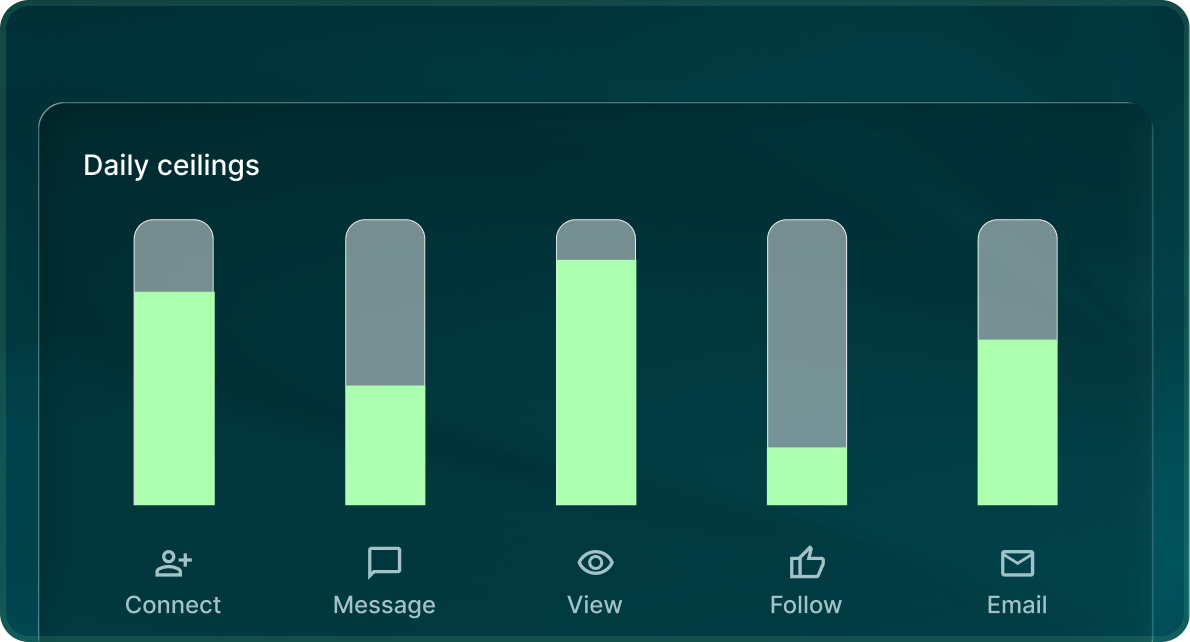
Five limits, not one
LinkedIn has separate daily limits for connection requests, messages, profile actions, InMail and email.
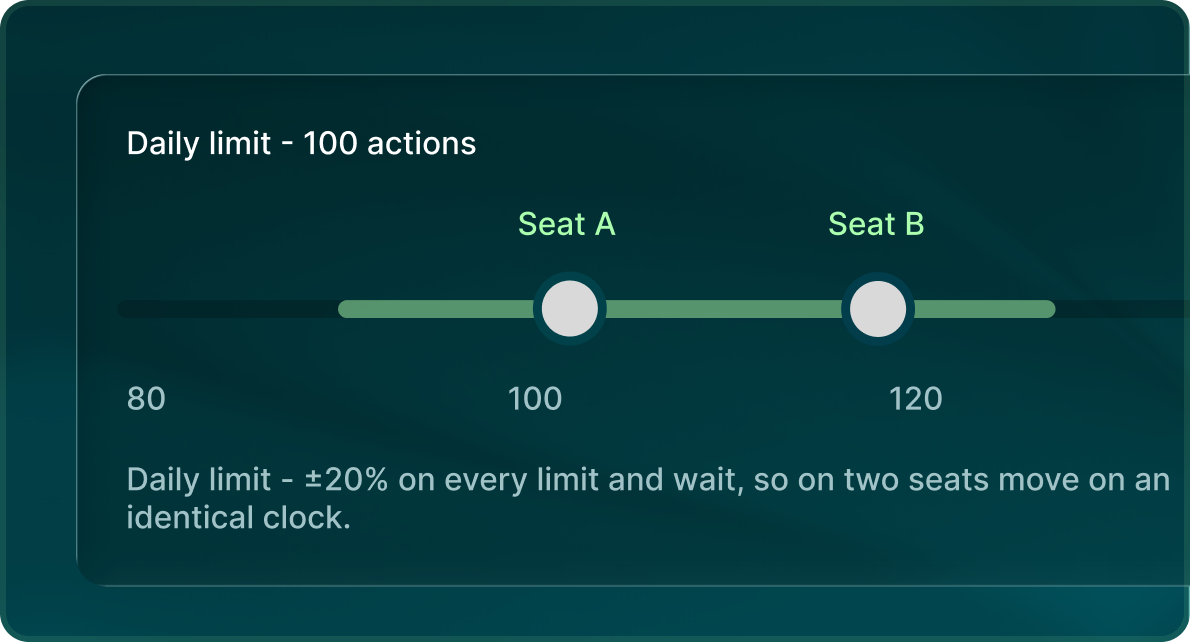
A band, not one fixed ceiling
A ±20% randomisation band applies to LinkedIn daily limits.
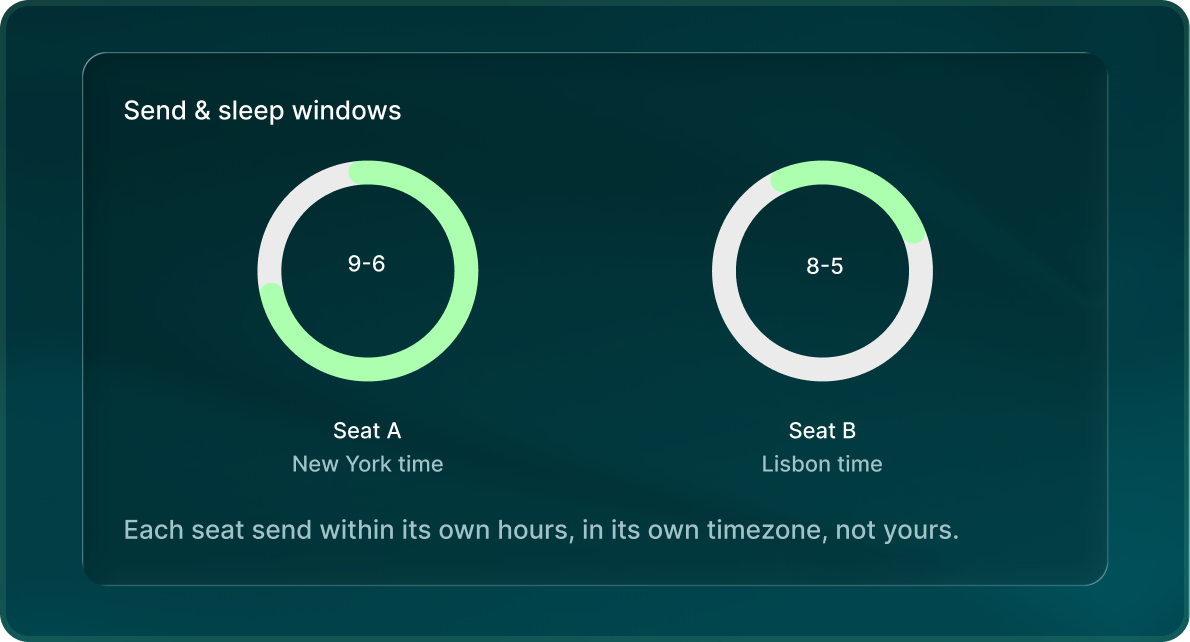
Windows you set
Choose the send window, sleep window, sending days and time zone for the seat.
Warm-up
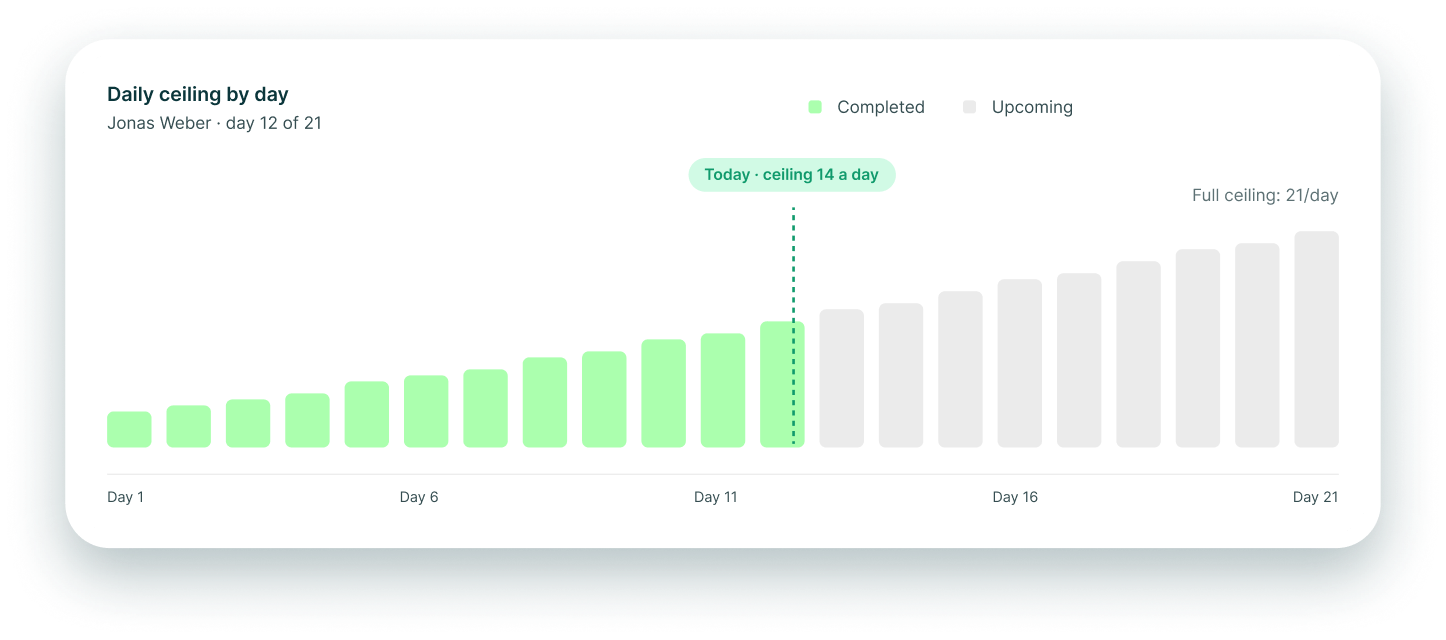
A new seat ramps over twenty-one days
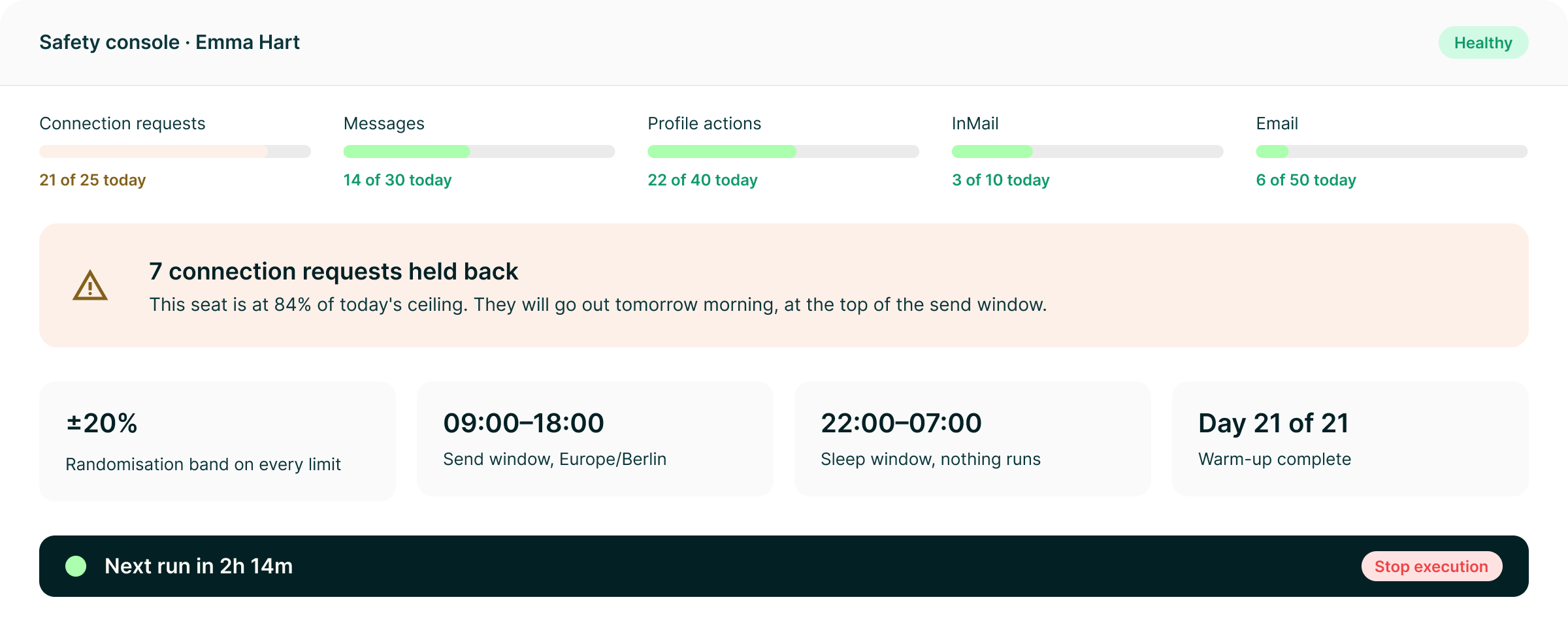
Every new LinkedIn seat follows a 21-day warm-up curve rather than beginning at its configured ceiling. The safety console shows where the seat is on that curve.
Why it held back
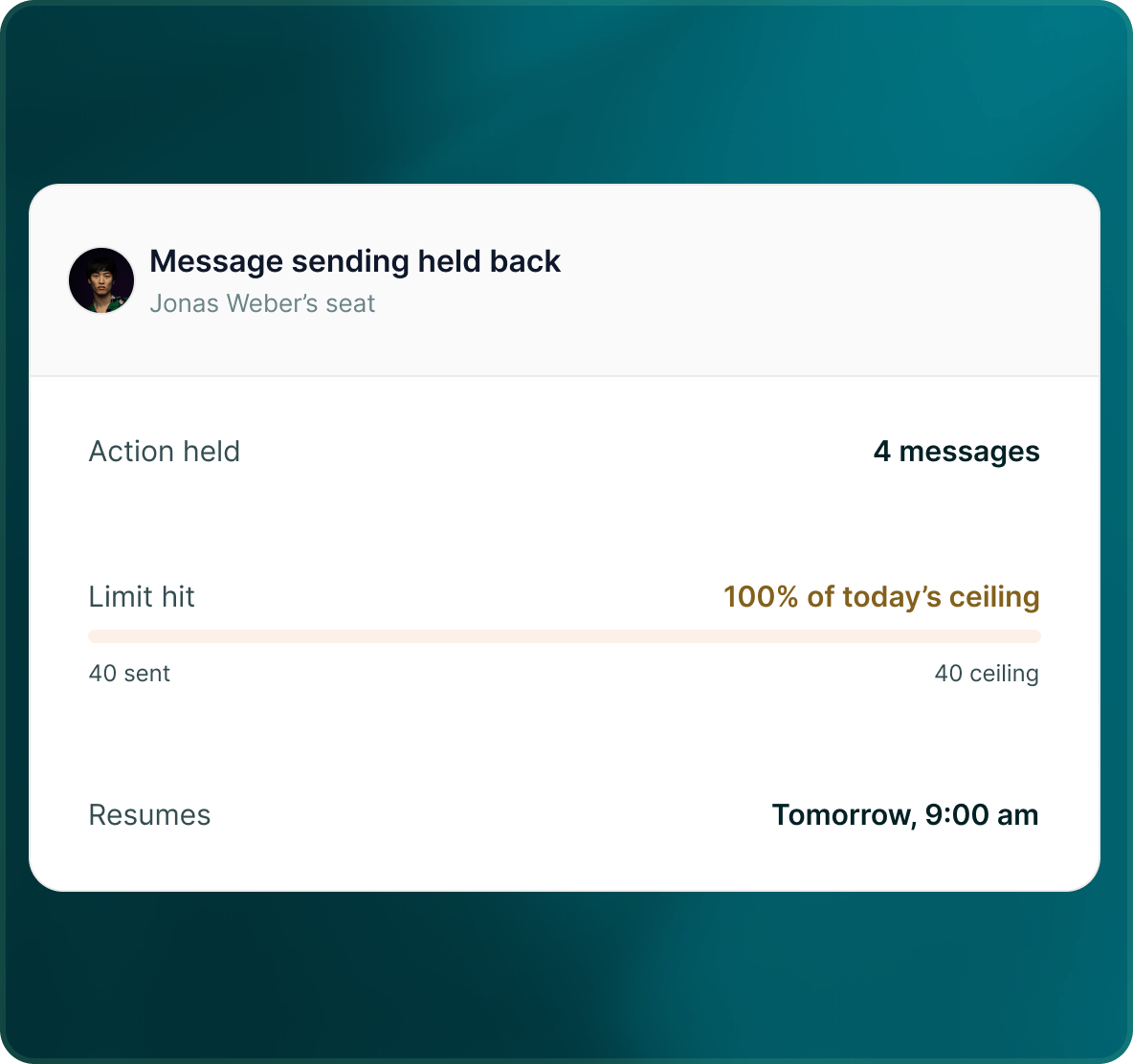
When something is held, the console tells you why
See the action against today's ceiling and a plain-English explanation of the control that held it back.
- Which action was held
- How much of today's limit has been used
- The reason the action could not run
Control
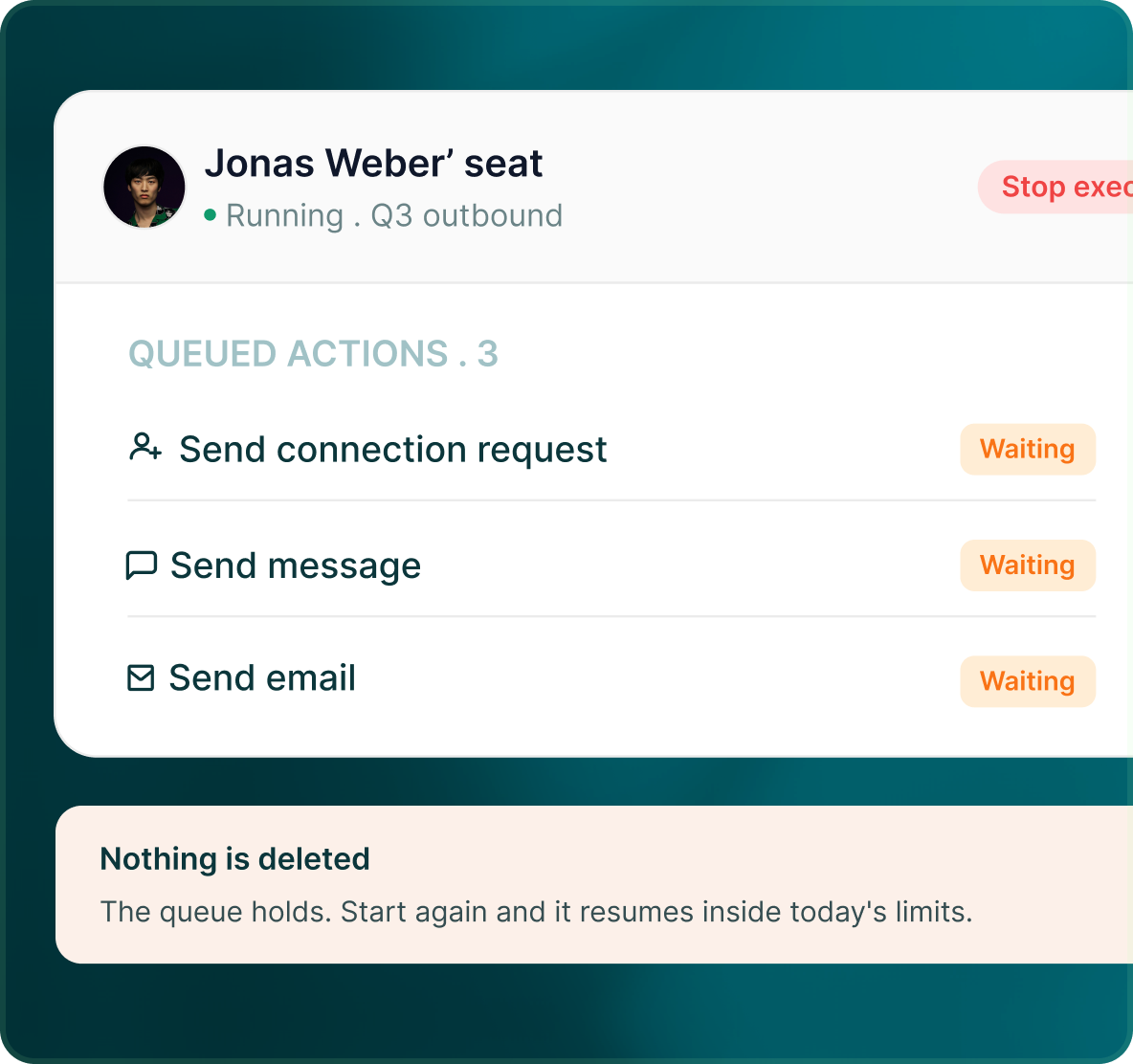
Pause outreach from one control
Owners and Admins can pause all outreach at once, or narrow the pause to a channel, account, user or set of campaigns.
- Use the global control when you need the whole workspace to stop.
- Narrow the control to a channel, account, user or group of campaigns.
- The control is available without rebuilding or deleting the campaigns themselves.
Case studies
Teams who can show their work
“Using Get Me Leads has been one of our smartest investments. Our team actively engages with the platform, and we’ve seen a notable boost in our sales.”




“We’ve fully transitioned our operations to Get Me Leads. The product is user-friendly and adaptable, greatly helping us increase our lead generation.”


Build the list. Check who is in it. Then launch.
Questions
Keeping the account under control
Five per-action daily limits, a ±20% randomisation band on those limits, send and sleep windows, send days, time zone and a 21-day warm-up on every new LinkedIn seat.
Yes. Limits and scheduling are managed around the connected LinkedIn seat, so different accounts do not have to use the same configuration.
The safety console shows the action against today's ceiling and gives a plain-English reason for why it was held.
Yes. The account health centre shows every connected account across channels, including disconnections, restrictions, authentication failures, sending limits and required actions.
Yes. Owners and Admins can pause all outreach, or narrow the pause to a channel, account, user or set of campaigns.
No. GML provides controls designed to manage how an account is used, but it does not guarantee that an account will never be restricted.