


 CRM & sales
Connect Your Outreach to Your Sales Pipeline.
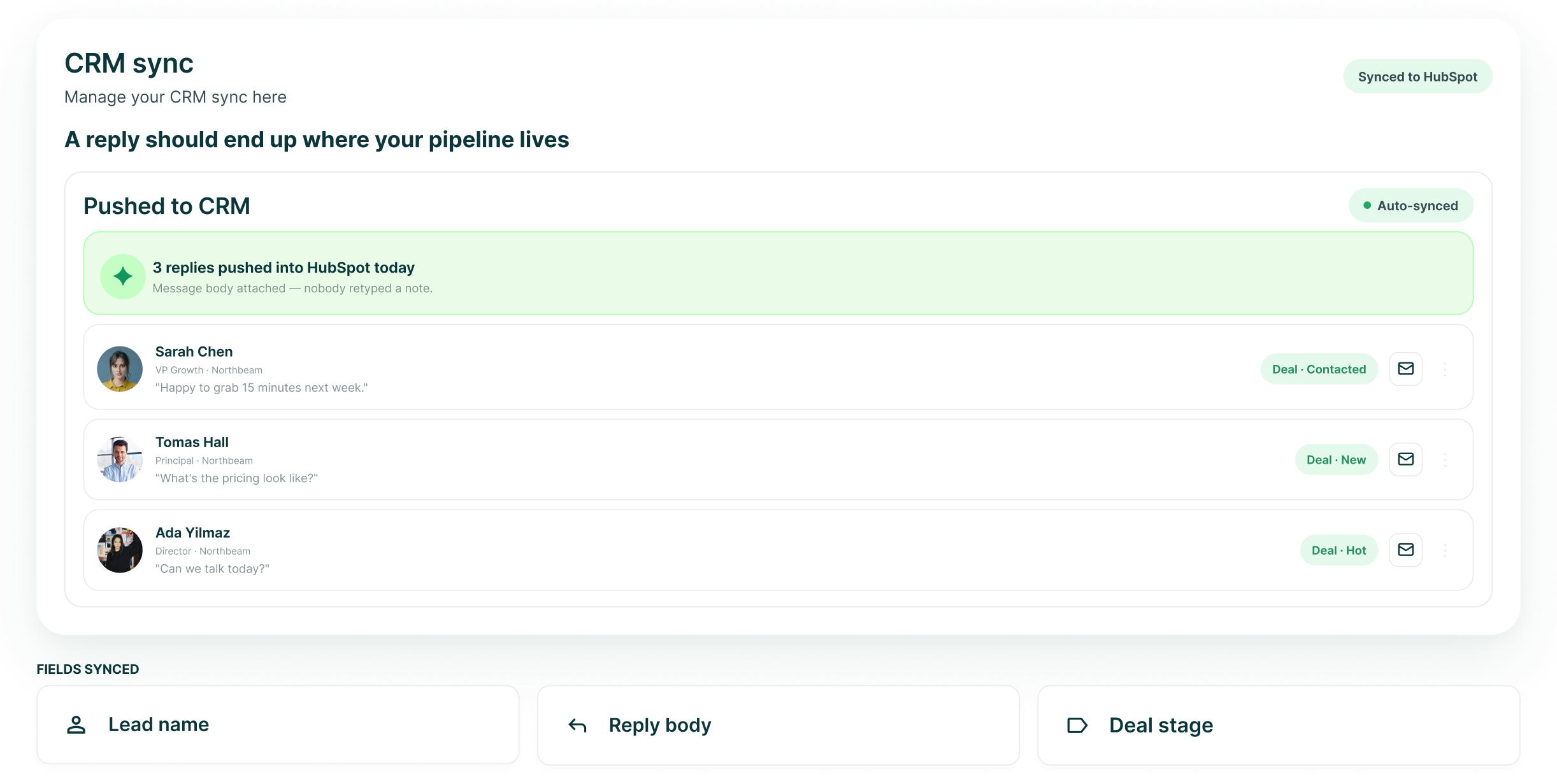
Connect the CRM your team already works in. HubSpot gets the deepest sync, with contact and company updates, outreach activity, results and deal creation tied back to the work in GML.
The LinkedIn outreach platform trusted by 300+ Companies and across 60+ Industries








What crosses
The contact, the activity and the sales result
HubSpot sync keeps the outreach record connected to the CRM without making the CRM responsible for running the campaign.
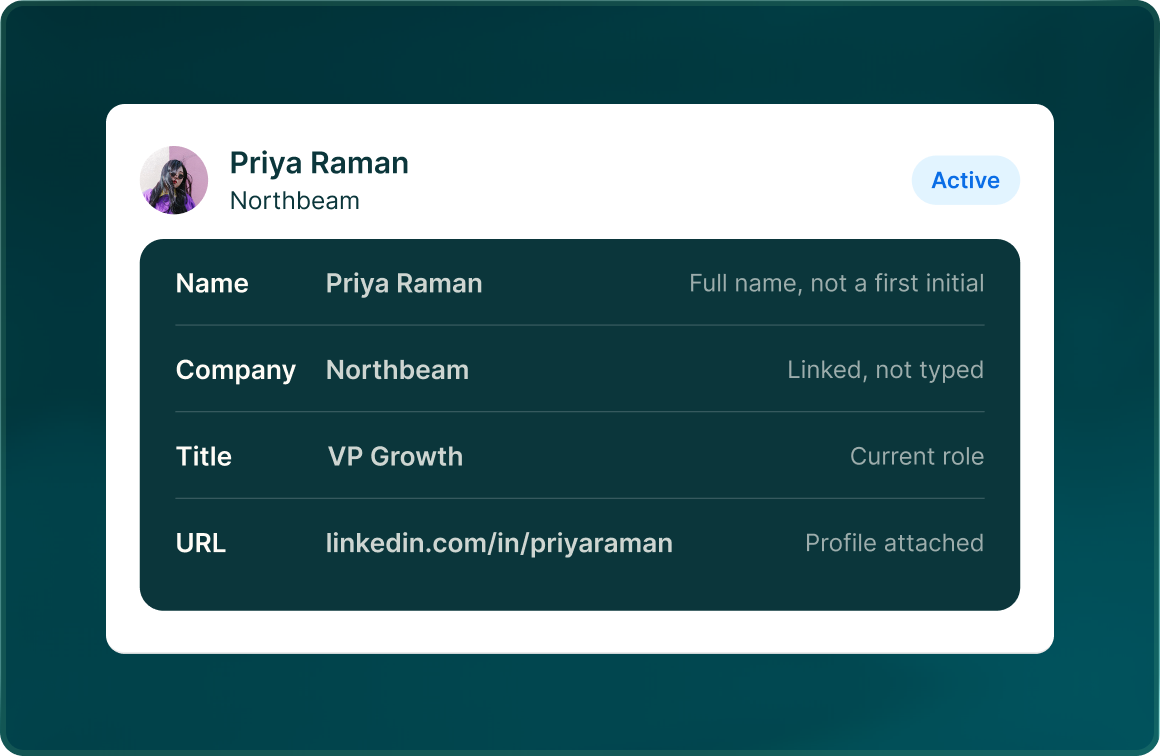
Contacts and companies
GML can create and update HubSpot contacts and companies as outreach progresses.
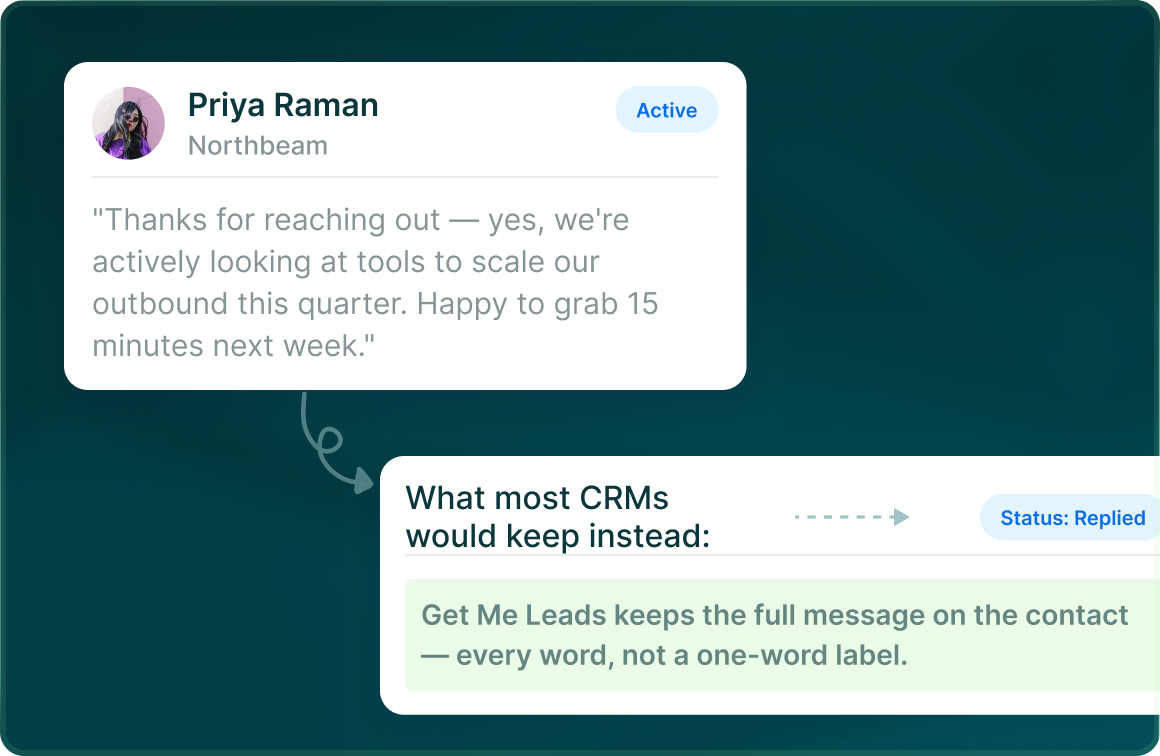
Activity and results
Push outreach activity and results into HubSpot while keeping a sync log of what moved between the systems.
Deals when intent becomes commercial
When a lead is marked Interested or Meeting booked, GML can create the corresponding HubSpot deal.
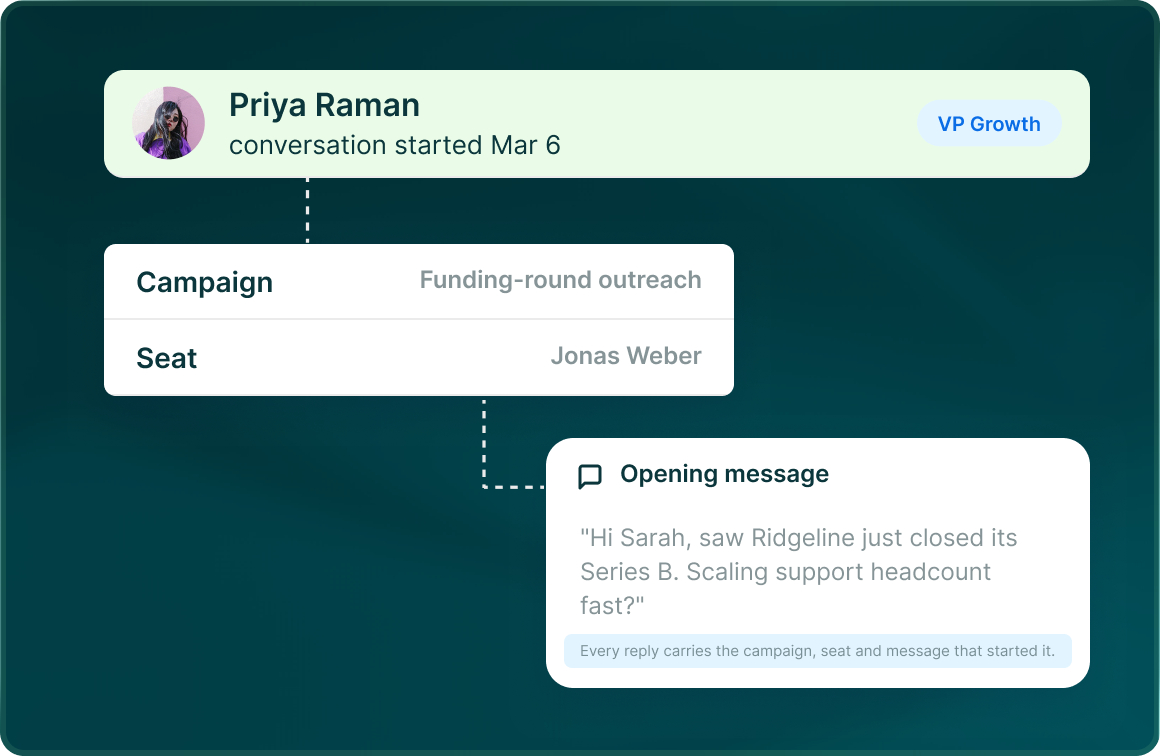
Message anatomy
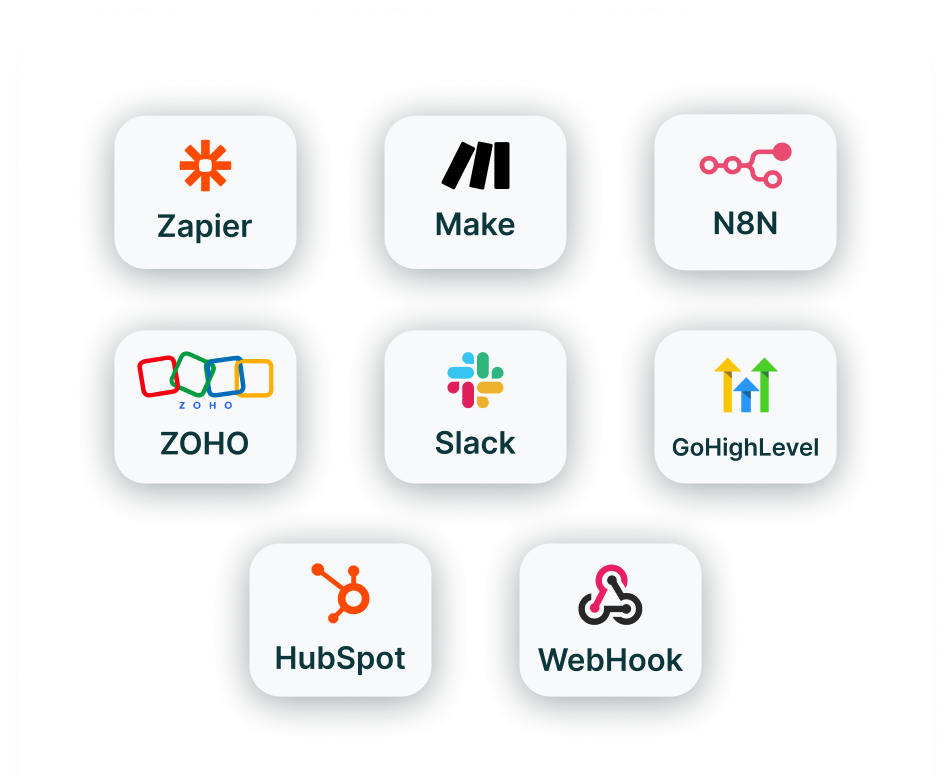
Four native CRMs, fourteen live integrations
Connect the CRM directly, then add automation, enrichment and communication tools from the same integrations hub.
Notifications
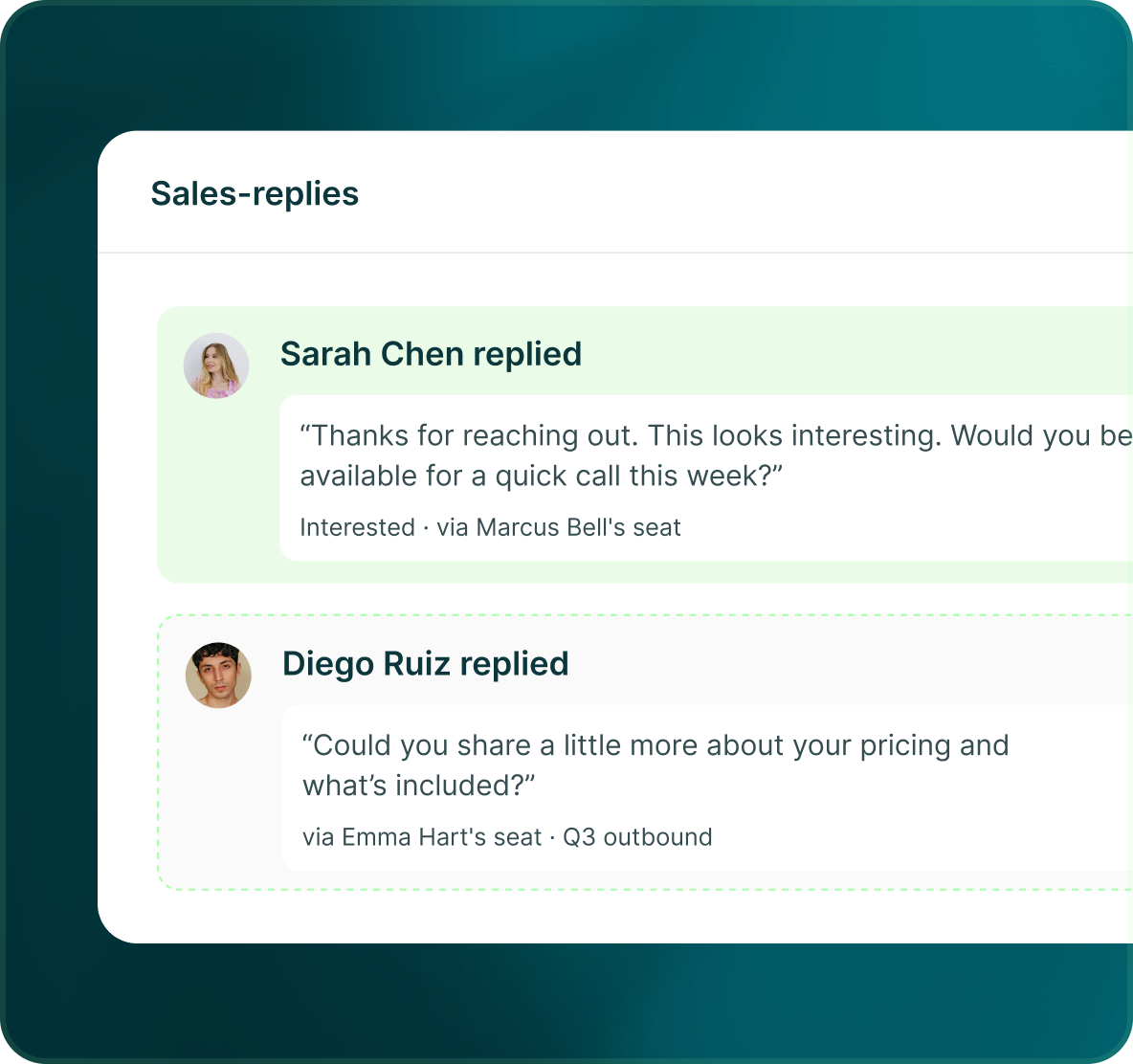
The reply that matters should reach the right person
A new Interested reply or another strong-signal event notifies the campaign owner and assignee, so the next action does not depend on somebody finding it later.
- Interested replies trigger a notification
- Campaign owner and assignee are notified
- The reply can be opened directly in Unibox
The rest of your stack
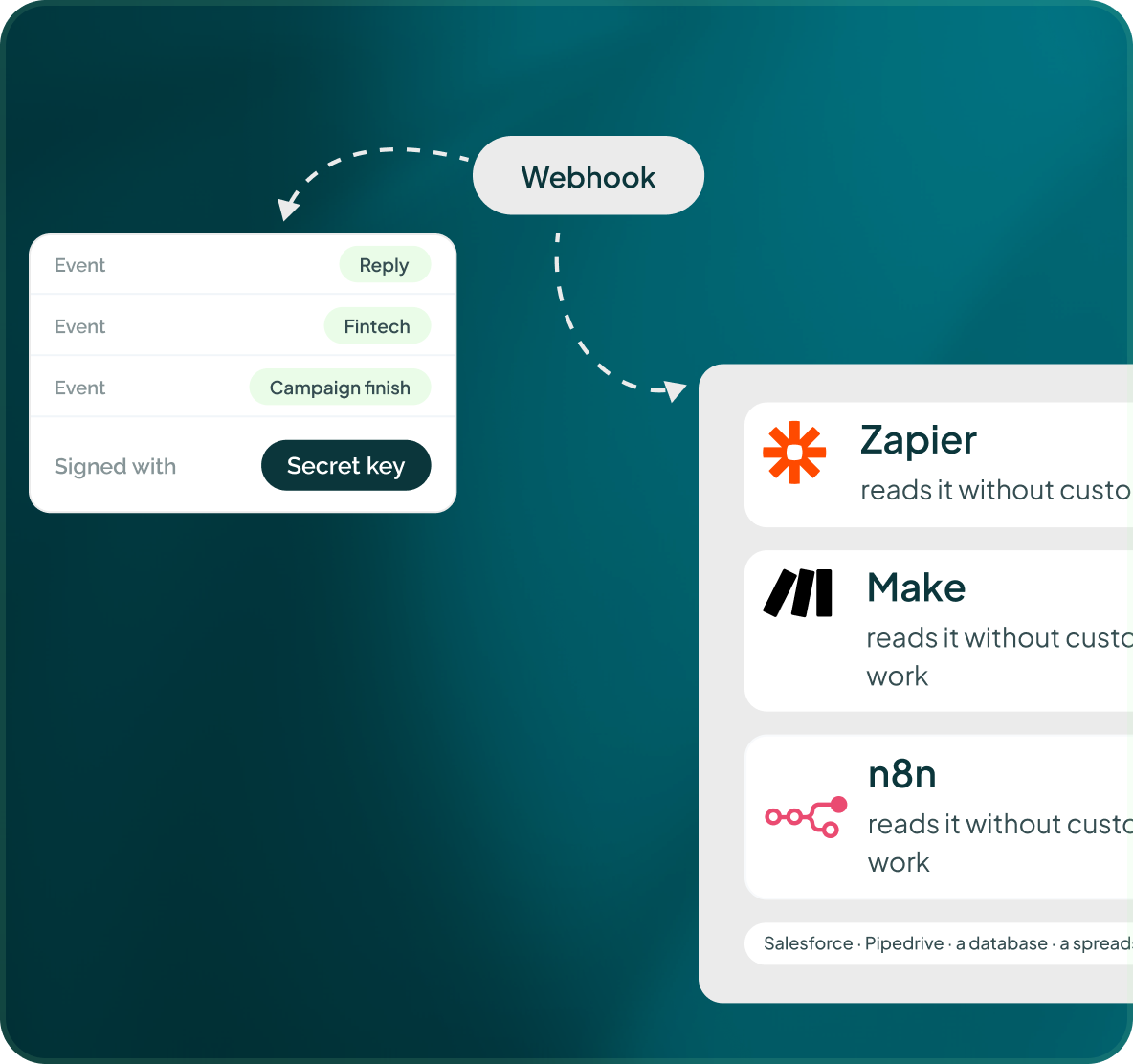
If the native connector is not there, use the automation layer
Zapier, Make.com, n8n and Webhook are all live integrations. Use them to connect the systems around GML without pretending there is a public API today.
- Zapier, Make.com and n8n are live
- Webhook is available as a live connector
- The public API is not available yet
Case studies
Teams who can show their work
“Using Get Me Leads has been one of our smartest investments. Our team actively engages with the platform, and we’ve seen a notable boost in our sales.”




“We’ve fully transitioned our operations to Get Me Leads. The product is user-friendly and adaptable, greatly helping us increase our lead generation.”


Build the list. Check who is in it. Then launch.
Questions
Connecting outreach to your CRM
HubSpot, GoHighLevel, Zoho CRM and Freshsales are all live integrations.
It checks HubSpot before outreach, creates and updates contacts and companies, pushes activity and results, and can create deals when a lead becomes Interested or Meeting booked.
Yes. It can check whether the prospect is already a customer or has an open deal and enforce the relevant re-engagement rules.
Use Zapier, Make.com, n8n or Webhook to connect the wider workflow.
Yes. GML keeps a HubSpot sync log, and reporting includes a log of pushes and pulls with status and errors.
Not yet. Until it launches, integrations run through the 14 live connectors, including Webhook.