


 Data
Data
Bring the data you already pay for
Enrichment you already run, lists you already own, fields you already trust. This is not another data plan to buy, it is the thing that sends to the data you have.
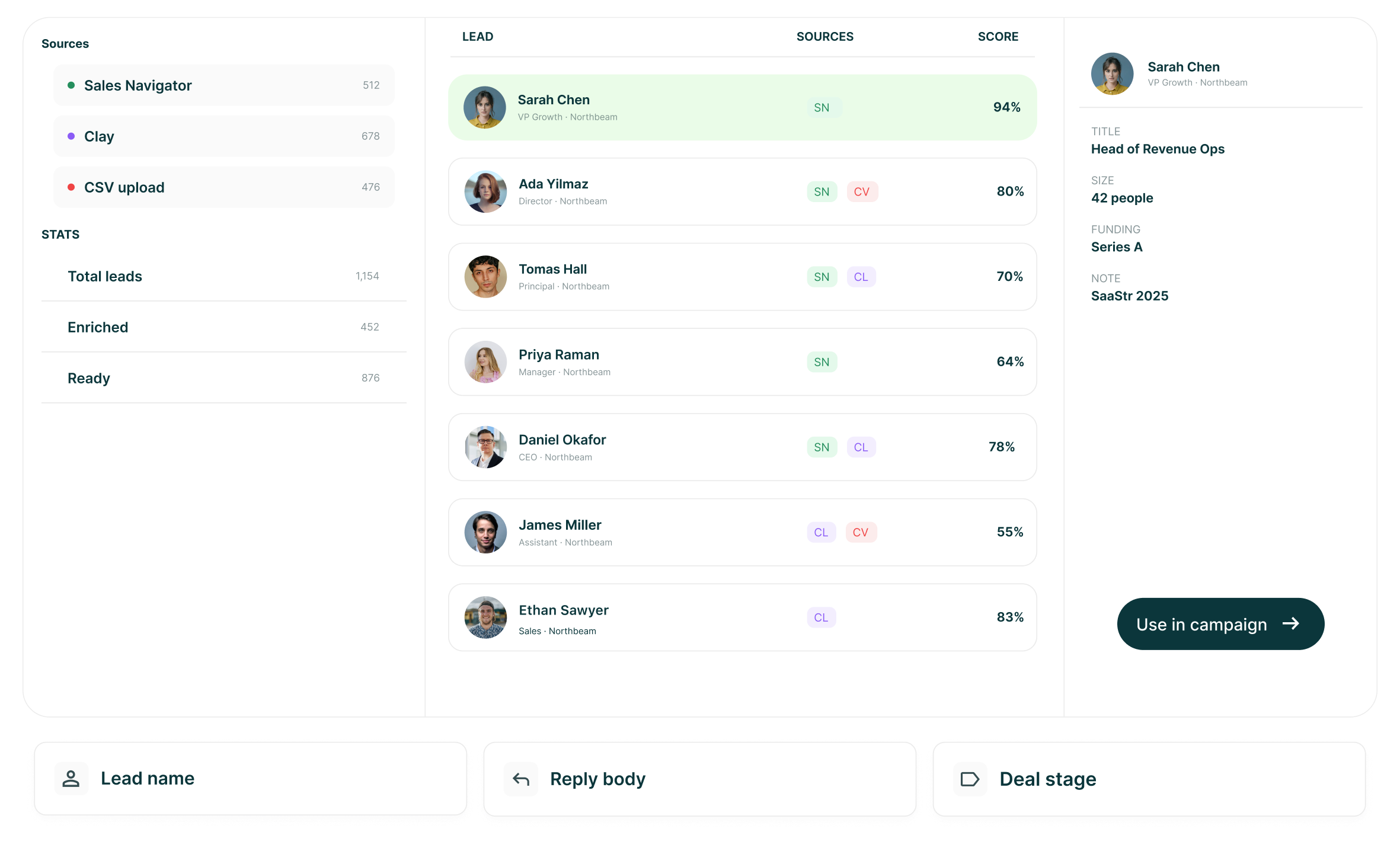
The LinkedIn outreach platform trusted by 300+ Companies and across 60+ Industries








Sources
We are not selling you a database
Plenty of tools in this category bundle a data plan and mark it up. This one takes the list you built and sends to it, which is why a seat costs twenty-five dollars.
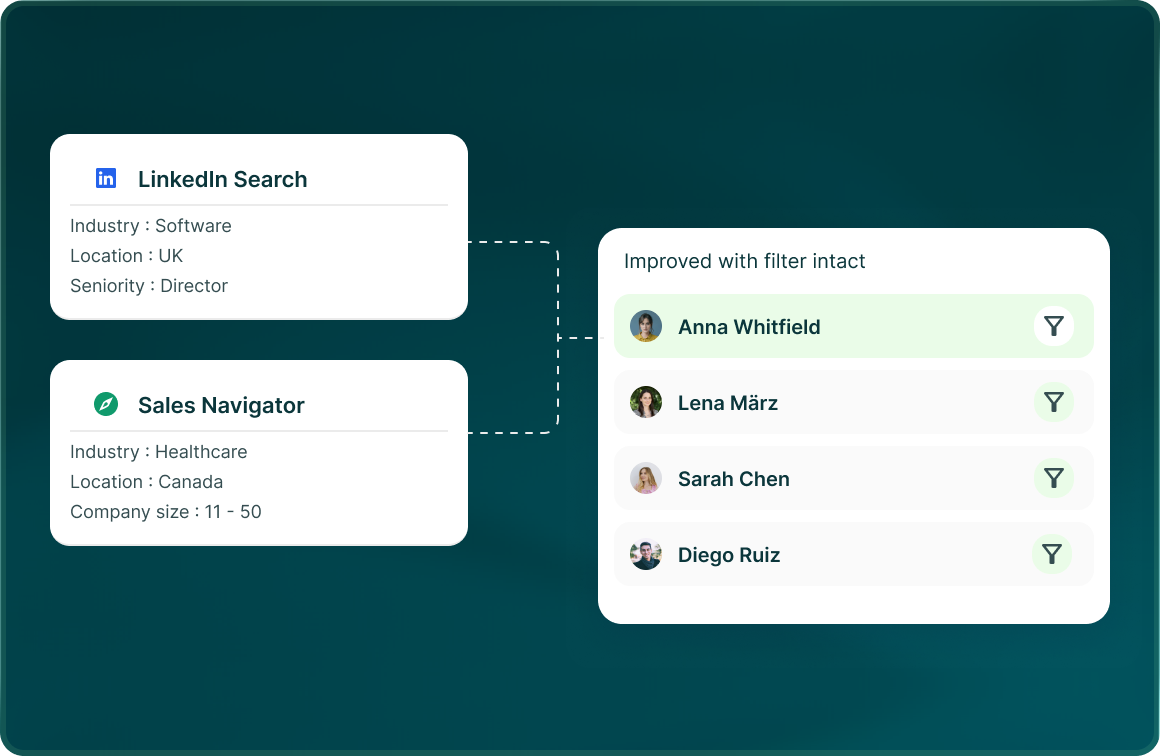
Your searches
LinkedIn and Sales Navigator searches import with their filters intact, and the profile is the source of truth.
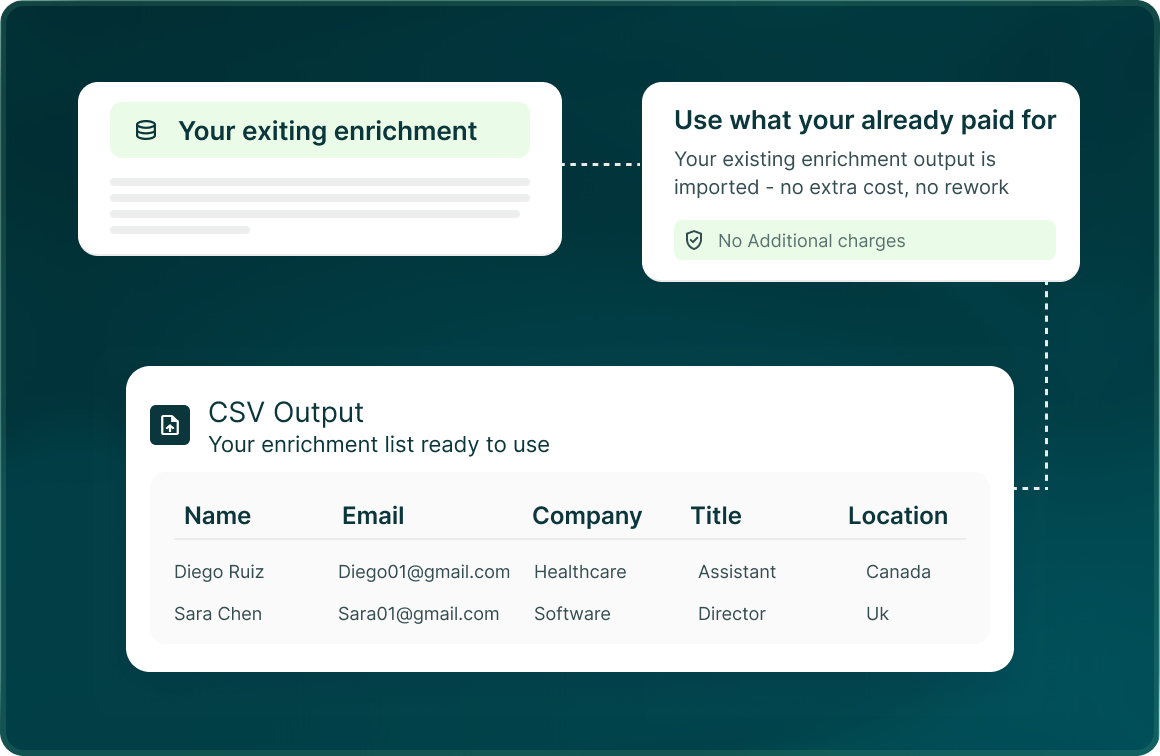
Your enrichment
If you already run enrichment, bring the output as a CSV and the list is built from what you already paid for.
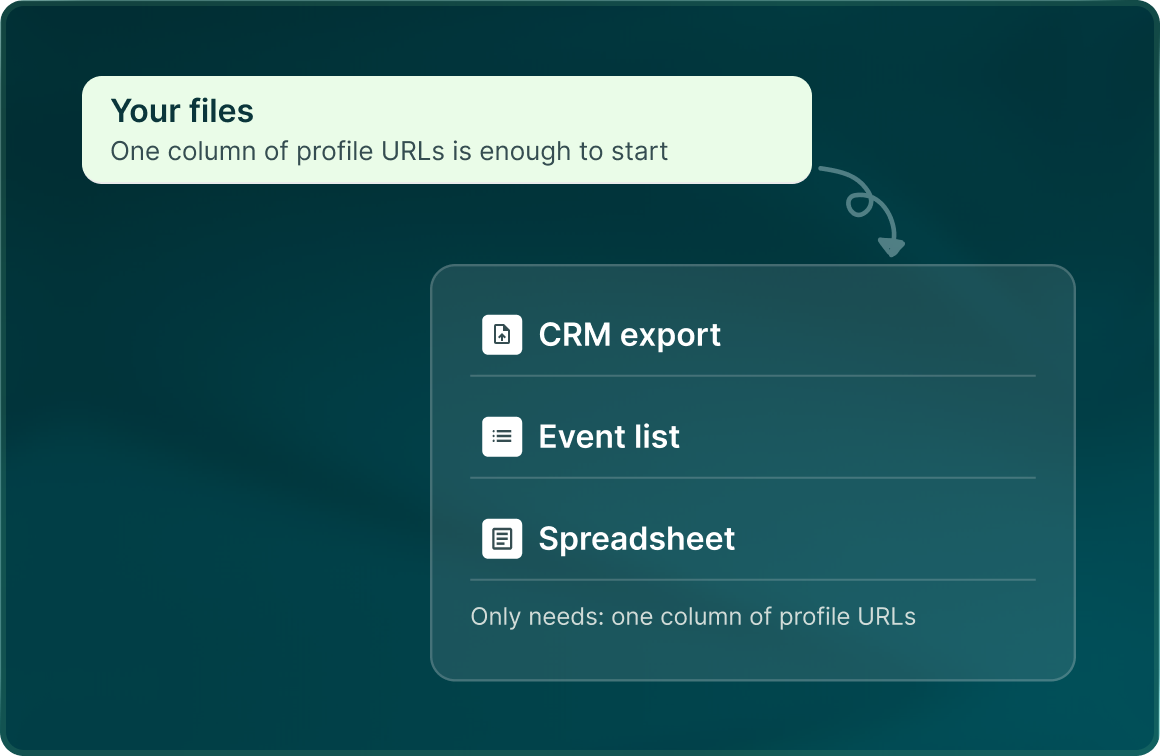
Your files
A CRM export, an event list, a spreadsheet. One column of profile URLs is enough to start.
The record
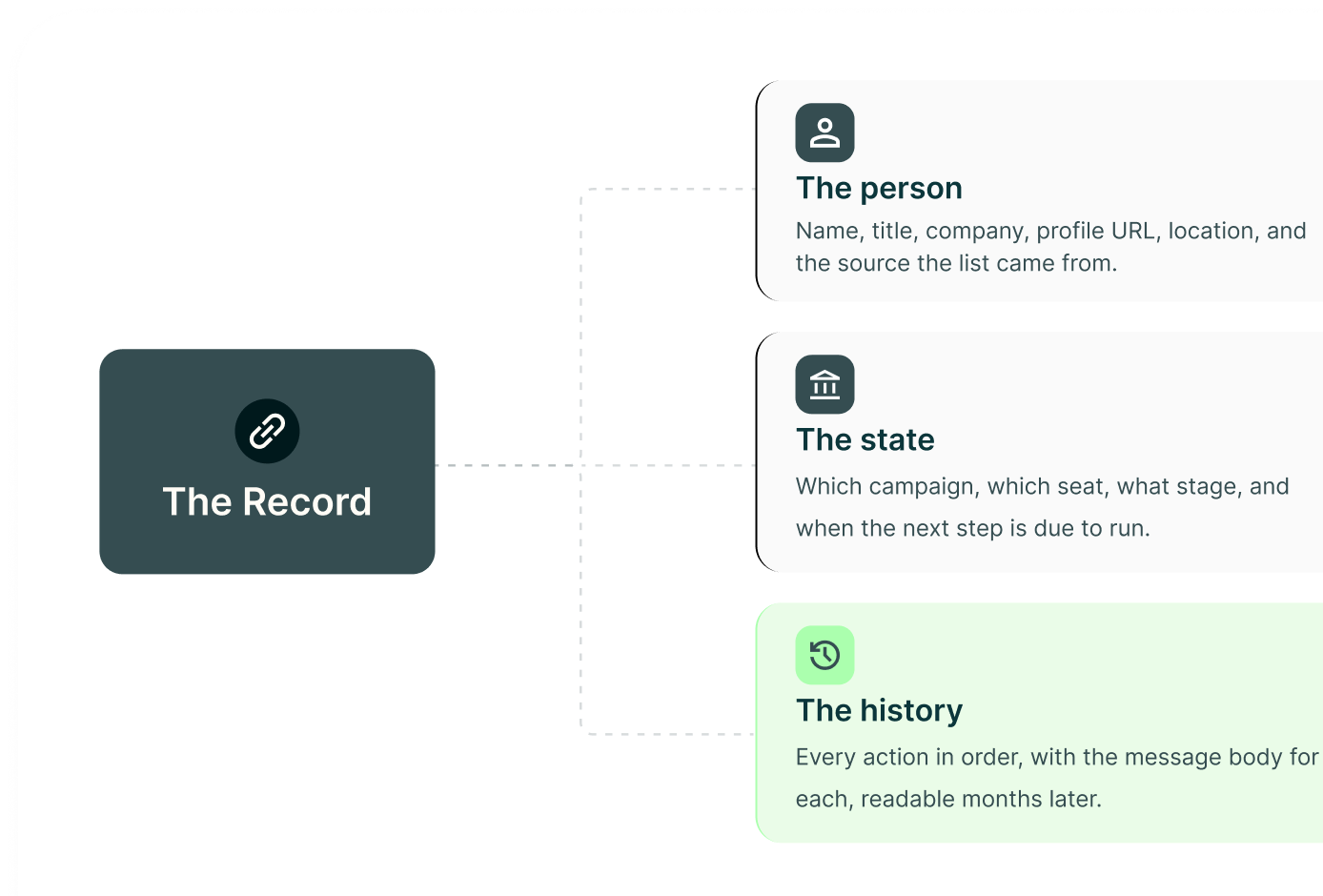
Every lead carries what it needs and what it did
Half of the record is the person. The other half is the history: every step that ran, when it ran, and the exact words that went out.
Variables
Four variables, and no silent failures
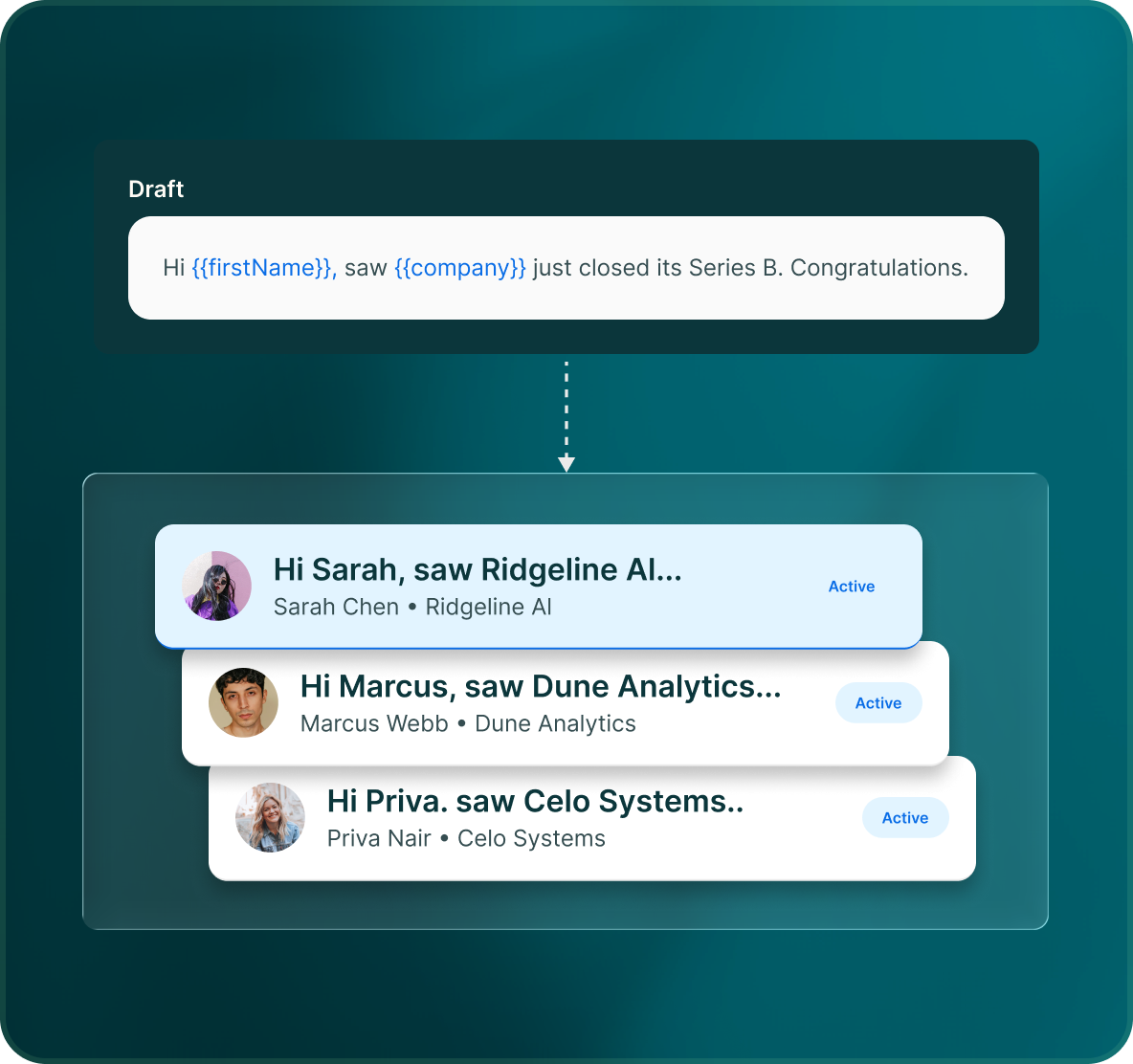
There are four merge variables, and they resolve in front of you before you approve a draft. You see the finished sentence, not a row of braces hoping for the best.
- Resolved in the preview, not at send time
- If a field is empty you see it while you can still fix it
- The approval queue is what stops a broken merge going out
Out again
What comes in can also go back out
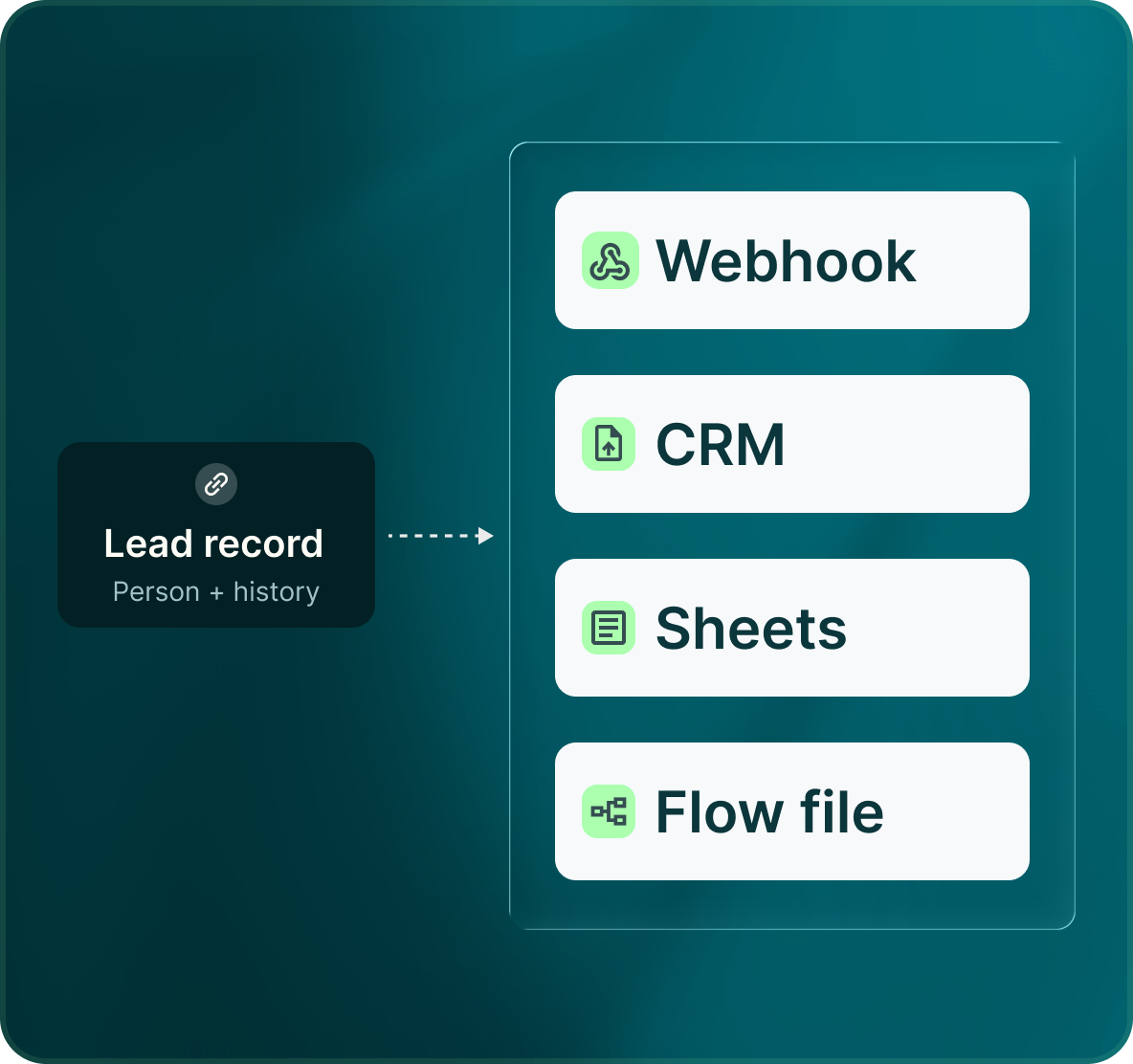
The lead record is not a one-way street. Push it to the CRM, fire it at a webhook, or hand a campaign to another workspace as a file.
- Leads and replies push to the CRM with the message attached
- Events fire to Zapier, Make, n8n or your own endpoint
- Flows export as a file you can import anywhere
Case studies
Teams who can show their work
“Using Get Me Leads has been one of our smartest investments. Our team actively engages with the platform, and we’ve seen a notable boost in our sales.”




“We’ve fully transitioned our operations to Get Me Leads. The product is user-friendly and adaptable, greatly helping us increase our lead generation.”


Run it for two weeks and read every message it sent
Questions
Data in, data out
No. You bring the list, from a LinkedIn search, a Sales Navigator search or a file. That is a large part of why a seat costs twenty-five dollars rather than a hundred.
One you connect yourself, per seat, so the sender matches the person whose profile the lead just saw on LinkedIn.
You can, but the sequence works better the other way round. The email lands differently once someone has already seen your profile and accepted a request.
Yes. Email volume is capped separately from the LinkedIn actions on the same seat.
The same inbox as LinkedIn replies, tagged and assignable in the same way.
Message steps are drafted and held for approval the same way, with the same per-step review switch.