


 AI Reply Drafts
AI-Drafted Replies. Rep-Approved Sends.
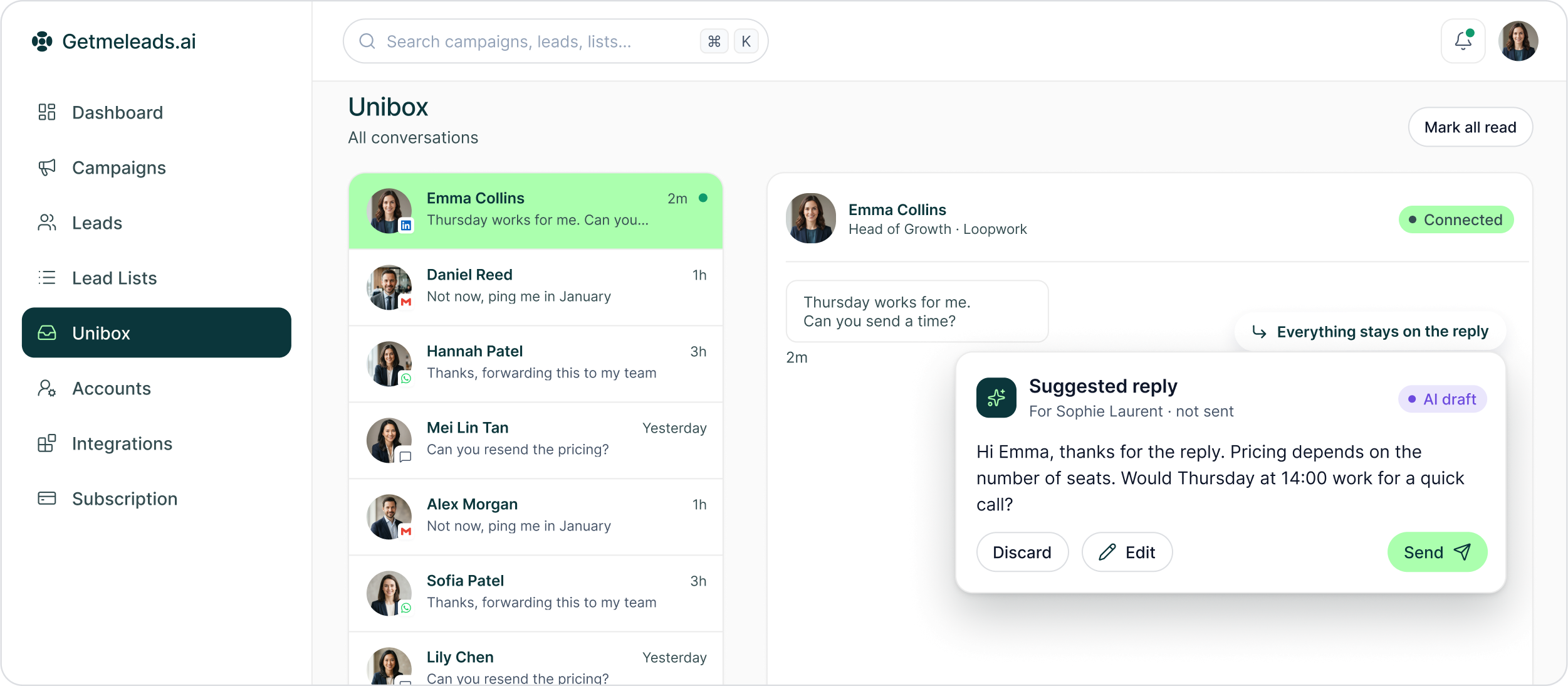
GML can suggest a reply inside Unibox. Your rep reviews it, changes it when needed and decides whether it should be sent.
The LinkedIn outreach platform trusted by 300+ Companies and across 60+ Industries








The Review Loop
Draft first. Human decision before send.
GML uses AI to help the rep get to a useful response faster without turning the inbox into autonomous prospect communication.
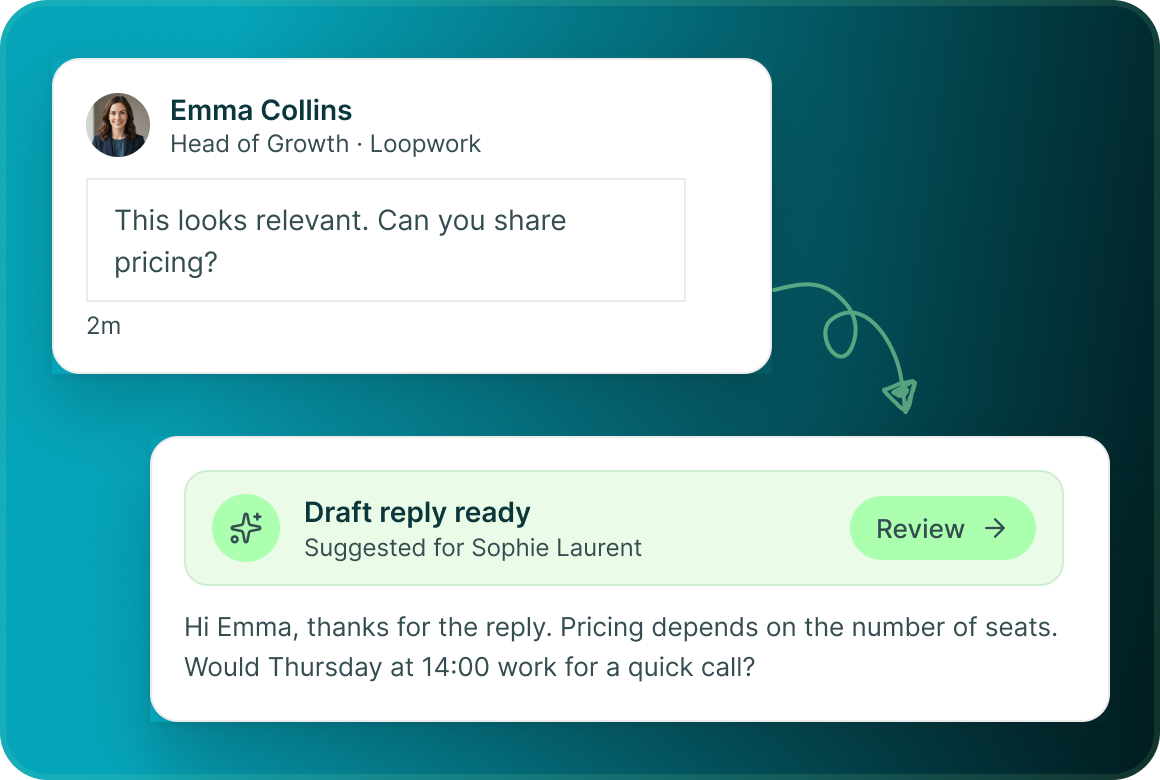
AI suggests the reply
An AI-drafted response appears inside Unibox for the rep working the conversation.
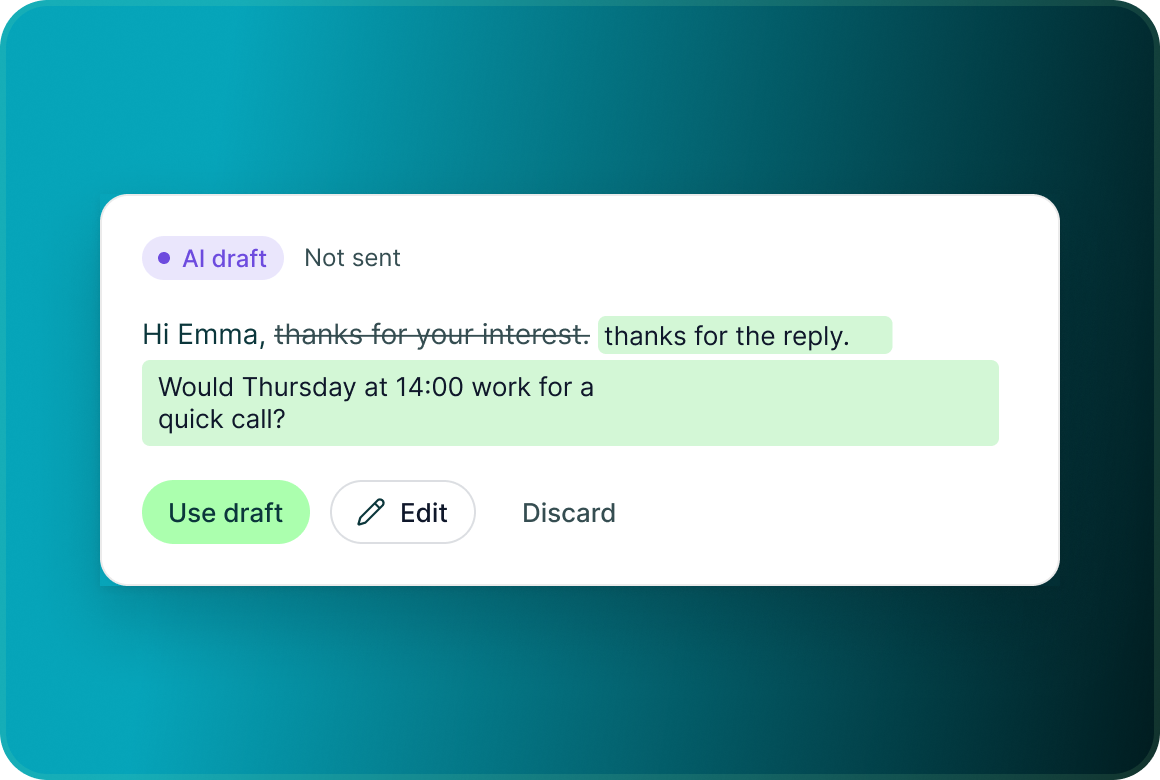
The rep reviews it
The suggestion remains a draft. The person working the conversation decides whether the response is appropriate.
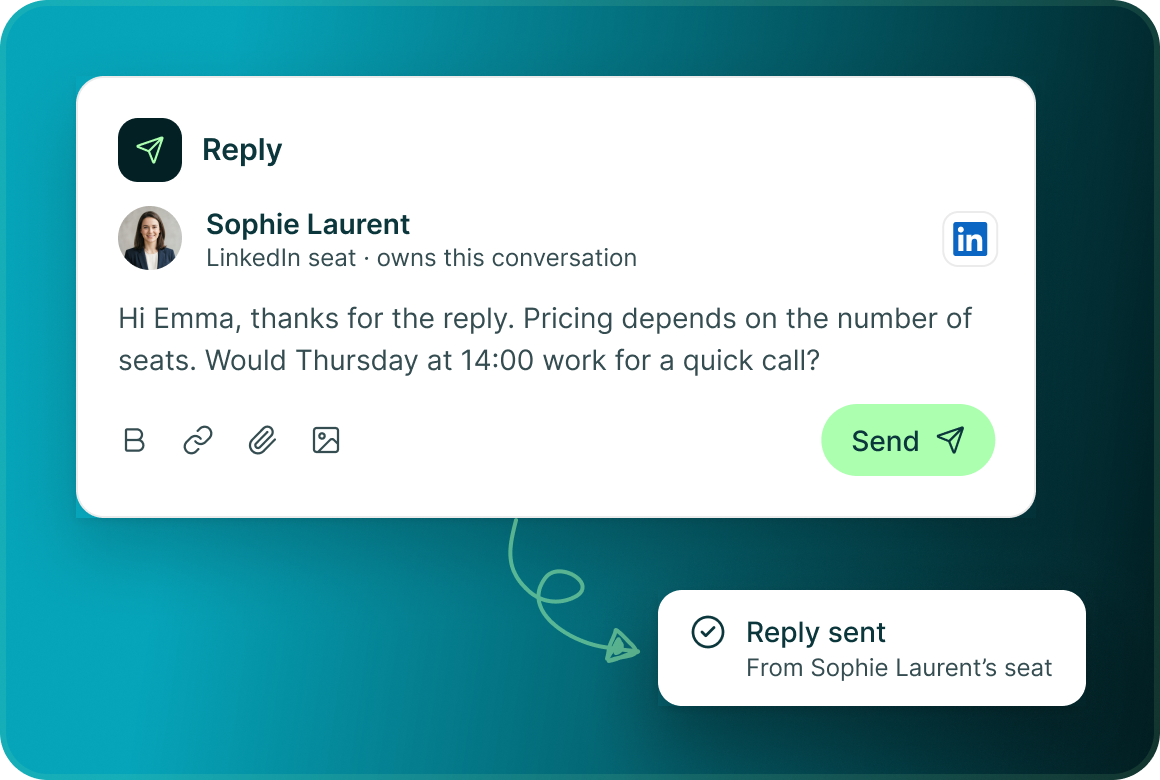
The rep sends it
The final response is sent by the person through the seat or mailbox that owns the conversation.
Email replies
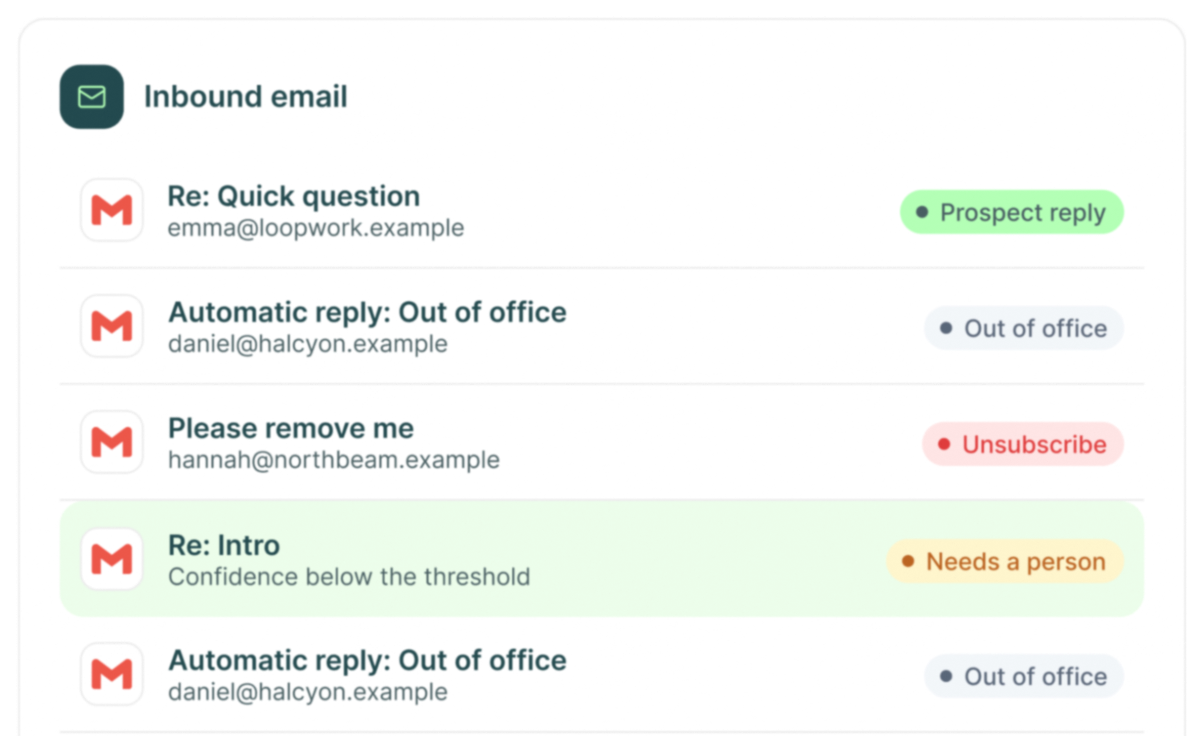
Not every inbound email is a prospect conversation
Exactly one action is applied. When classification confidence is below the required threshold, a person decides.
Unibox
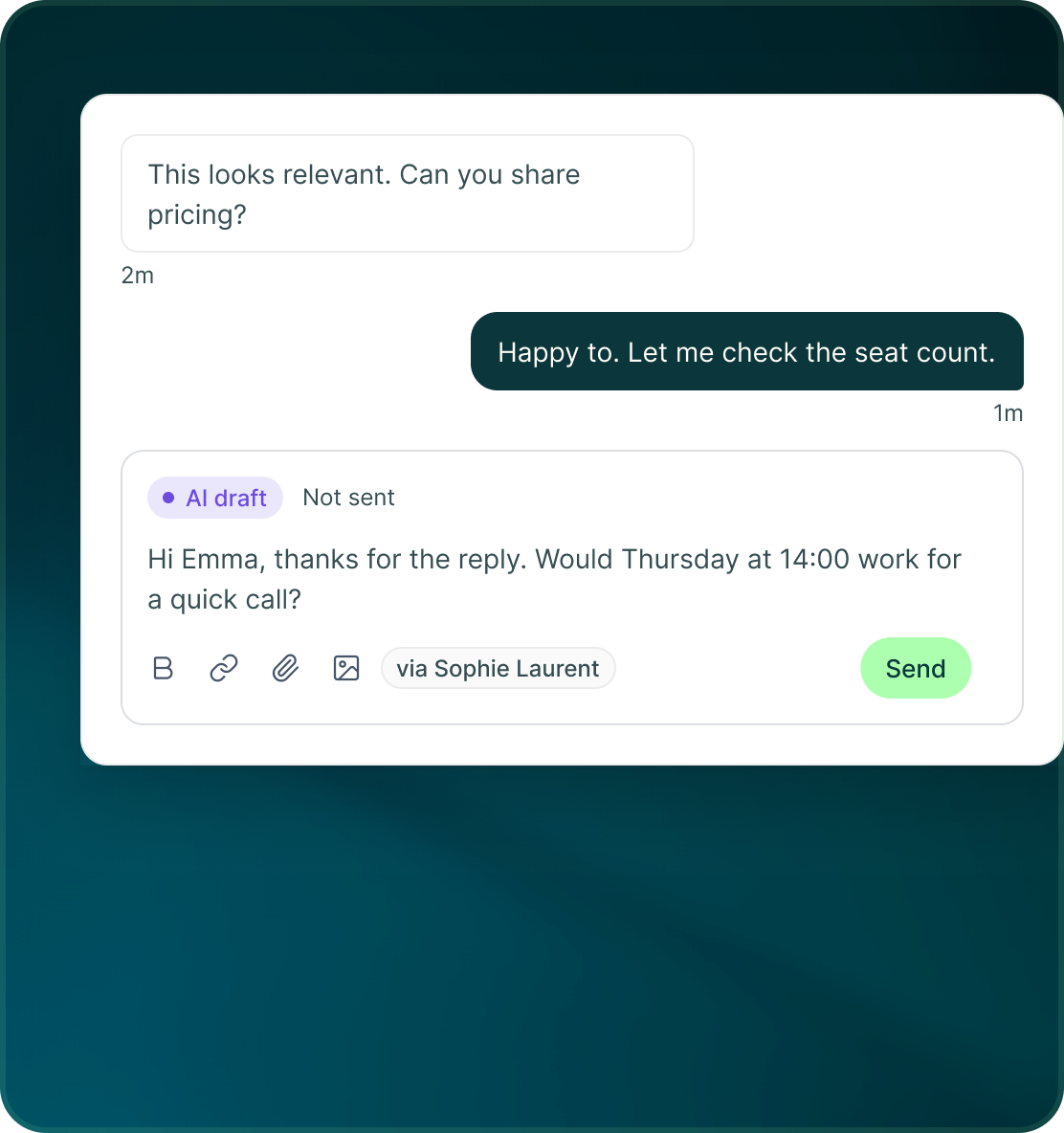
The draft sits beside the conversation it is answering
The AI suggestion appears inside the same Unibox workflow where the rep can read the conversation and continue the thread.
- Review the prior messages before deciding what to send.
- Continue with the same reply composer and its formatting, links, attachments and image controls.
- The reply goes through the seat or mailbox that owns the conversation.
Human control
The useful part of AI without autonomous replies
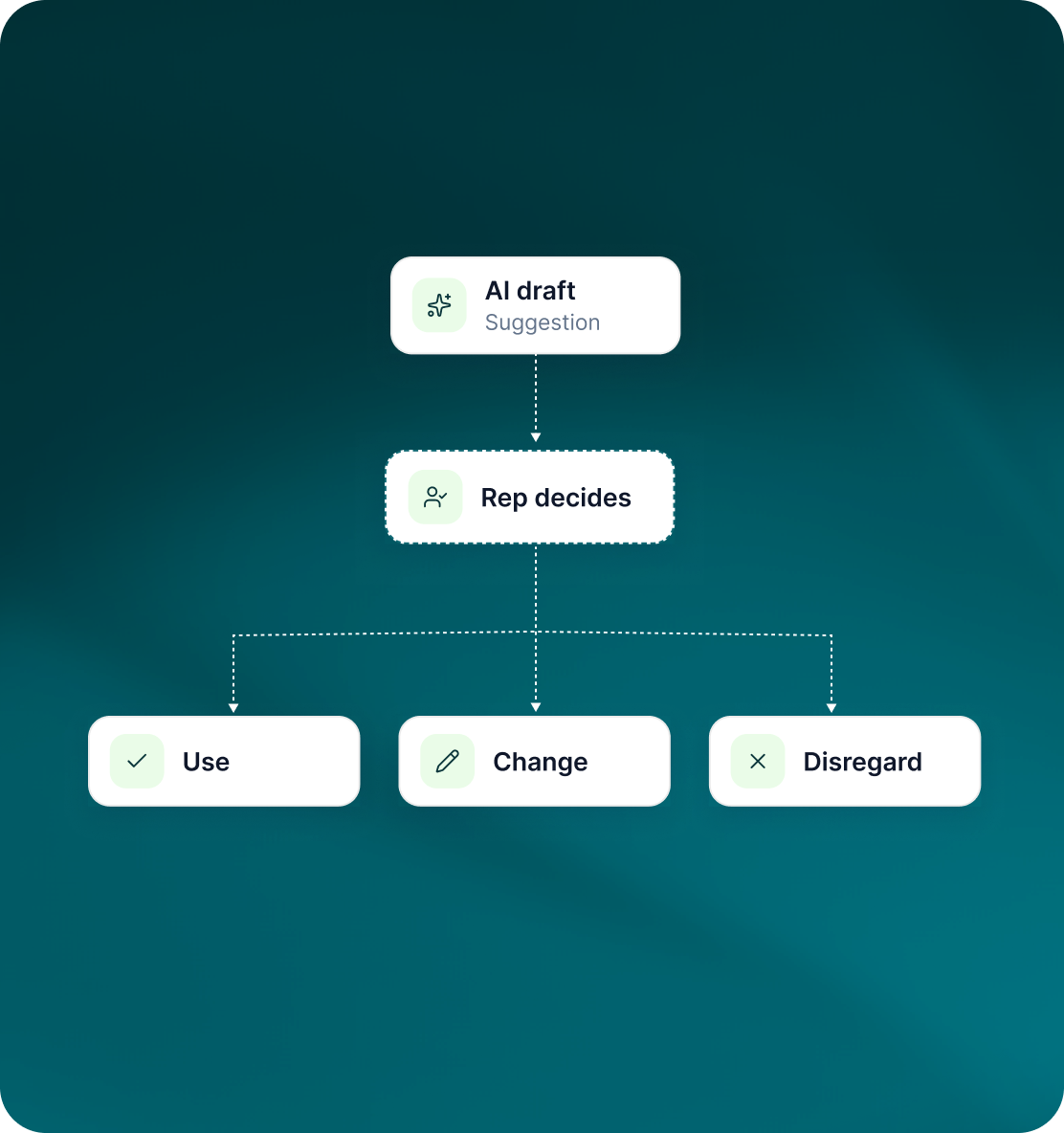
GML's position is deliberate: AI can assist with the response, but it does not reply to prospects without a person involved.
- An AI-generated reply remains something for a rep to review.
- The human operator decides whether to use, change or disregard the suggestion.
- The workflow still has a responsible teammate, account and commercial outcome around it.
Case studies
Teams who can show their work
“Using Get Me Leads has been one of our smartest investments. Our team actively engages with the platform, and we’ve seen a notable boost in our sales.”




“We’ve fully transitioned our operations to Get Me Leads. The product is user-friendly and adaptable, greatly helping us increase our lead generation.”


Build the list. Check who is in it. Then launch.
Questions
AI replies in GML
No. AI suggests a reply in Unibox; a person reviews and sends it.
Yes. It is a suggested response, so the rep remains responsible for the final message.
Inside Unibox, alongside the conversation being worked.
Yes. Inbound emails are classified as bounce, auto-reply, out of office, unsubscribe or a real reply with sentiment.
A person decides what the message is.
The response is sent through the seat or mailbox that owns the conversation.