


 Meeting Actions
Turn Interested Replies into Booked Meetings.
Book meetings from the prospect, the Unibox conversation or the campaign. Sync them with Google, Outlook or Microsoft 365 and keep the meeting result connected to the outreach that produced it.
The LinkedIn outreach platform trusted by 300+ Companies and across 60+ Industries








Meeting Actions
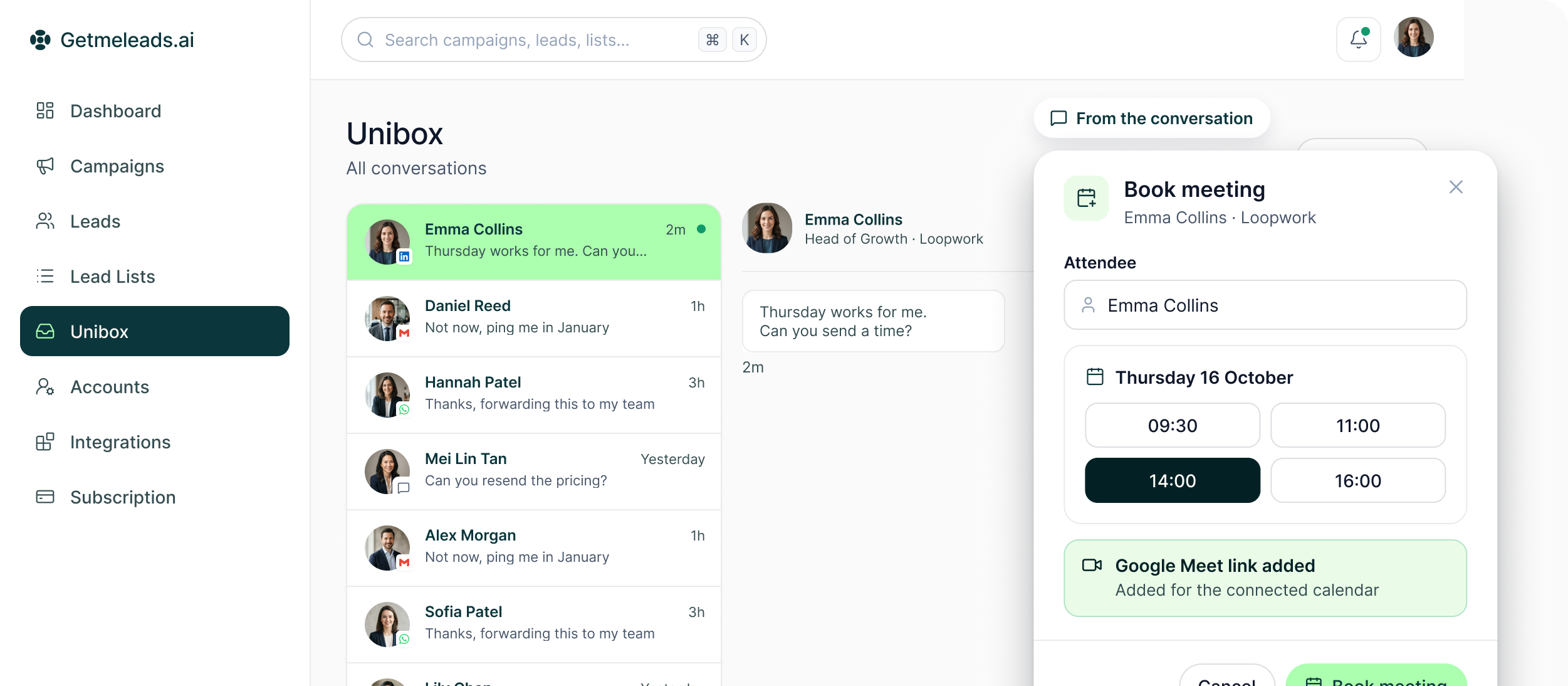
Book the meeting where the sales context already is
The booking action is available from several points in the GML workflow rather than being limited to a separate calendar screen.
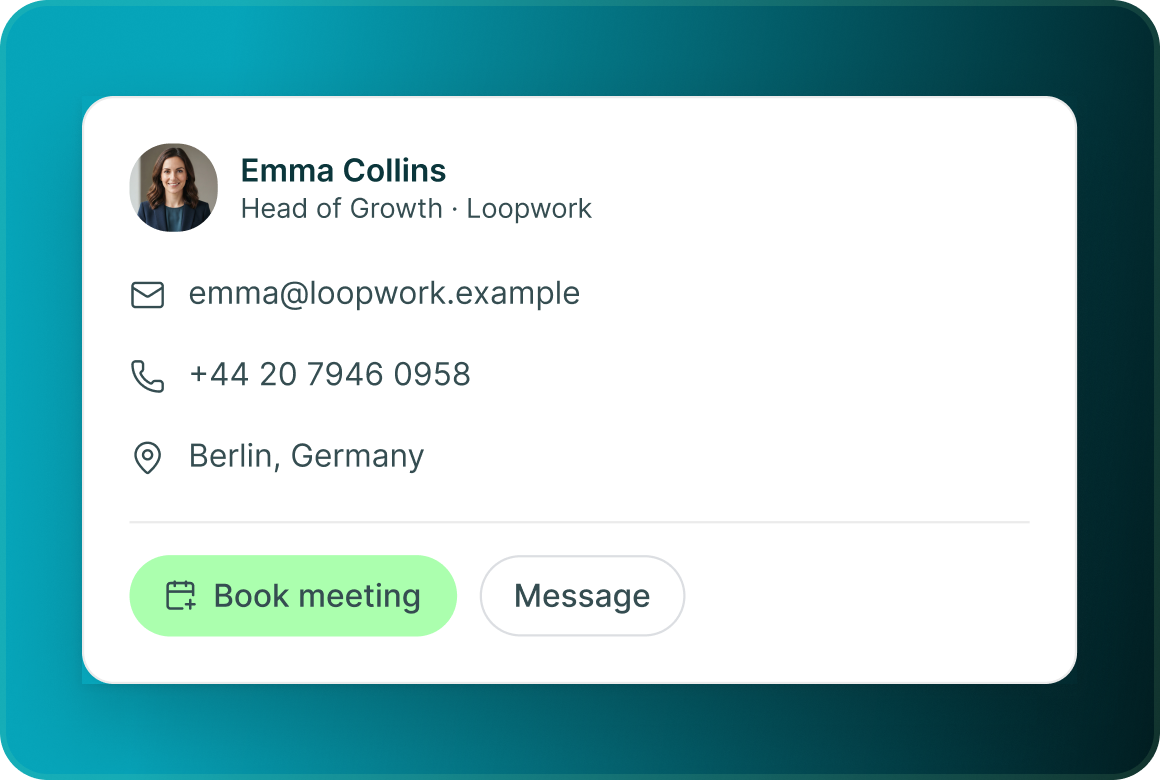
Book from the prospect
Open the lead and create the meeting directly from the person you are already working.
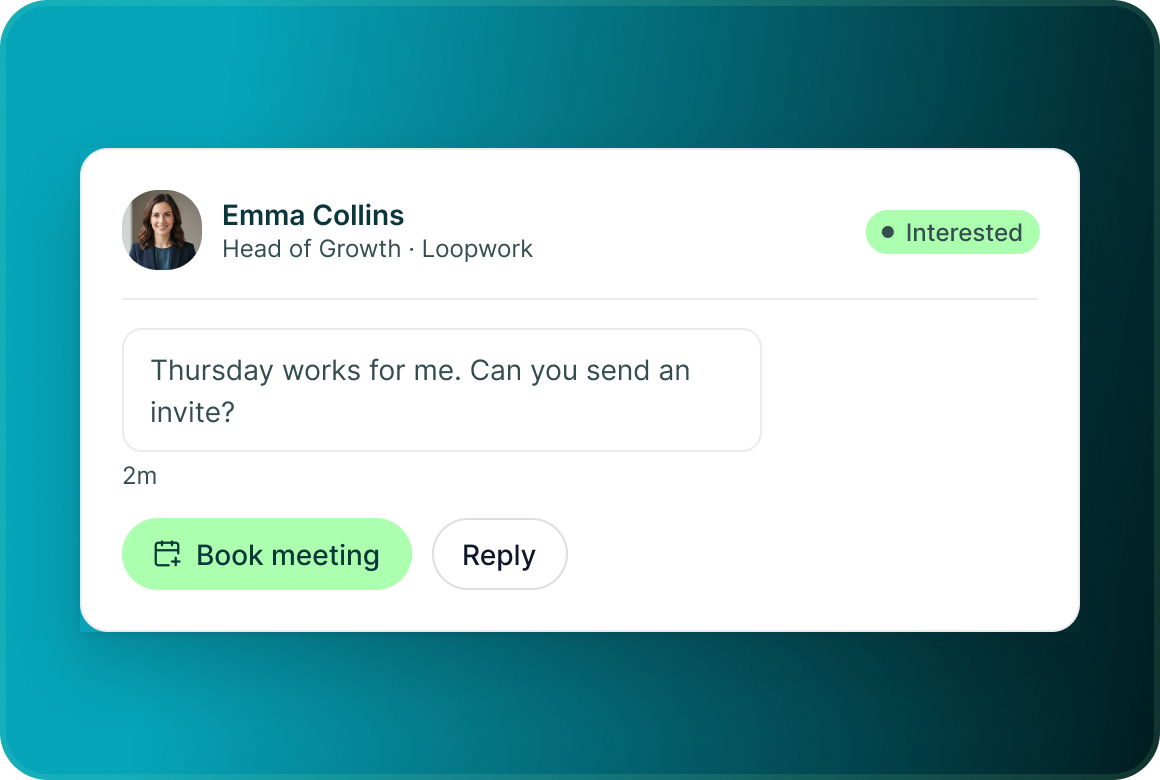
Book from Unibox
When a conversation turns positive, move directly from the reply to the meeting action.
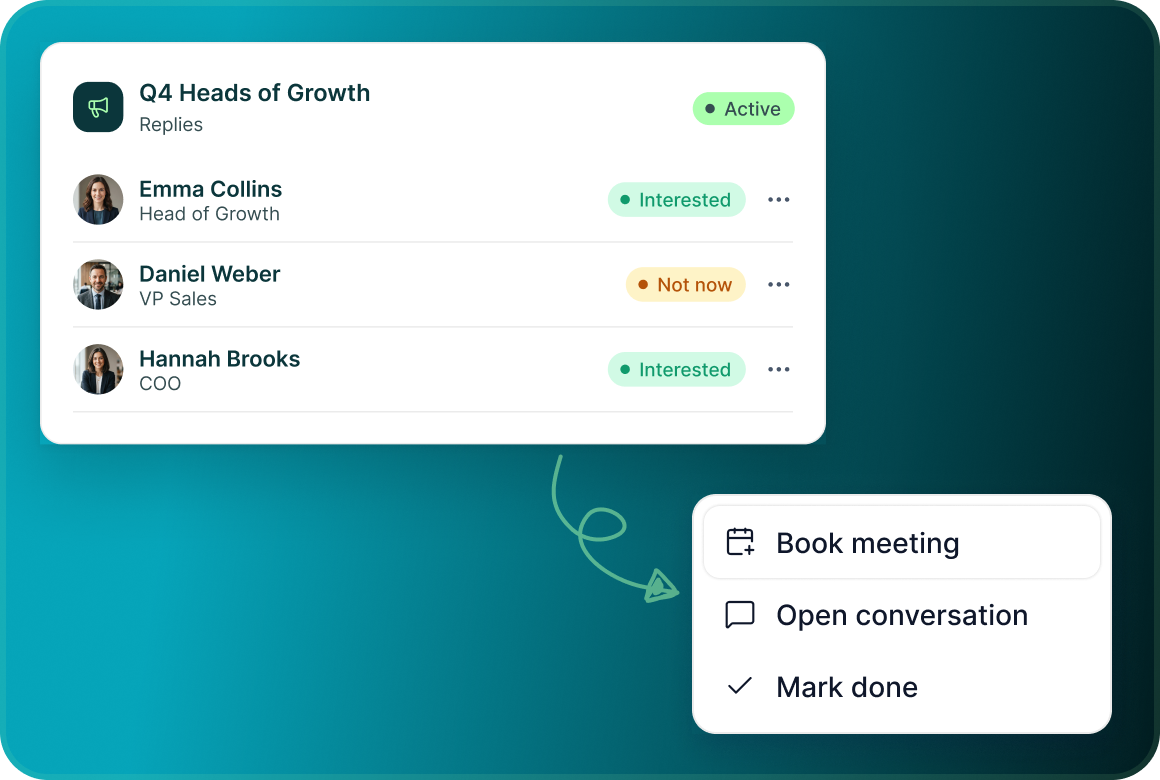
Book from the campaign
Meeting booking is also available from campaign context when that is where the team is working.
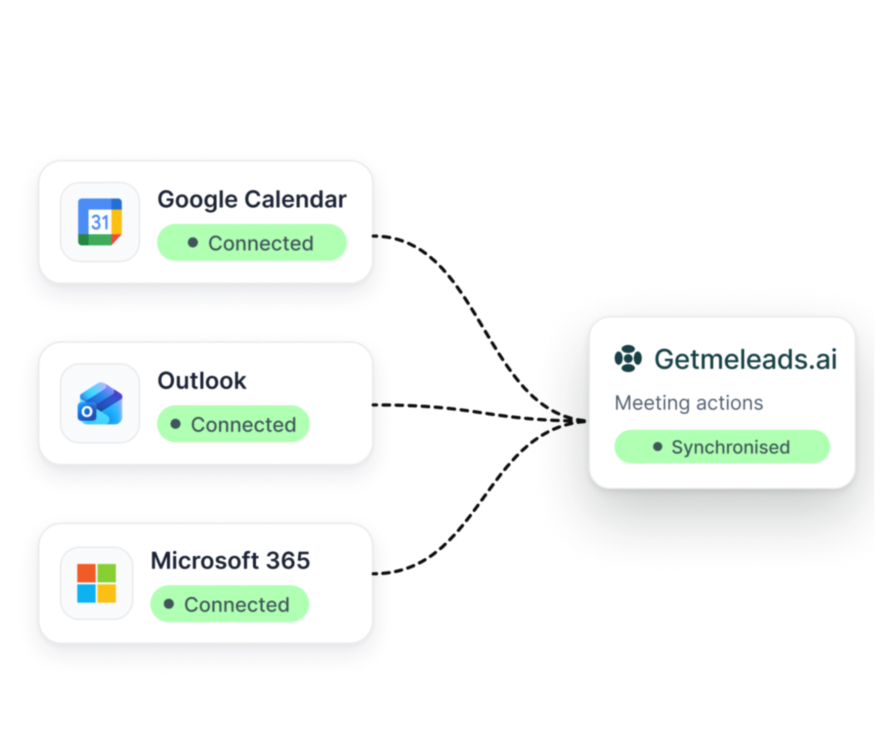
Calendar connection
Keep GML connected to the calendar behind the meeting
Connect Google Calendar, Outlook or Microsoft 365 and keep meeting actions synchronised with the calendar system your team already uses.
From reply to event
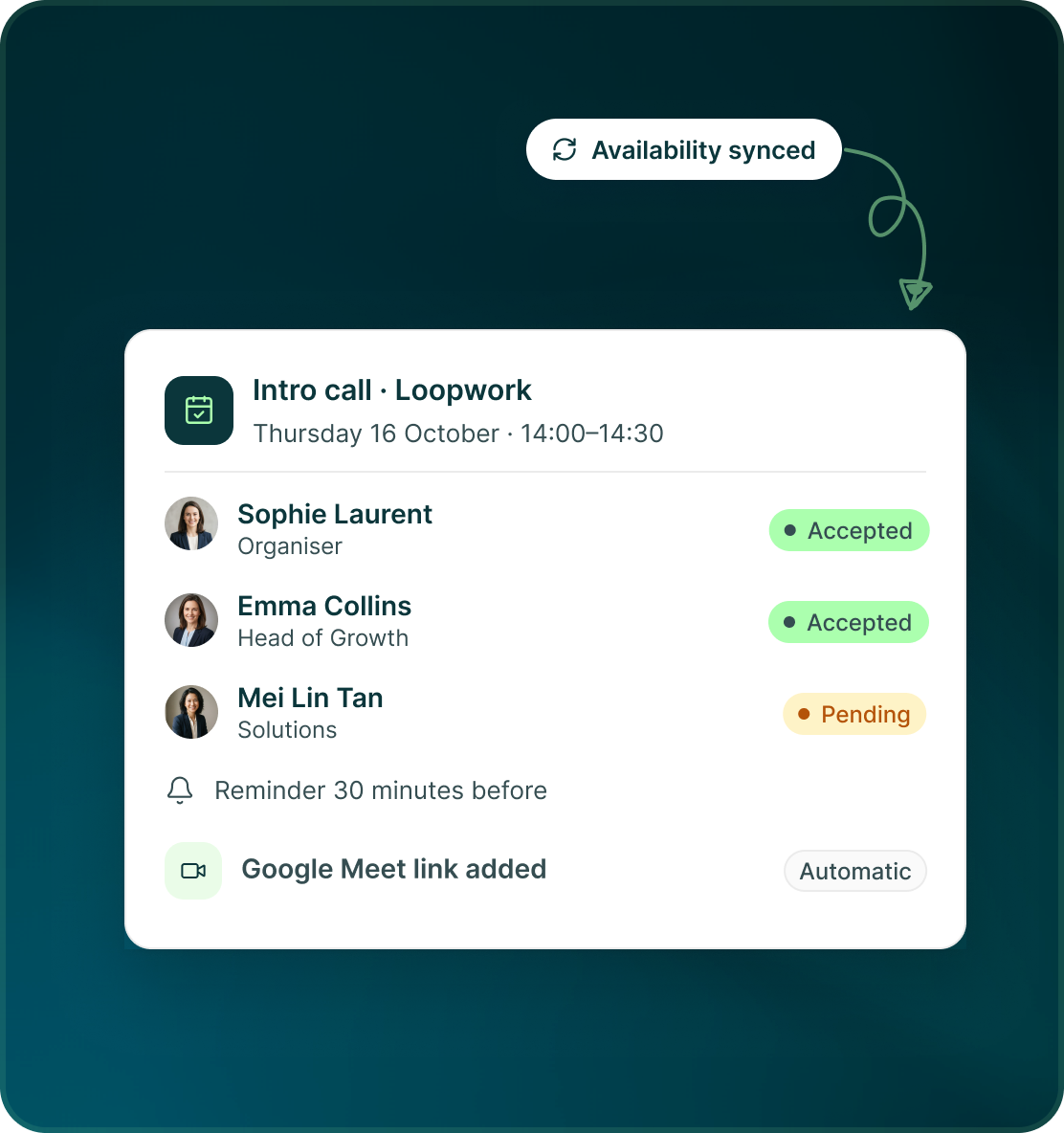
Use availability. Create the event. Add the meeting link.
The calendar connection carries the operational details needed to turn the sales conversation into a scheduled event.
- Use synchronised calendar availability when arranging the meeting.
- Create, update or cancel the event while keeping attendees, RSVPs and reminders connected.
- Google Meet or Microsoft Teams links are added automatically for the corresponding calendar setup.
Meeting booked
A booked meeting should update the outbound record too
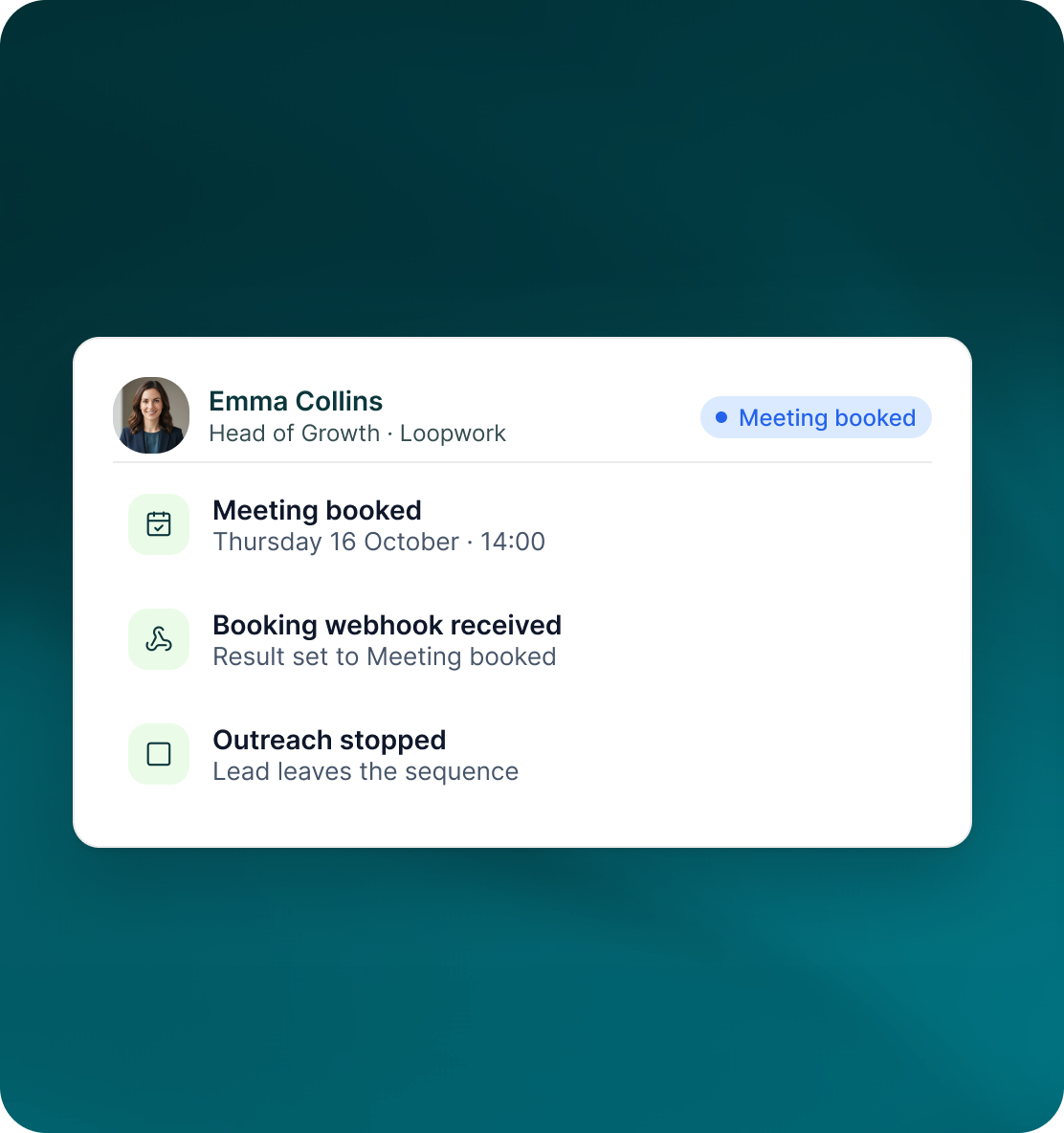
Meeting activity feeds back into the sales workflow so the team does not need to manually reconstruct which outreach became a booked conversation.
- Meetings booked through the connected workflow are recorded automatically.
- Booking links can also be inserted into email outreach when that is the better next step.
- A booking-tool webhook such as Calendly can mark the result Meeting booked and stop the lead from continuing through outreach.
Case studies
Teams who can show their work
“Using Get Me Leads has been one of our smartest investments. Our team actively engages with the platform, and we’ve seen a notable boost in our sales.”




“We’ve fully transitioned our operations to Get Me Leads. The product is user-friendly and adaptable, greatly helping us increase our lead generation.”


Build the list. Check who is in it. Then launch.
Questions
Meetings in GML
Google Calendar, Outlook and Microsoft 365.
From a prospect, an Unibox conversation or a campaign.
Yes. It can create, update, cancel and sync events, attendees, availability, RSVPs and reminders.
Yes. Google Meet or Microsoft Teams links are added automatically for the relevant connected calendar.
Yes. Booking links can be used inside emails.
Yes. Meeting bookings are recorded automatically.