


 Global Pause
Pause All Outreach. One Click, Every Channel.
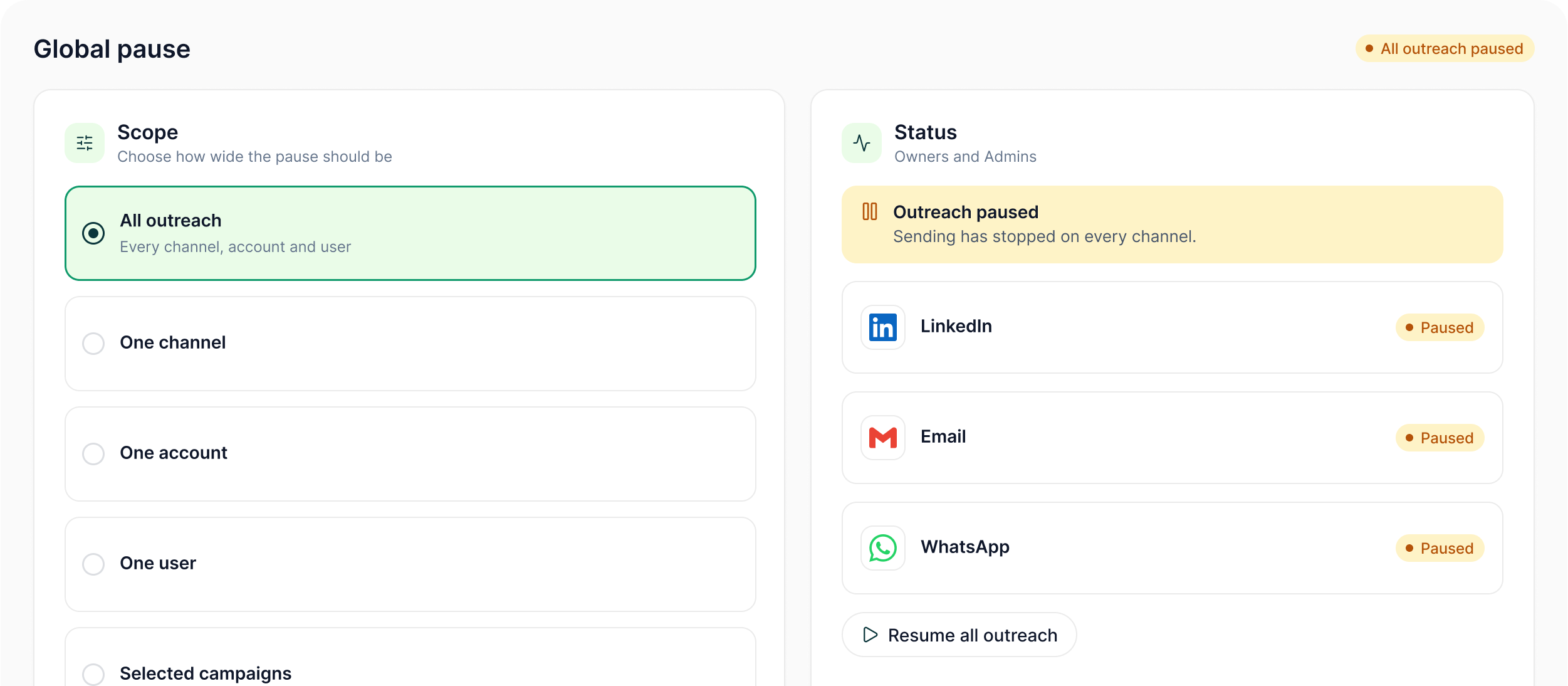
Owners and Admins can pause all outreach at once — or narrow the pause to a channel, account, user or selected campaigns — from one control.
The LinkedIn outreach platform trusted by 300+ Companies and across 60+ Industries








The Control
Stop everything. Or stop only what needs stopping.
Global controls let authorised operators choose how wide the pause should be instead of treating every incident as an all-or-nothing decision.
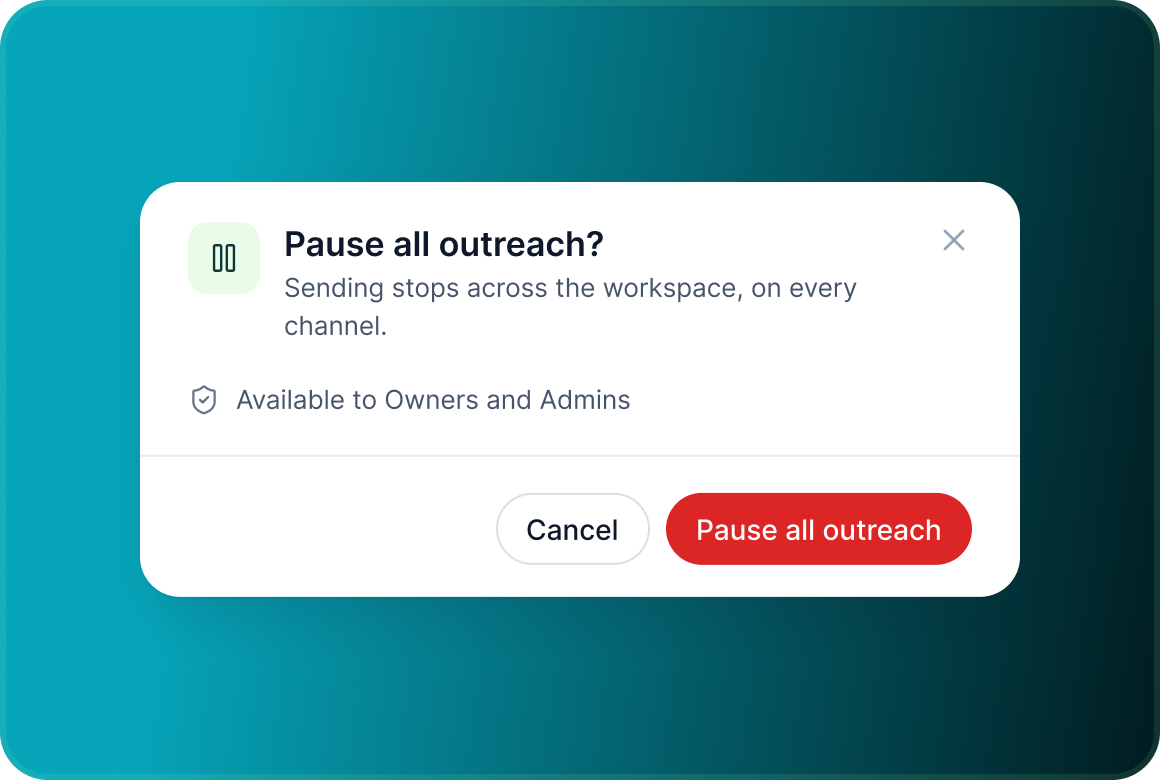
Pause all outreach
Owners and Admins can stop sending across the workspace from one control.
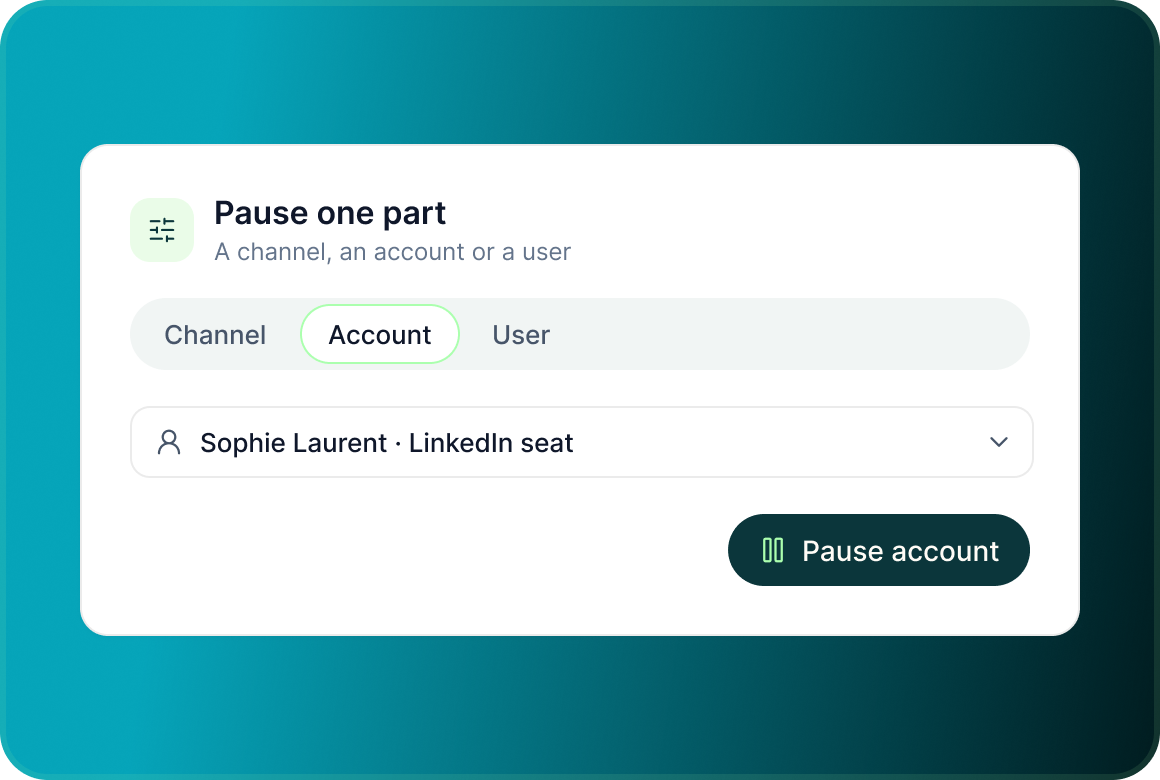
Pause one part of the operation
Narrow the pause to one channel, one account or one user when the issue is more specific.
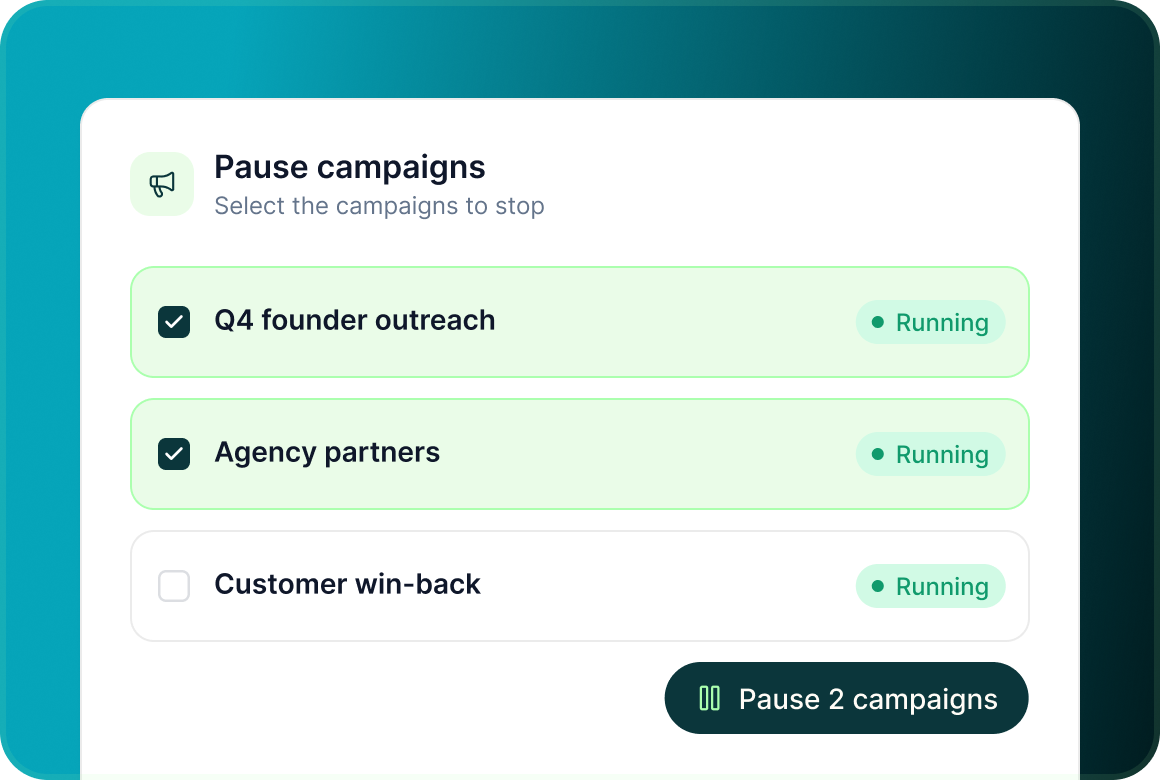
Pause a set of campaigns
Select the campaigns that should stop without interrupting unrelated outreach.
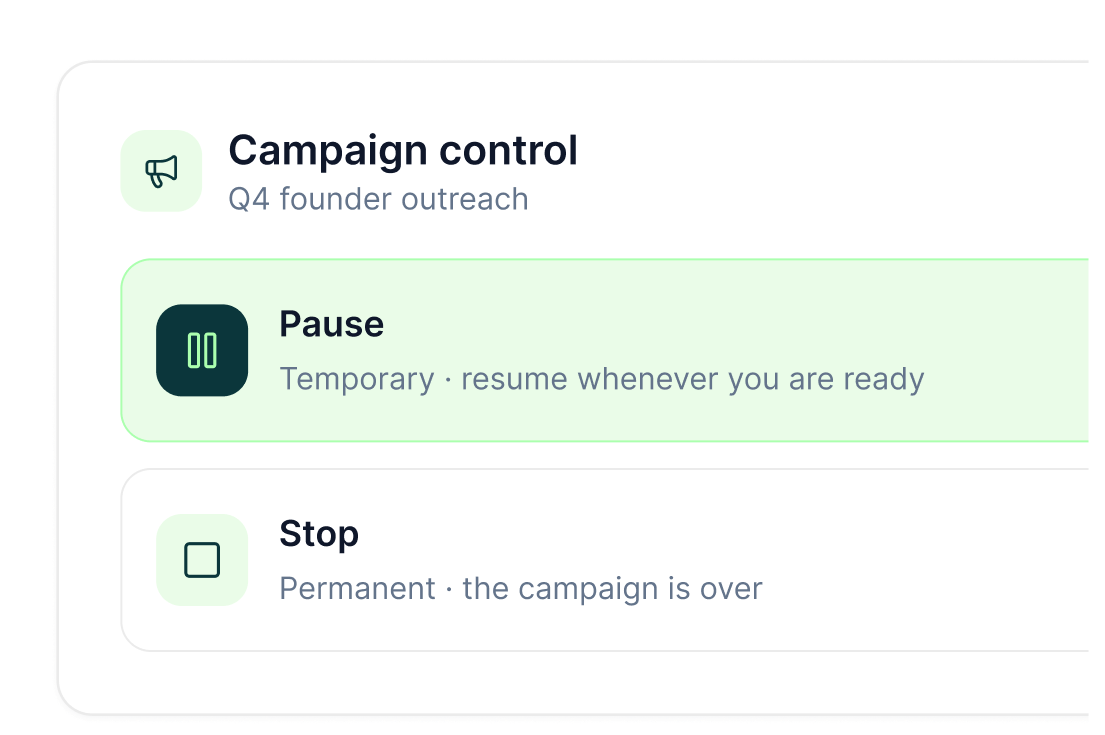
Campaign lifecycle
Pause when you may continue. Stop when the campaign is over.
GML separates temporary control from a permanent campaign stop so the operator can choose the right action.
Operational control
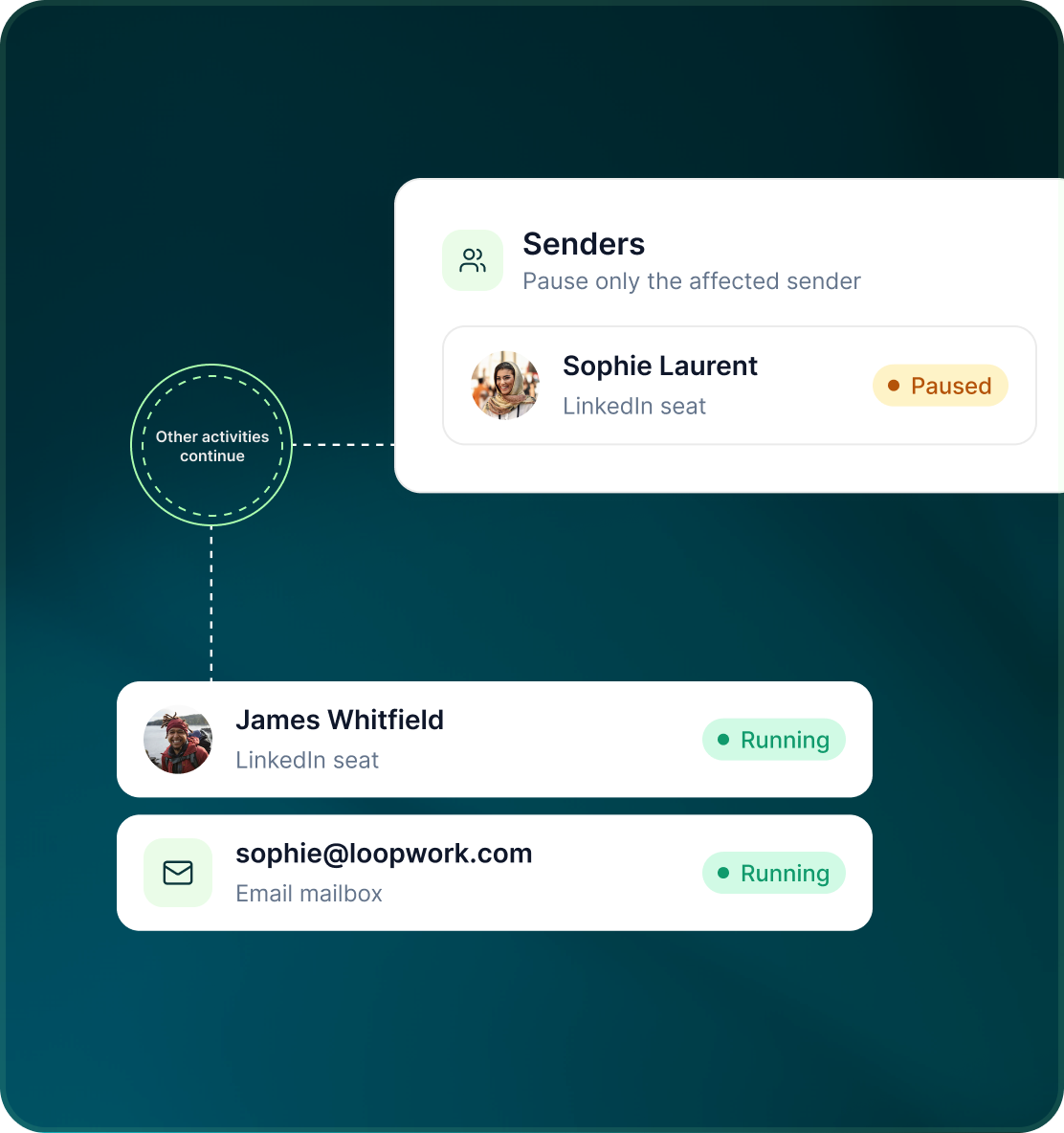
A problem with one sender does not have to stop every sender
The scope controls let the team isolate the part of the outbound operation that needs attention.
- Pause one sending channel while the rest of the workspace continues.
- Pause activity from one specific connected sender.
- Pause one user's work or a selected set of campaigns.
Emergency stop
When the response needs to be immediate and broad
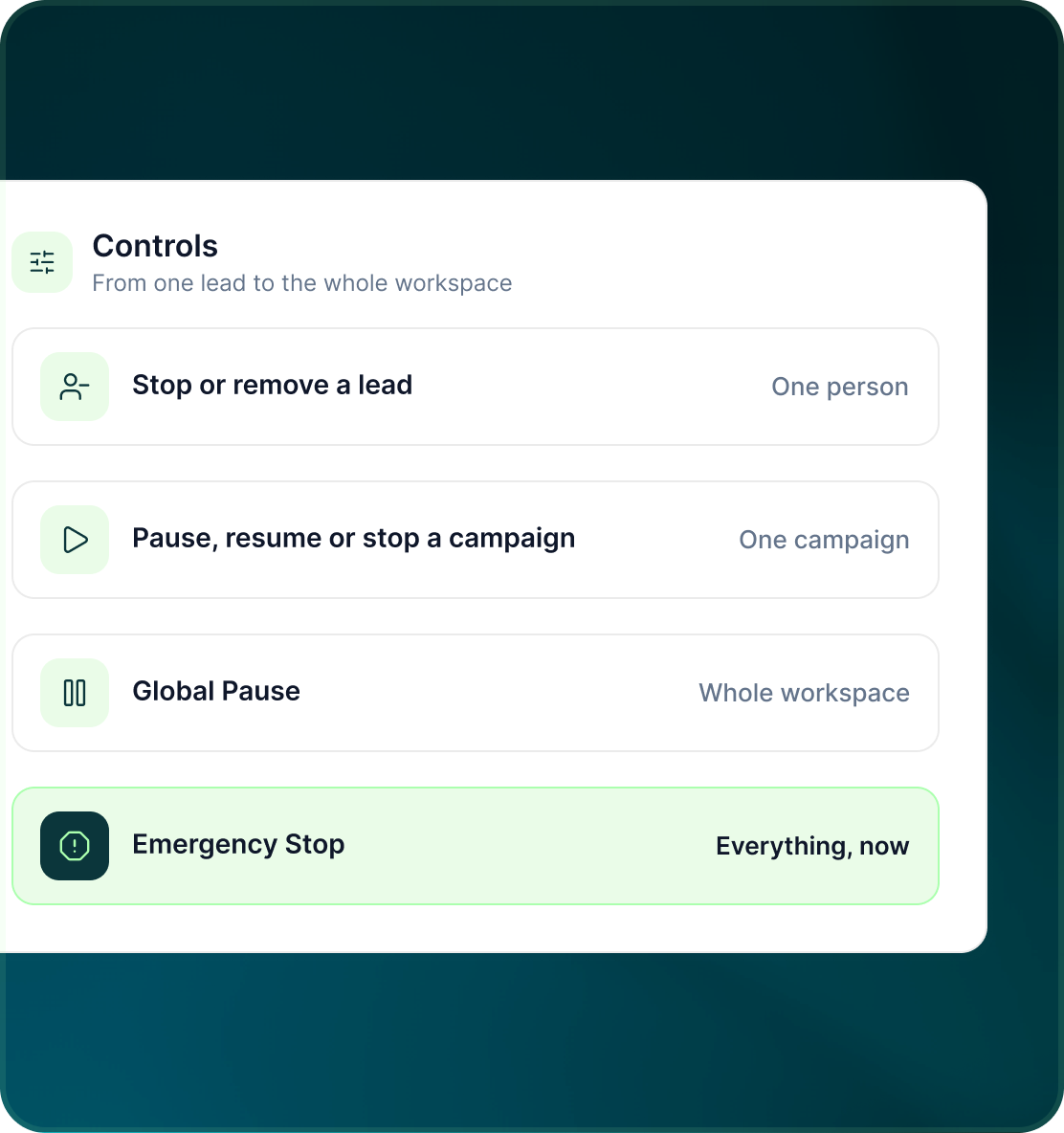
Global pause and emergency-stop controls sit alongside campaign-level and per-lead controls so operators can respond at the level the situation requires.
- Stop or remove an individual prospect.
- Pause, resume or stop one campaign.
- Use Global Pause or Emergency Stop when the control needs to apply more broadly.
Case studies
Teams who can show their work
“Using Get Me Leads has been one of our smartest investments. Our team actively engages with the platform, and we’ve seen a notable boost in our sales.”




“We’ve fully transitioned our operations to Get Me Leads. The product is user-friendly and adaptable, greatly helping us increase our lead generation.”


Build the list. Check who is in it. Then launch.
Global Pause in GML
Running LinkedIn with GML
Owners and Admins can use the global pause controls.
Yes. All outbound activity can be paused from one control.
No. You can narrow the pause to one channel, account, user or selected set of campaigns.
Pause is temporary and allows the campaign to resume. Stop ends the campaign permanently.
Yes. Individual leads can also be stopped or removed without stopping the whole campaign.
Yes. Emergency stop is part of GML's workspace safety controls.