


 For partnerships & BD
Keep partner conversations
moving after the first reply
Bring partner threads into one inbox, keep the next scheduled action visible and retain the exact messages behind the relationship.
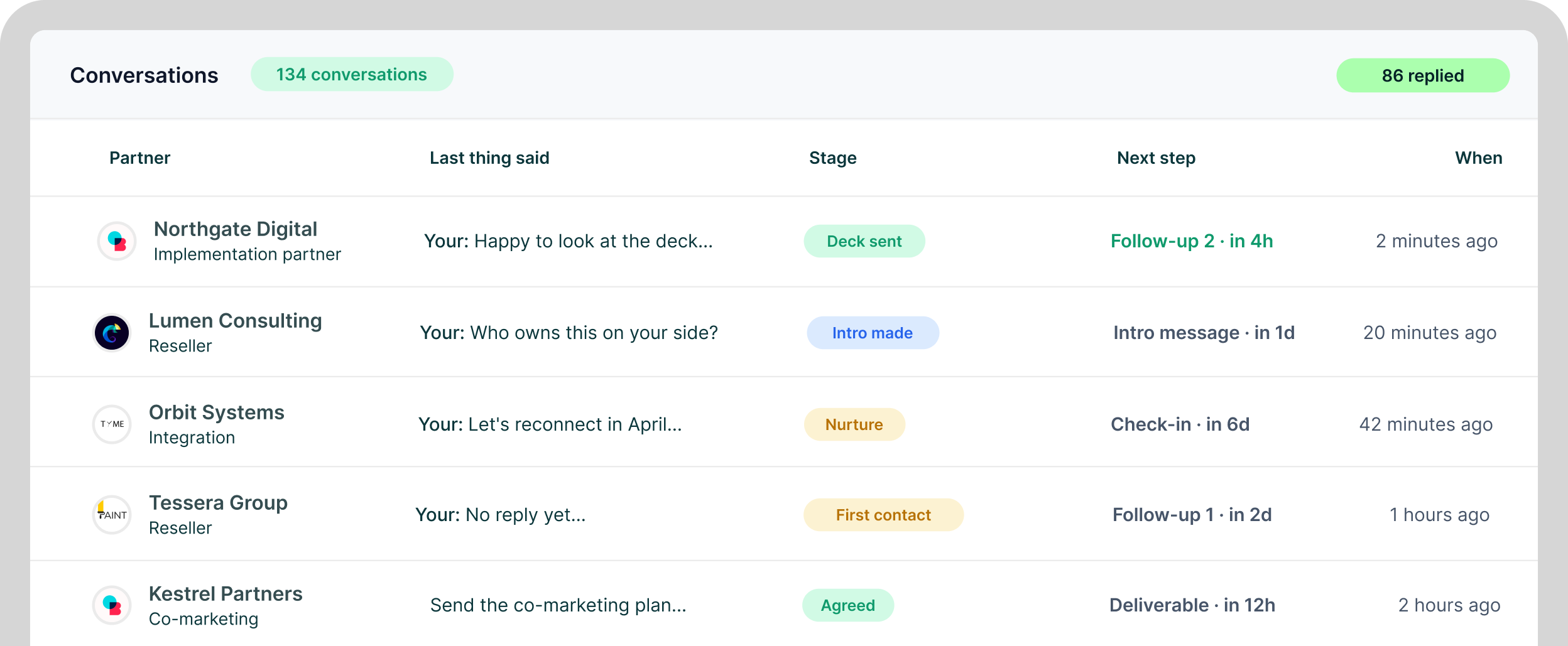
The partnerships case
Keep the thread, the next step
and the history together
Long-cycle relationships are easier to work when replies are shared, follow-ups are scheduled and the original conversation stays attached to the lead.
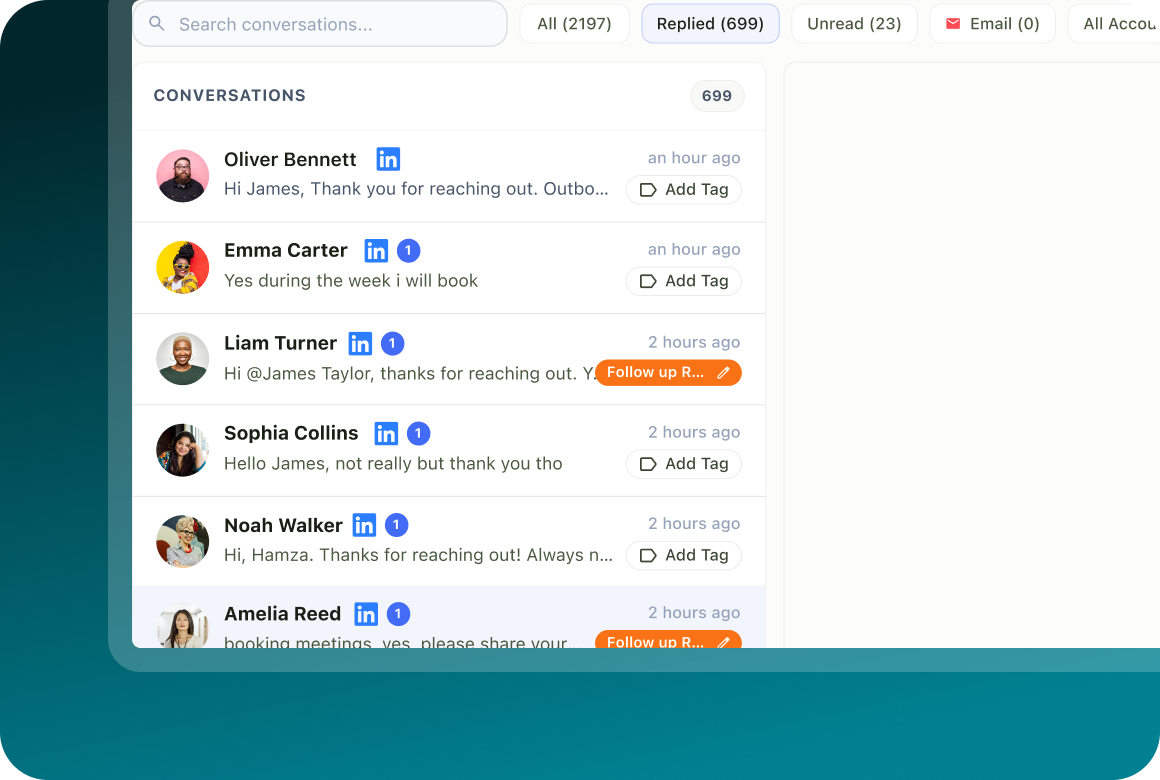
Every thread, one place
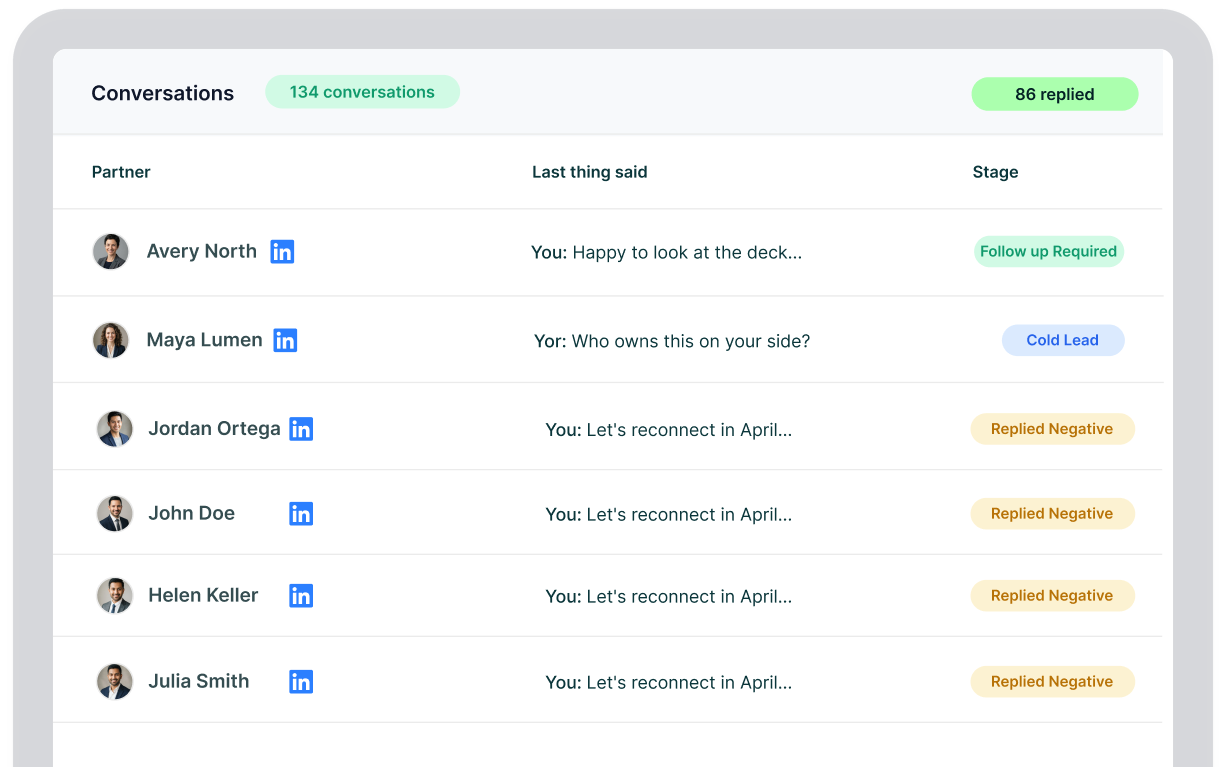
Replies from connected channels land in Unibox with tags, assignment, status and conversation history.
The next step stays visible
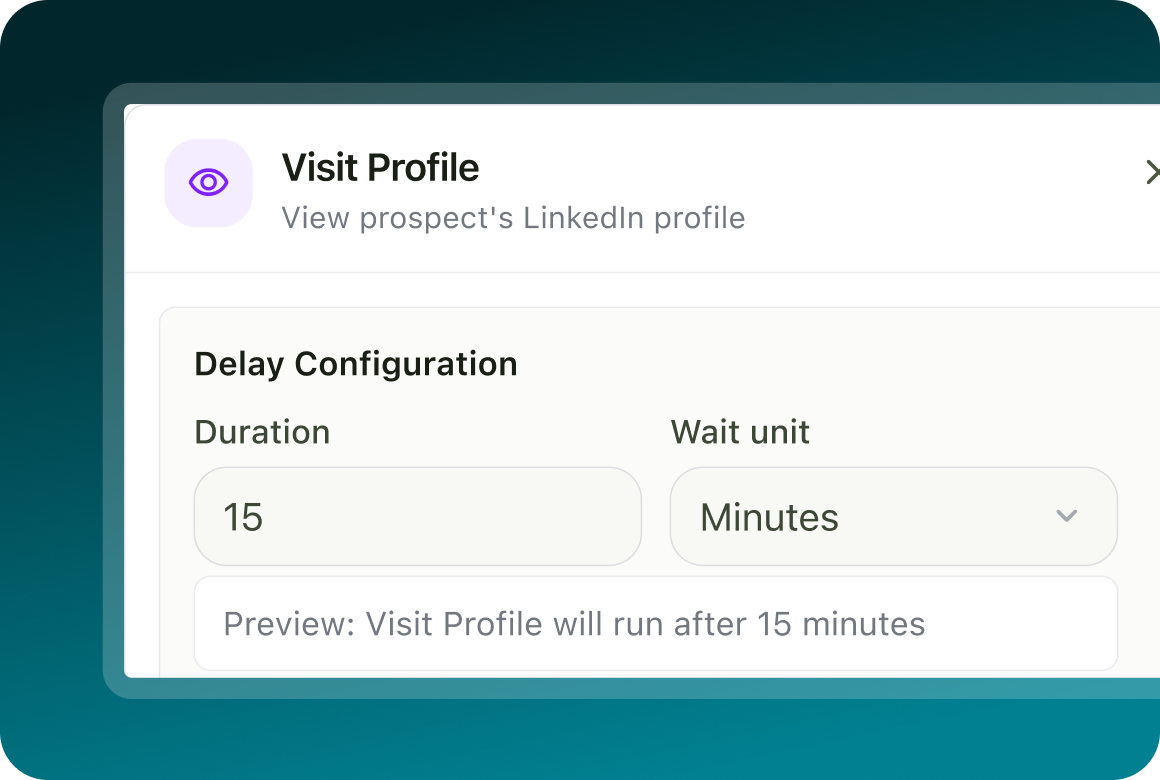
Lead records show the next scheduled action, while flow delays control when the following step becomes eligible to run.
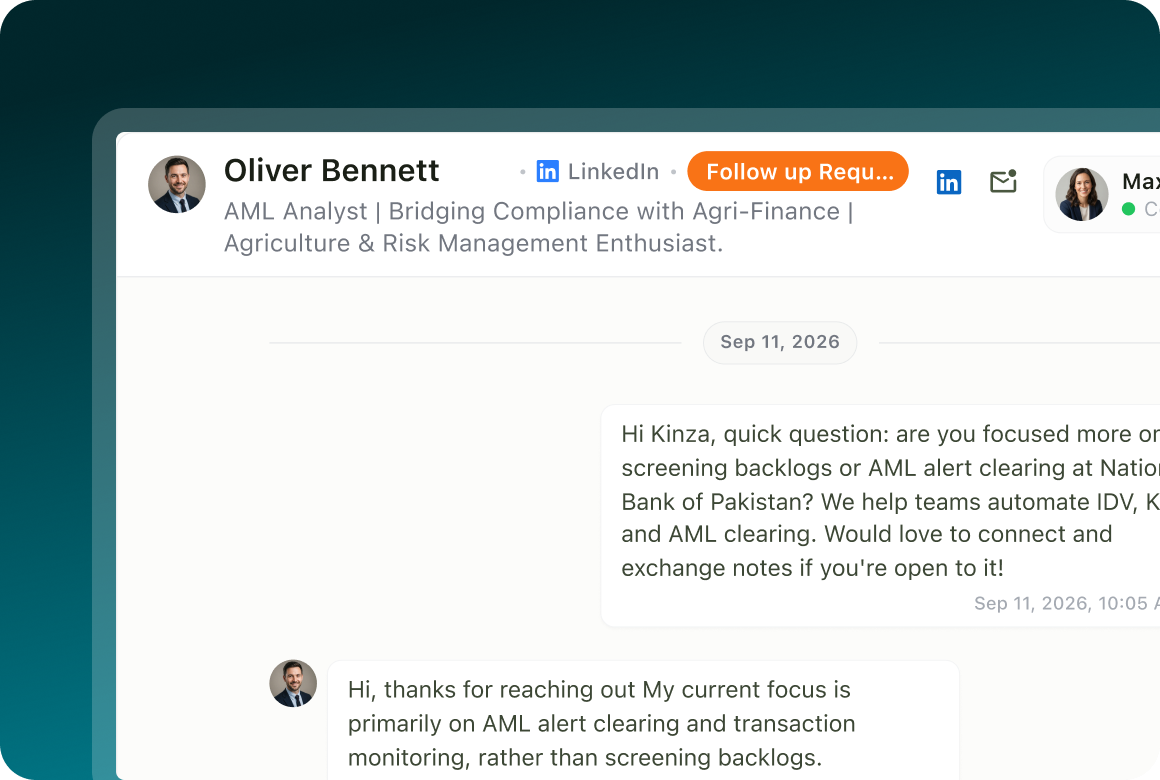
What was said stays on the record
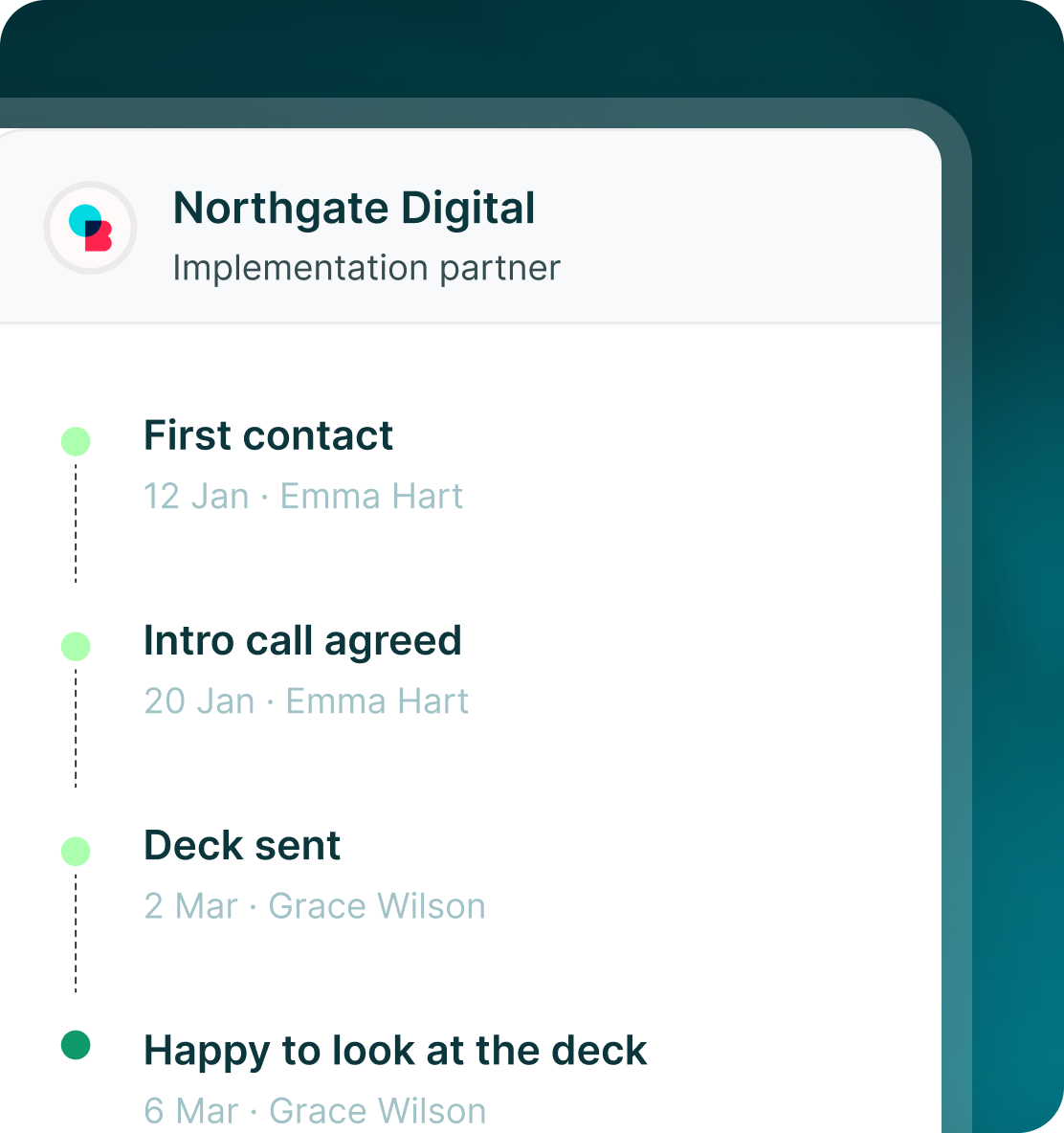
Campaign Status keeps each campaign step, timestamp, result and exact message.
One inbox
Partner replies stop living
inside individual accounts
Unibox brings LinkedIn messages, InMail replies, email, WhatsApp Business, Telegram and SMS conversations into one place.
Sourcing
Build the partner list
from places you already prospect
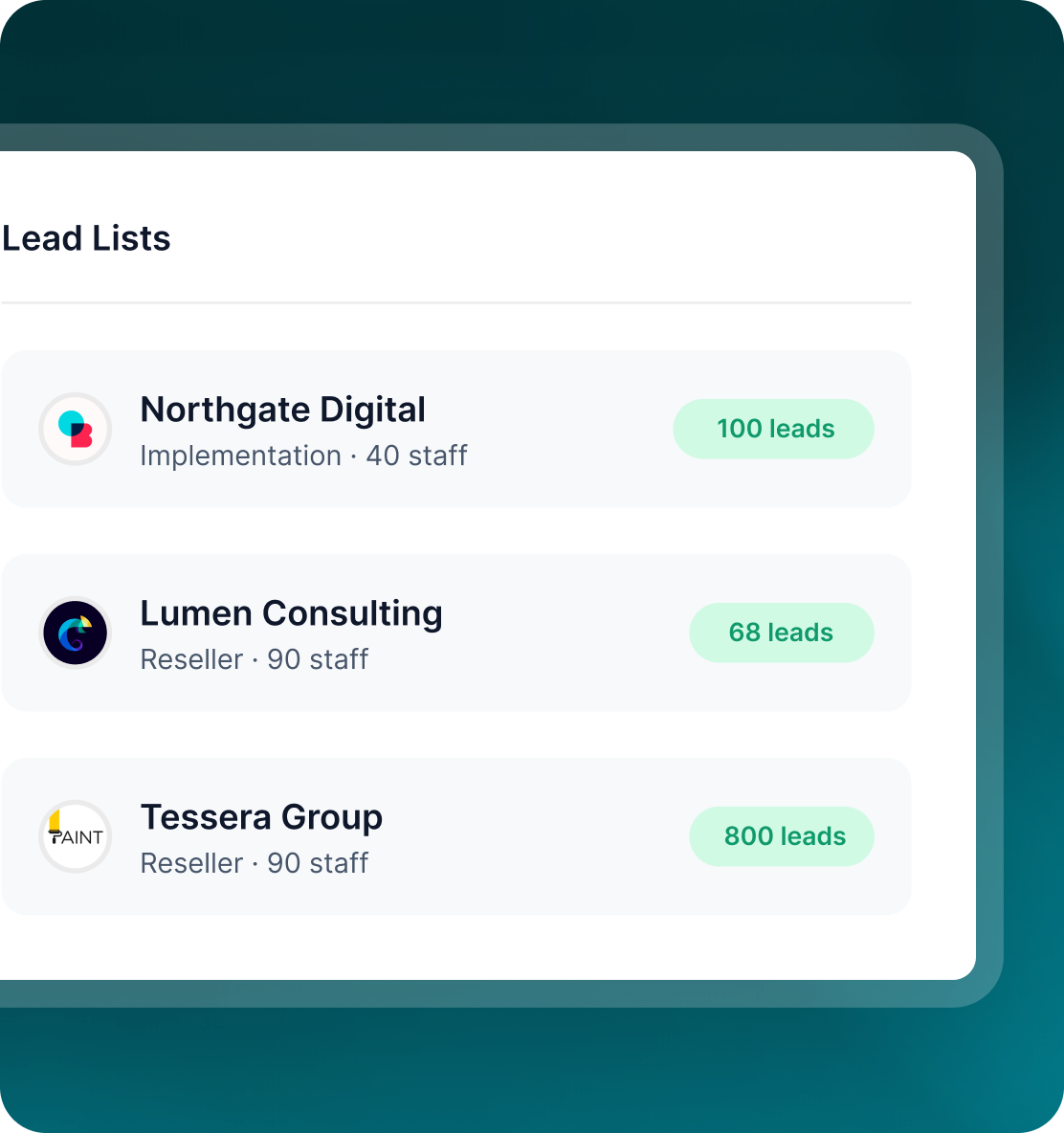
Use LinkedIn, Sales Navigator, groups, events, HubSpot or your own files to build the list, then preview the people before they enter a campaign.
- Use the source that already contains the partner ecosystem you want.
- Use available targeting and list filters to narrow the audience.
- Once published, partner leads use the same flows, inbox and reporting as the rest of your outreach.
The record
Months later, the conversation is
still there
The lead timeline keeps sends, replies, pauses, skips, errors and retries in order. If responsibility changes, the next person can work from the same conversation history.
- See the campaign steps and the exact words that went out.
- Move responsibility for the conversation without losing its context.
- Leads, campaigns and conversation history stay part of the workspace rather than somebody's personal notes.

Build the list.
Check who is in it. Then launch.
Questions
Running partnerships in GML
It covers the outreach operation before and around the CRM: sourcing, campaigns, replies and the lead record. GML also has live CRM integrations, including deeper HubSpot synchronisation.
Yes. Conversations can be assigned inside the shared workspace, while the thread and campaign context remain attached to the lead.
Replies from connected channels and accounts can still come into the same Unibox, where the team can assign and work them.
Yes. Every action on the flow has a configurable delay measured from the previous step.
Yes. GML has live integrations with HubSpot, GoHighLevel, Zoho CRM and Freshsales, plus automation integrations including Zapier, Make.com, n8n and Webhook.
Reassign the conversation or campaign to another teammate. The lead's history and exact campaign messages remain on the record.