


 For consultants & freelancers
Keep business development running while client work takes the week
Build the lists once, approve what goes out and let the campaign follow the schedule you set. One LinkedIn seat starts at $25 per month.
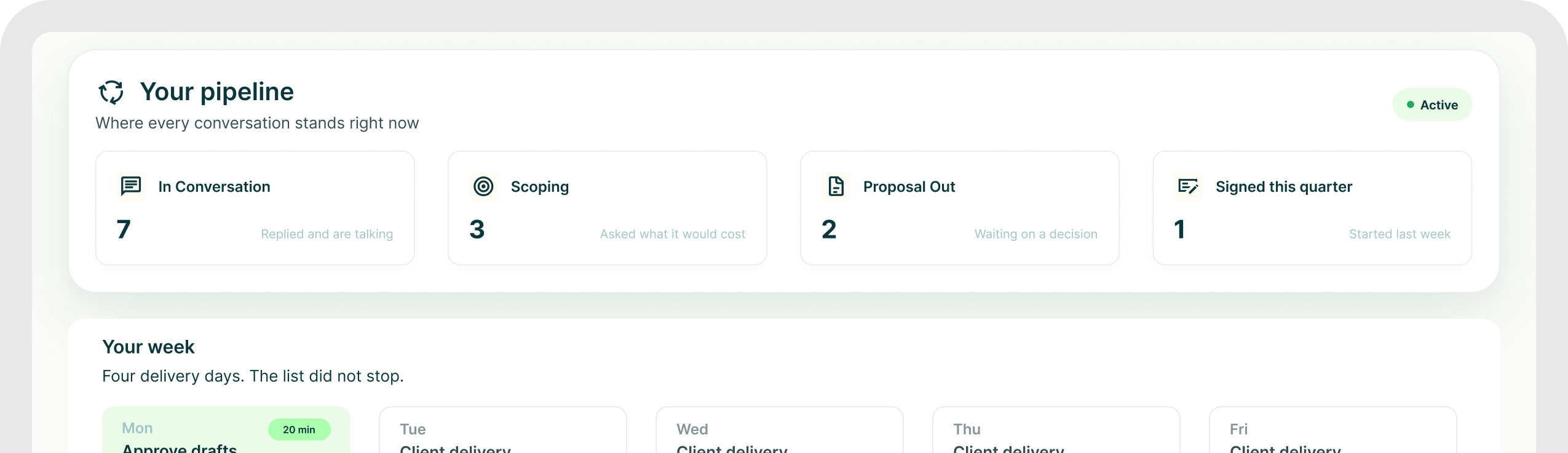
The consultant case
Client delivery and pipeline
should not take turns existing
Use campaigns to keep prospecting organised while you work, without handing AI permission to send whatever it wants.
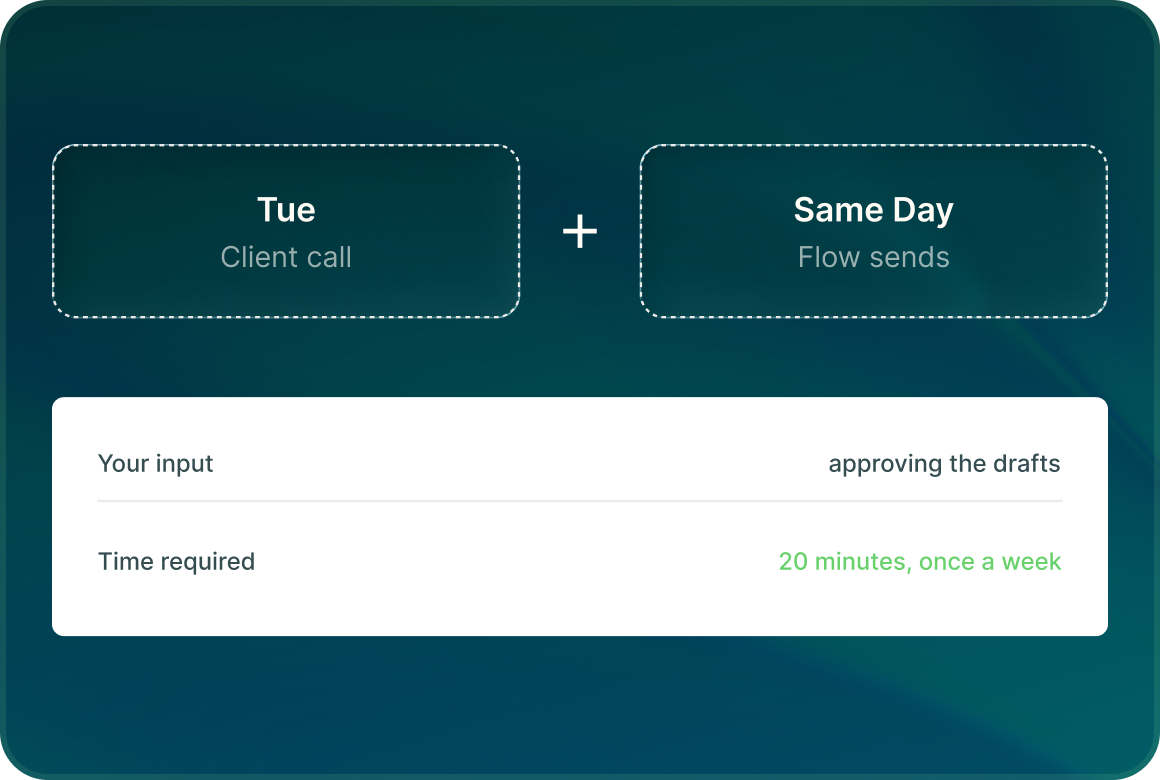
Campaigns follow the schedule
Once the approved outreach is ready, the sequence follows its configured delays, sending days and account limits.
Your name on it
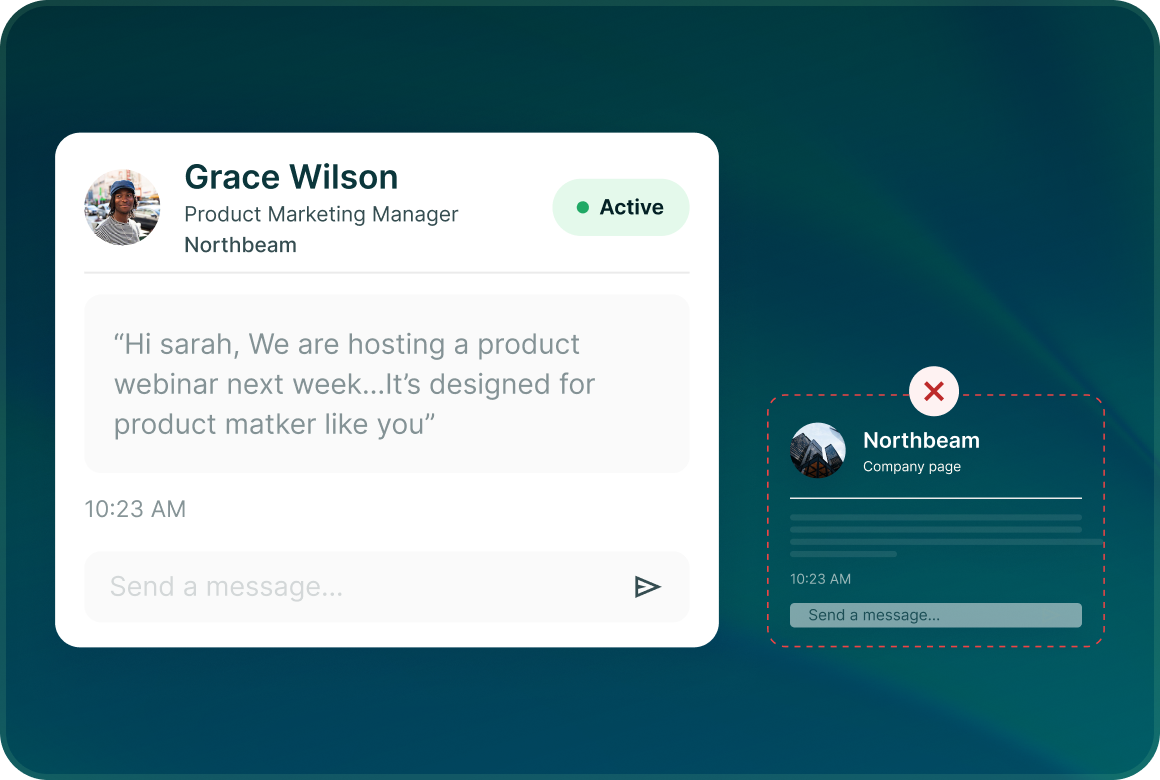
LinkedIn outreach goes from the connected profile you choose, not from a generic company identity.
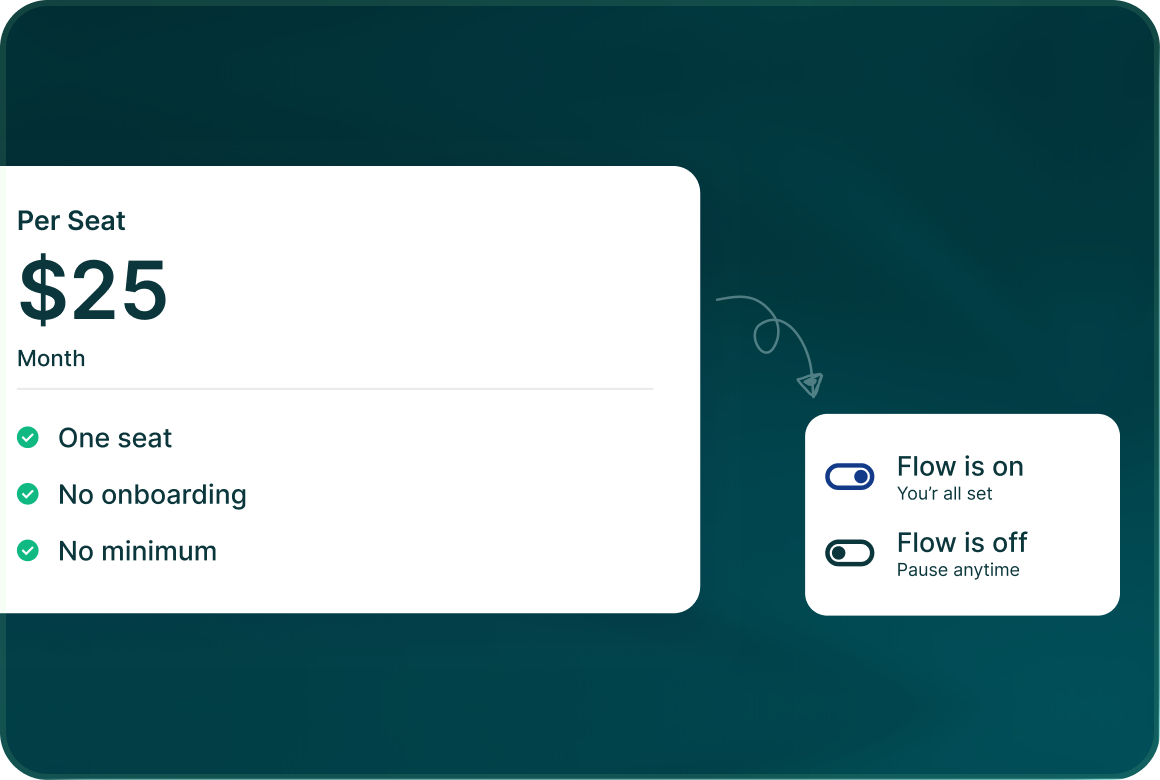
One LinkedIn seat starts at $25
You do not need a minimum team size. Teammates are free if somebody else later needs access to the workspace.
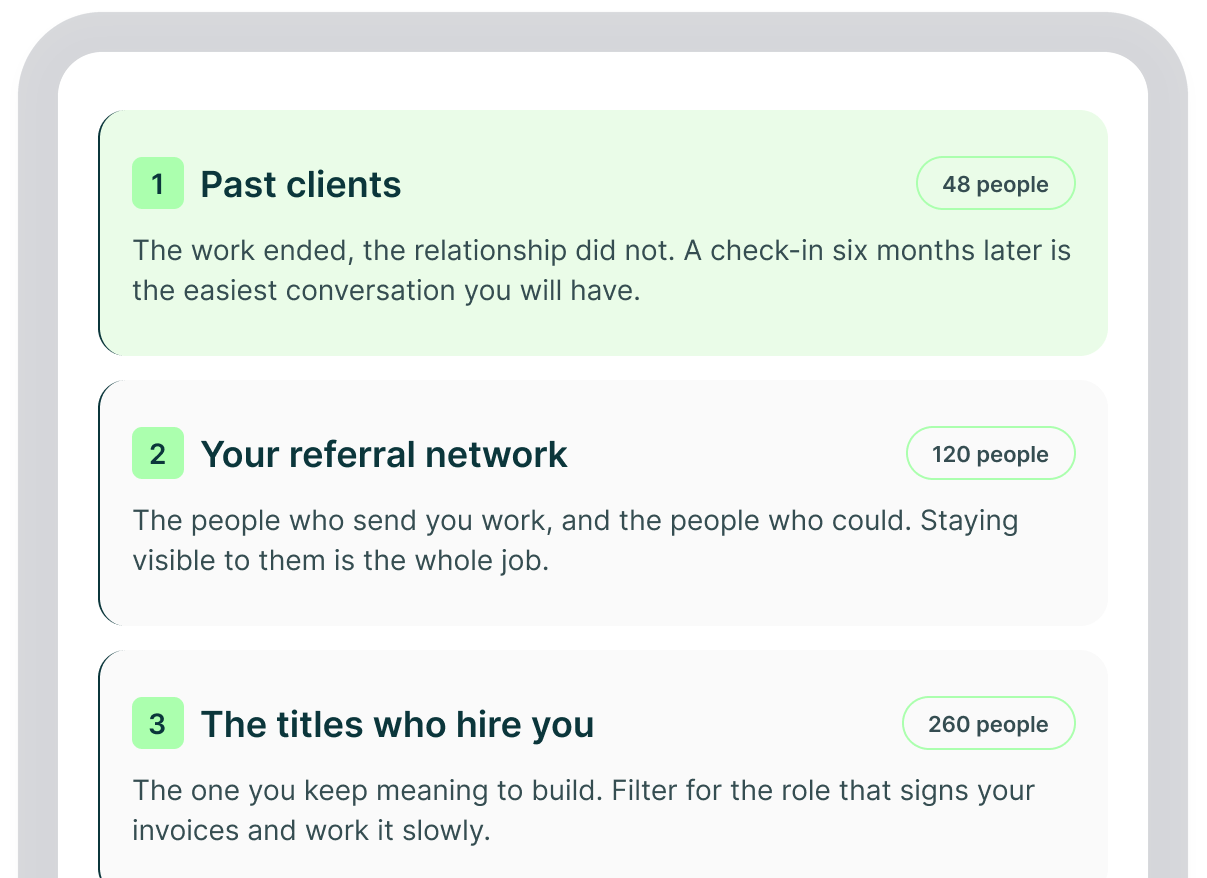
Three lists
Start with the people
most useful to your practice
Different relationships deserve different campaigns. Keep them in separate lists and write to each one with the context it actually has.
Re-engagement
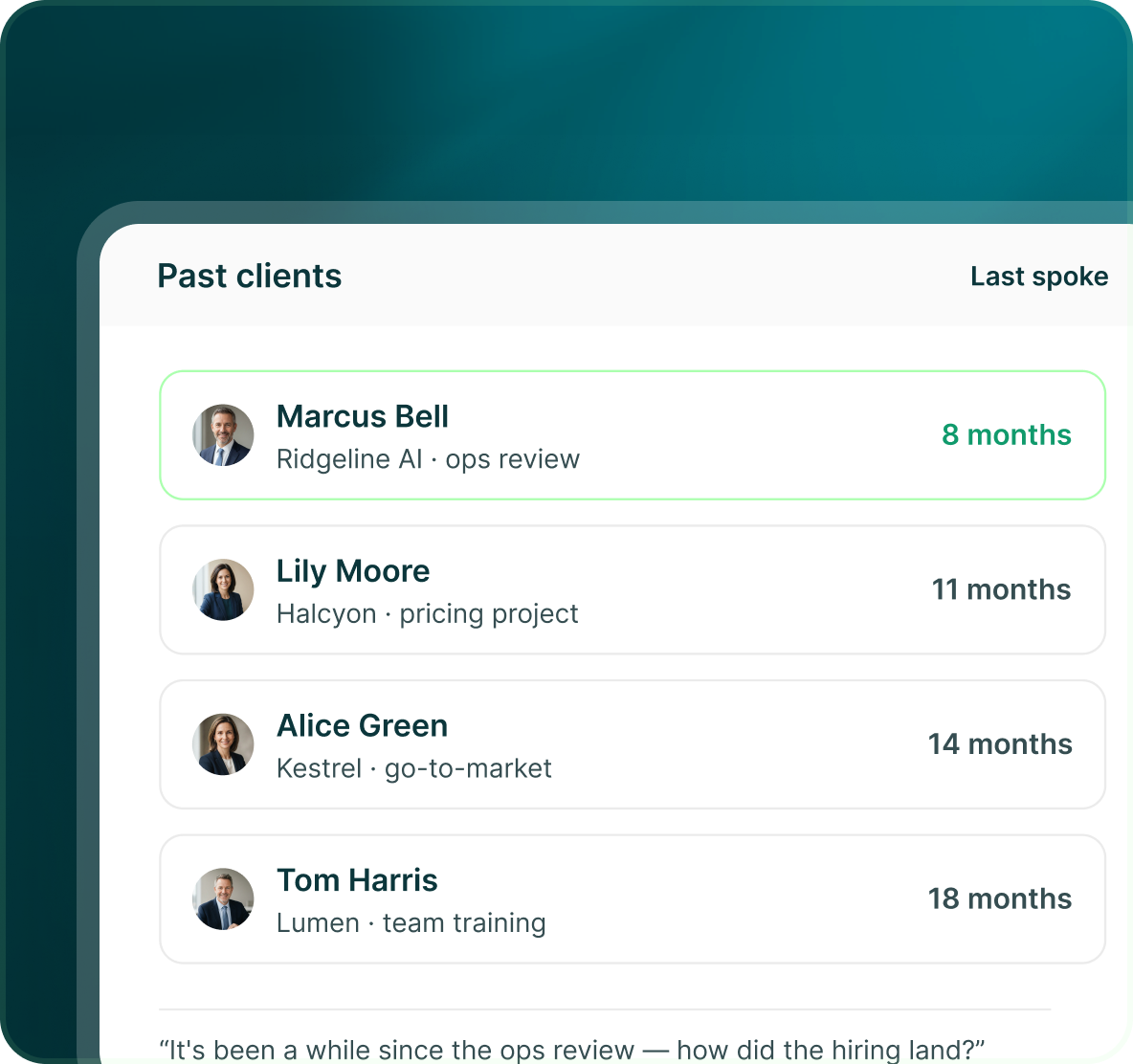
The warmest list may be the people who already know your work
Bring past-client context in as mapped or custom fields, then use those fields to make the next outreach specific rather than starting the relationship again from zero.
- Map the company, previous engagement or other fields you already keep.
- Email supports mapped and custom fields with fallback values.
- Generated outreach waits for approval.
Your input
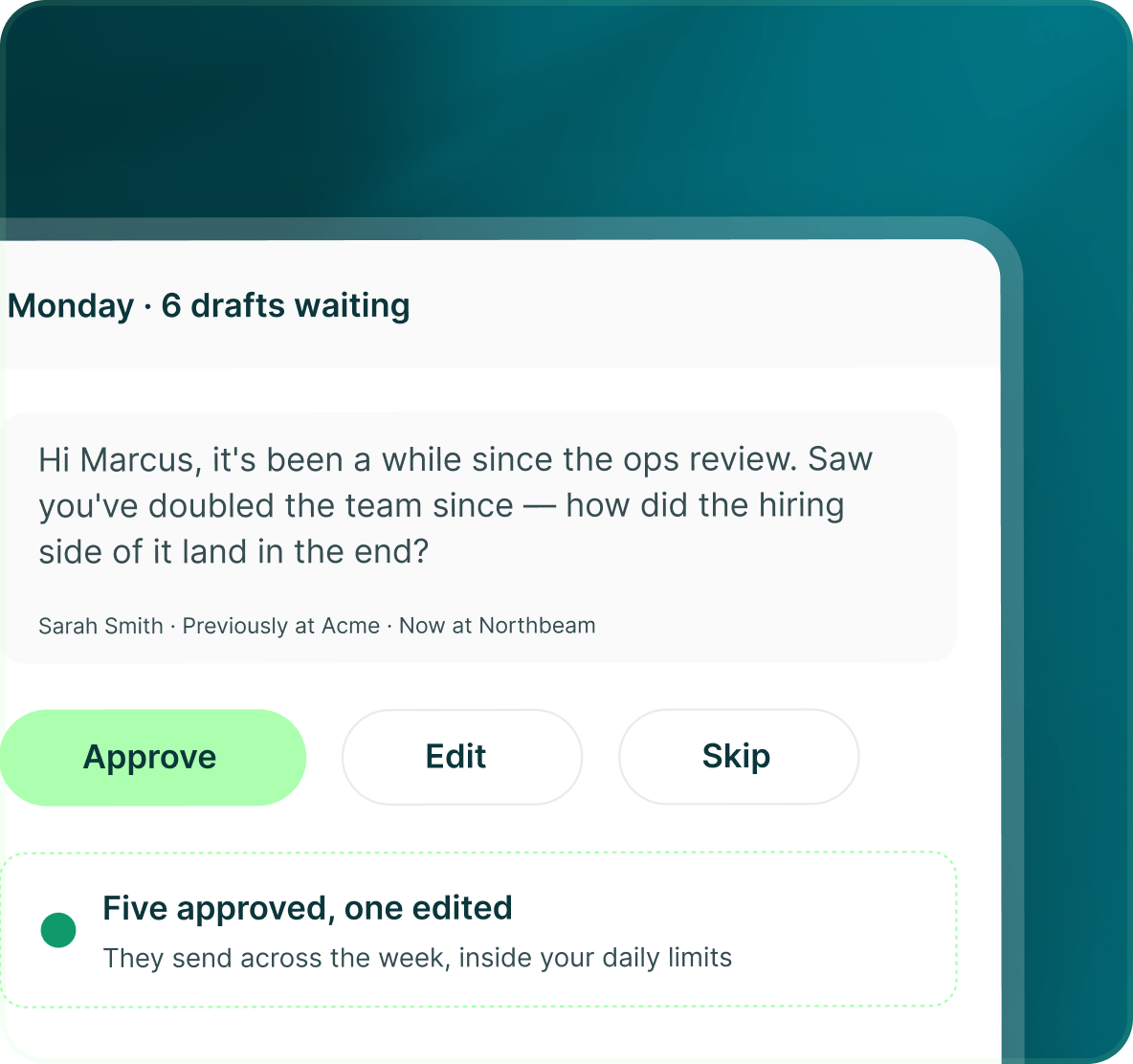
AI writes the draft. You decide what leaves your account.
The workspace Brain gives AI the context behind your business. Generated messages are then held for you to approve, edit or reject.
- Store what you sell, your ICPs, value propositions, competitors, case studies and FAQs.
- Nothing AI writes sends without human approval.
- Approve, reject or edit each generated message before it goes out.

Build the list.
Check who is in it. Then launch.
Questions
Running outreach on your own
No fixed daily routine is required. Set the campaign schedule and limits, review generated messages when needed, and use pause or resume whenever your workload changes.
AI uses the workspace Brain and your writing settings, but generated messages still wait for your review. You can edit or reject anything before it sends.
If you are sending from one LinkedIn account, one LinkedIn seat is the starting point. That seat can be used across multiple campaigns within its configured limits.
Campaigns can continue according to their schedules where the required content has been approved, or you can pause and resume them from the Campaigns table.
Yes. Campaigns can be paused and resumed. Owners and Admins also have broader pause and emergency-stop controls.
No. GML provides limits, warm-up, health monitoring, dedicated IPs and emergency controls, but it does not guarantee that an account will never be restricted.