


 Calling & Dialer
Make Every Call. Keep Every Prospect Connected.
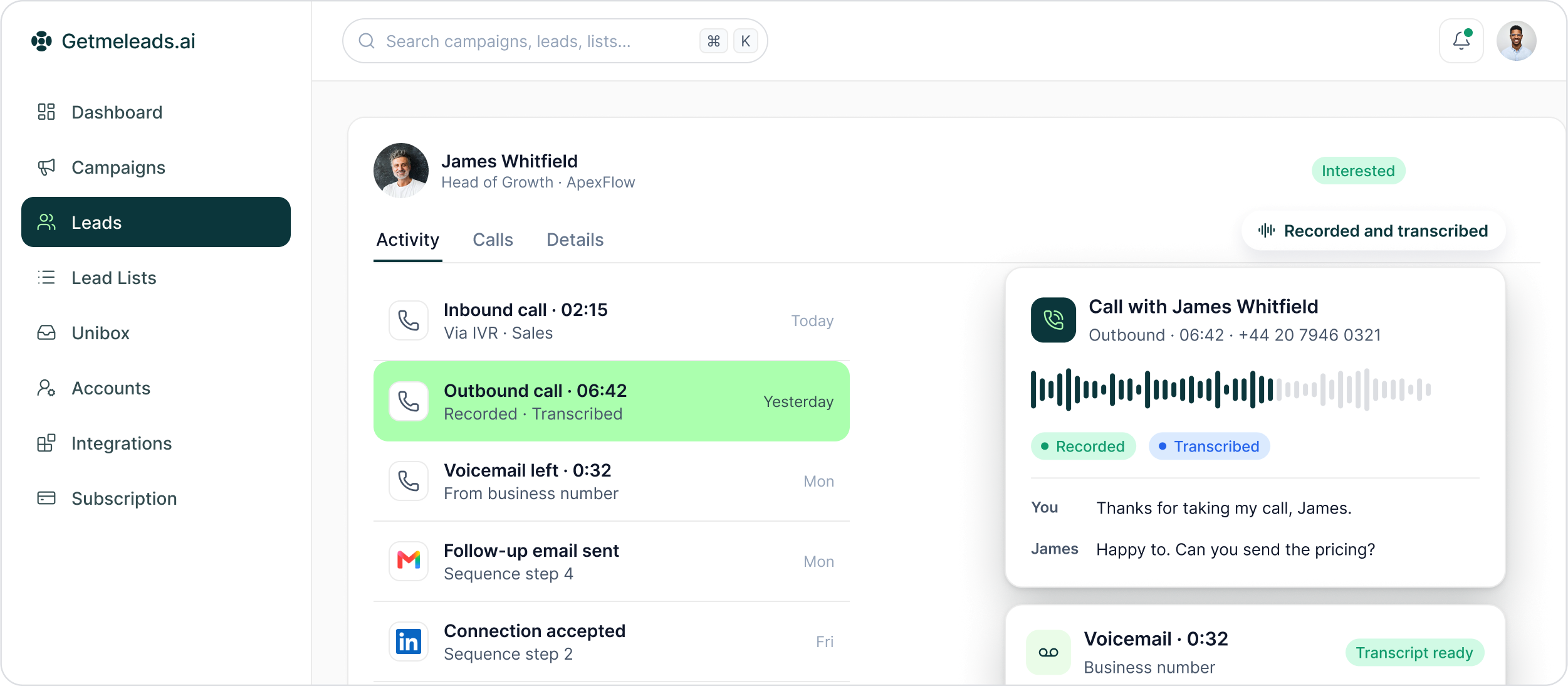
Use business phone numbers for outbound and inbound calls, handle voicemail and IVR, record and transcribe conversations, and keep the call history with the prospect.
The LinkedIn outreach platform trusted by 300+ Companies and across 60+ Industries








The Channel
Three parts of the call stay in the same record
The dialer is not only an outbound-call button. GML supports business calling, call handling and the activity record around the conversation.
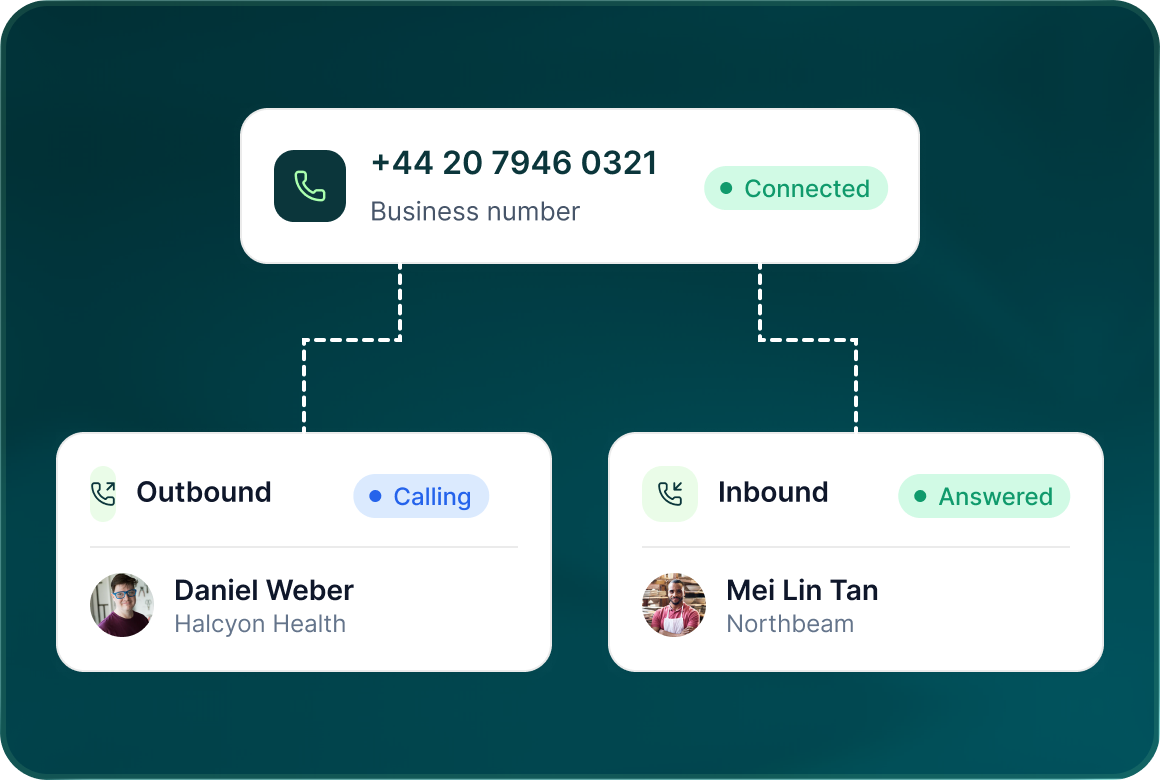
Outbound and inbound calls
Use connected business phone numbers for calls going out and calls coming back in.
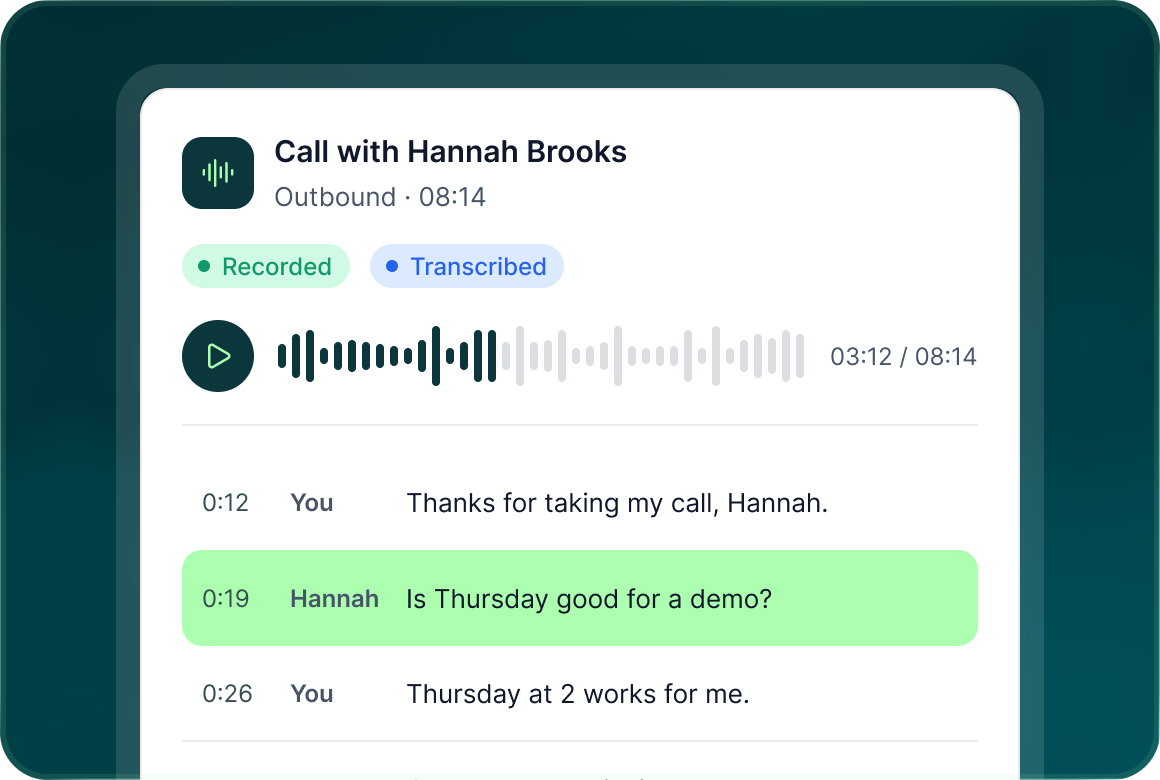
Record and transcribe
Calls can be recorded and transcribed so the conversation has a usable record afterwards.
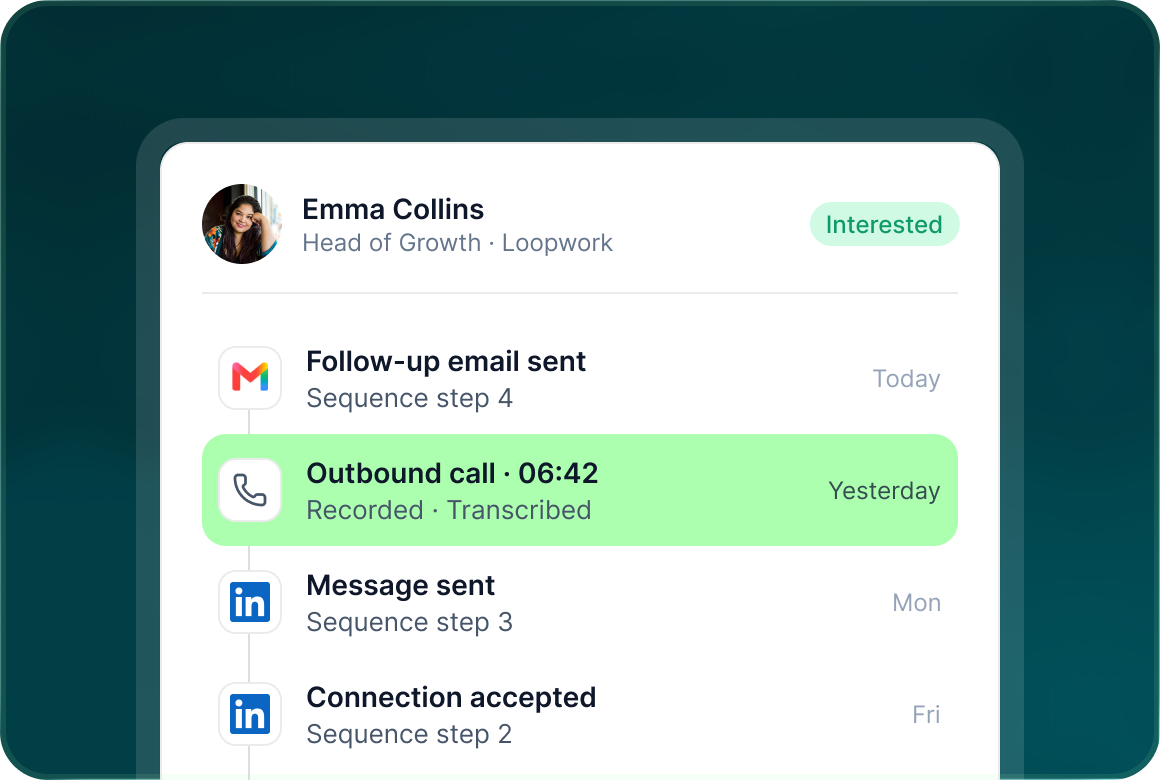
Keep call history with the prospect
Call activity stays on the prospect record alongside the other supported campaign interactions.
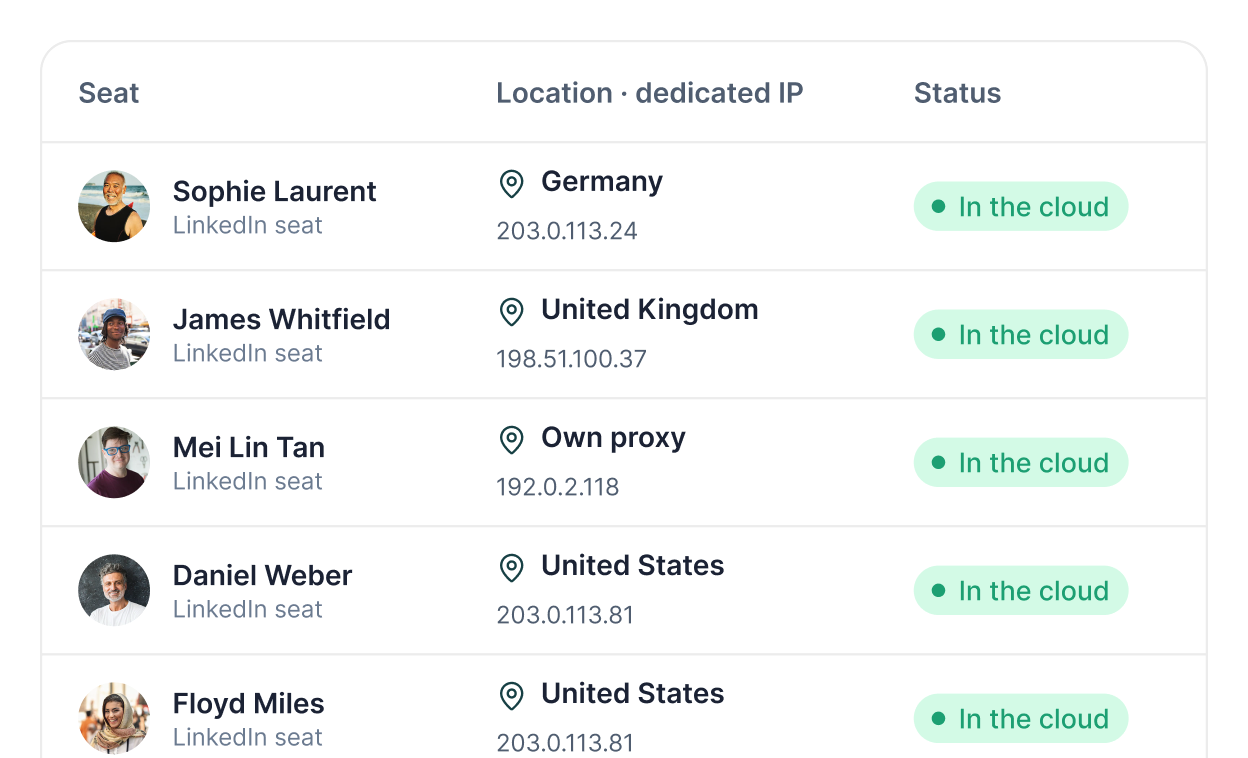
Business telephony
Handle the call when the prospect calls back too
The built-in dialer supports outbound and inbound calling, along with voicemail and IVR for the connected business-number workflow.
Flow Builder
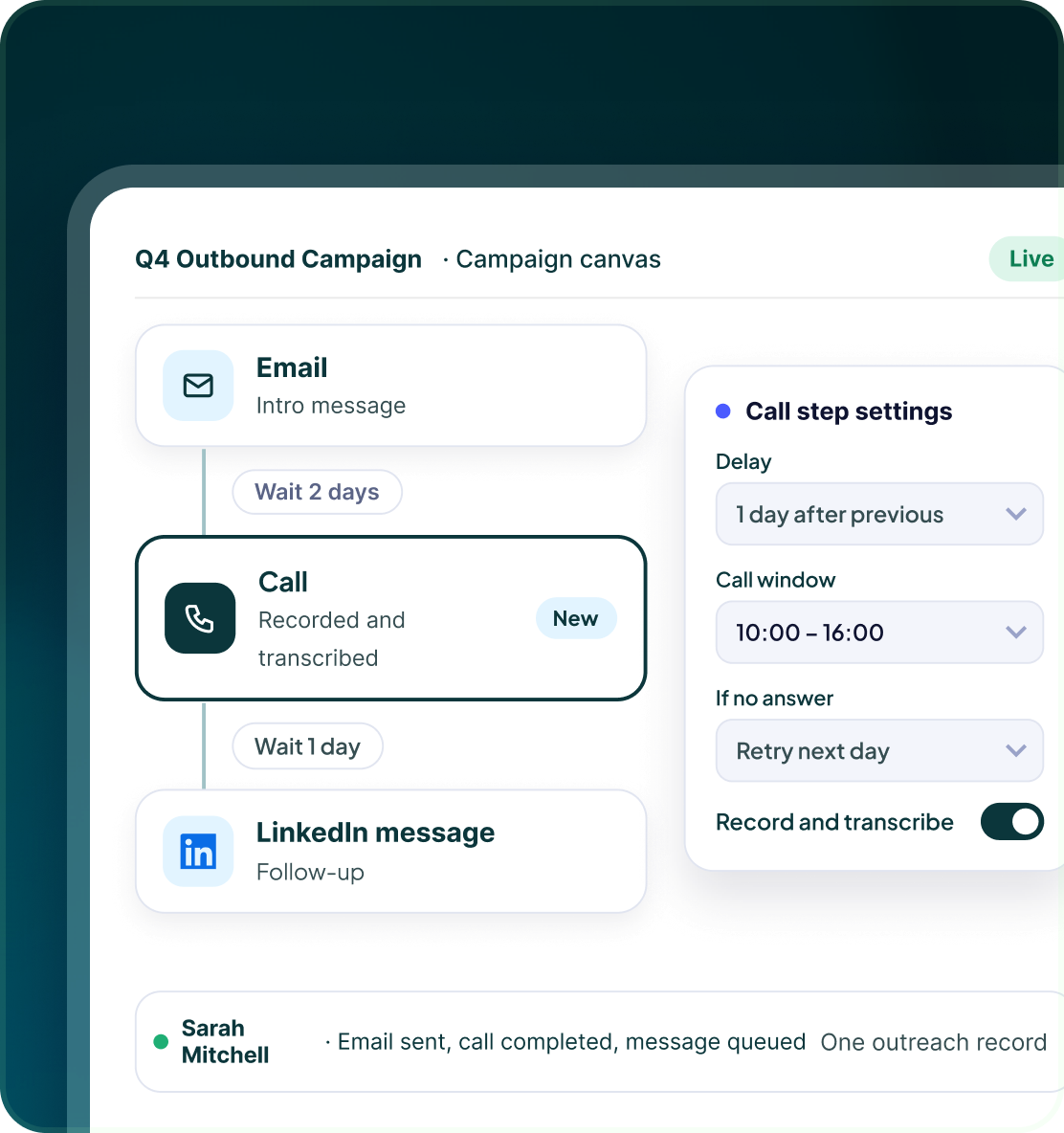
Make the call a step in the wider sequence
Call actions appear on the campaign canvas like other cross-channel steps, with their own delays and configuration panels.
- Use calling before or after other supported outreach steps.
- The call step follows the campaign's normal delay model.
- The resulting call history remains part of the prospect's overall outreach record.
Conversation record
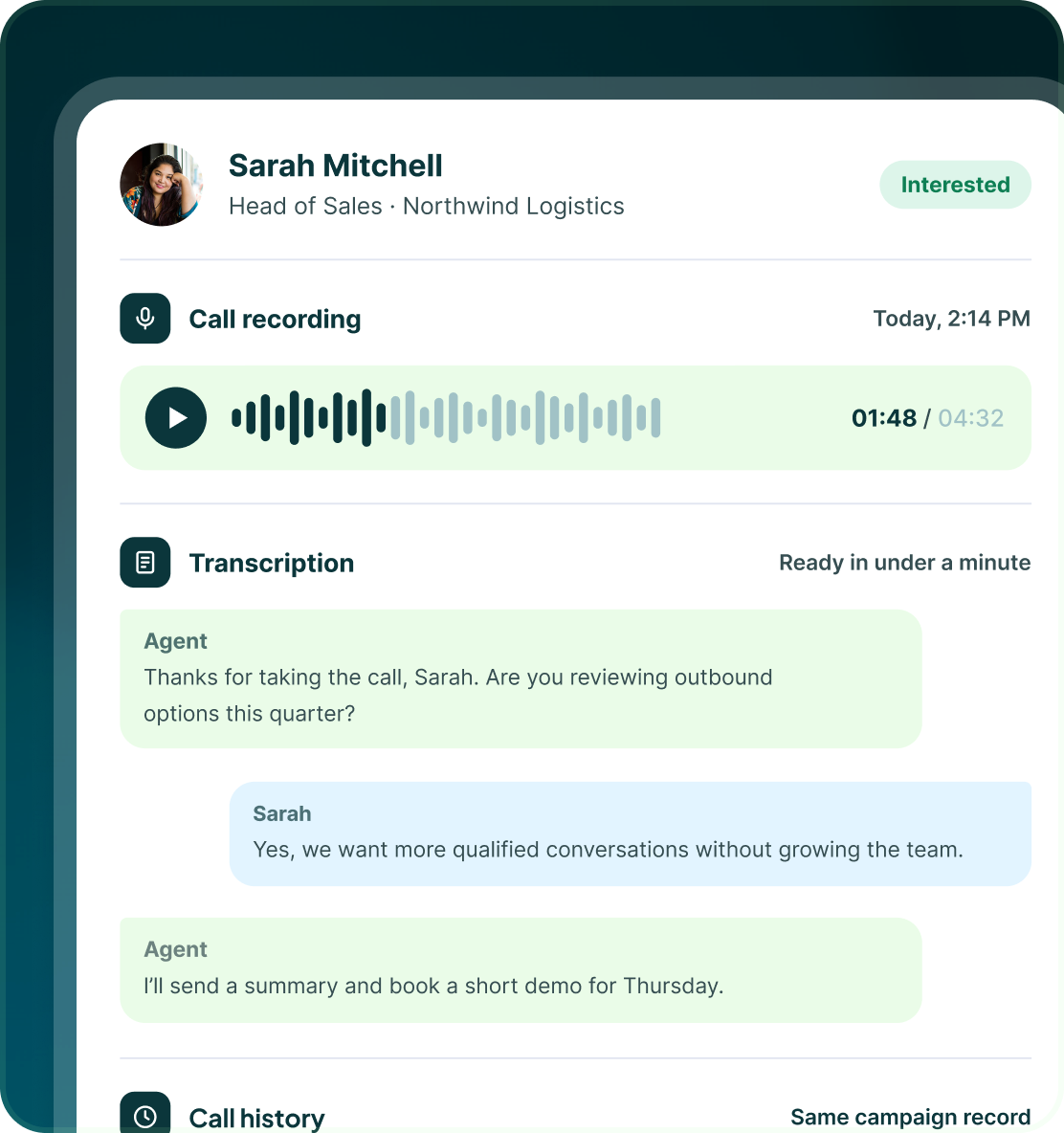
The call ends. The context should not.
Recording, transcription and call history give the team something concrete to return to after the live conversation finishes.
- Keep the call recording with the calling workflow.
- Turn the spoken conversation into a written record.
- Keep the call activity on the same prospect record used by the rest of the campaign.
Case studies
Teams who can show their work
“Using Get Me Leads has been one of our smartest investments. Our team actively engages with the platform, and we’ve seen a notable boost in our sales.”




“We’ve fully transitioned our operations to Get Me Leads. The product is user-friendly and adaptable, greatly helping us increase our lead generation.”

Run it for two weeks and read every message it sent
Every message sits on the lead record with its step and timestamp. Open any lead and see what it received.

Questions
Calling & Dialer in GML
Yes. GML supports outbound calls using business phone numbers.
Yes. Inbound calling is also supported.
Yes. Both voicemail and IVR are part of the documented telephony functionality.
Yes. Call recording is supported.
Yes. Call transcription is supported.
Call history stays on the prospect record.